

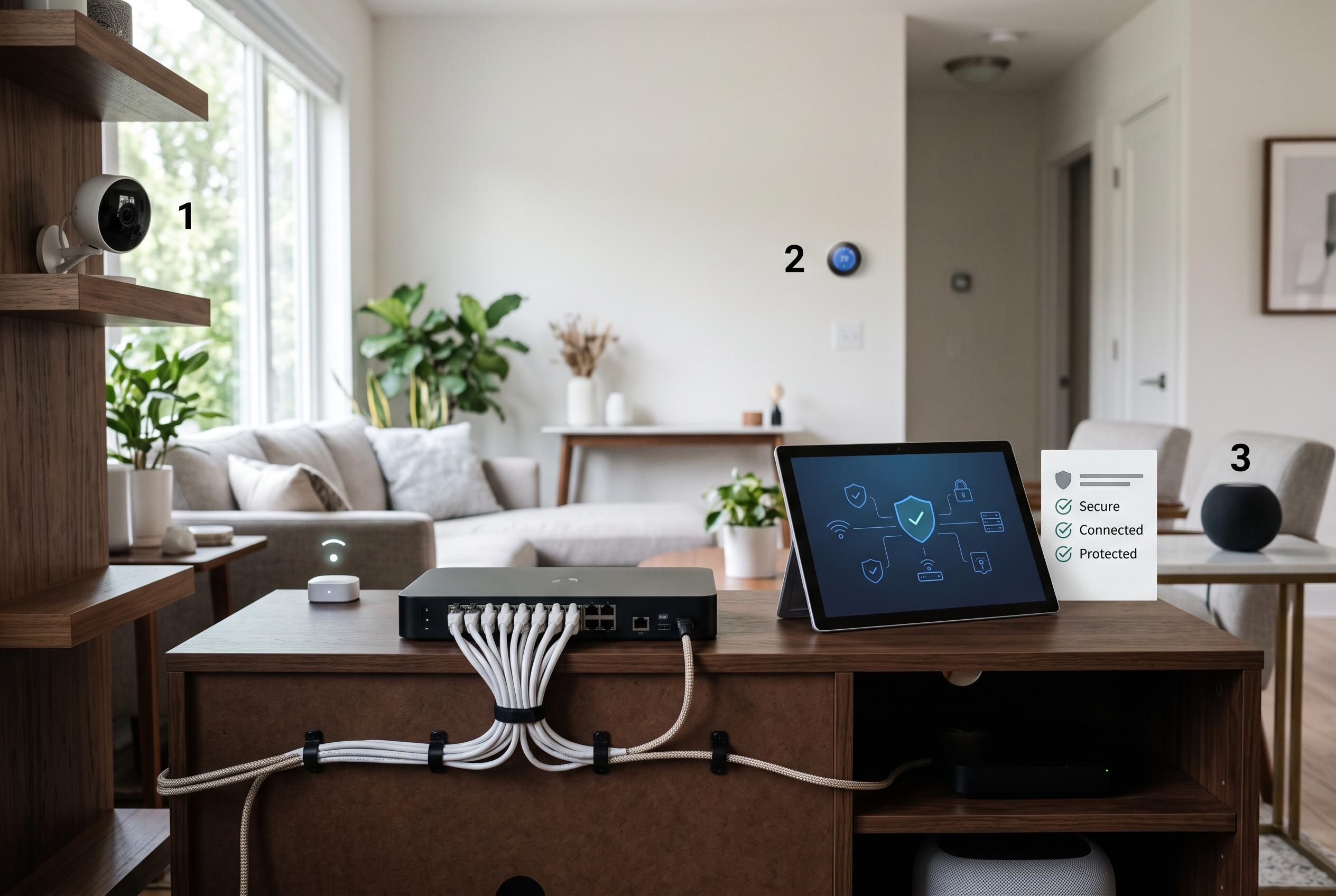

As smart homes grow increasingly complex, understanding and implementing effective security measures , from device segregation to regular updates , is essential to prevent small vulnerabilities from turning into large-scale cyber incidents.
The security risks of a smart home are often easier to ignore than to fix. Yet a domestic network can behave like a small enterprise environment, with cameras, speakers, lights, plugs, a TV, a hub and laptops all sharing the same connection. That is precisely why weak settings on one cheap device can matter far beyond the device itself.
The point was illustrated most starkly by Mirai, the malware that emerged in 2016 and swept up poorly protected internet-connected devices by trying known default logins and passwords. According to reporting at the time, the botnet drew in cameras, DVRs and routers, then used them to launch large-scale denial-of-service attacks that disrupted major online services. The episode showed that a vast attack does not require sophisticated hardware, only enough neglected devices.
That lesson remains relevant because the structure of most homes has become more complex, not less. A single router may now connect work laptops, phones, network storage, cameras, thermostats and appliances from different makers, each with its own firmware, update cycle and security posture. The risk is not limited to the gadget that stores sensitive data; any weak device can become a foothold into the wider network.
The most effective first step is segregation. NIST has long advised separating higher-risk IoT equipment from more sensitive computers where possible, so that a compromise in one corner of the network does not automatically expose the rest. On better routers this can be done with VLANs or distinct wireless networks; on simpler equipment, a guest Wi‑Fi segment with client isolation can provide part of the same benefit. The trade-off is practical: some smart-home systems need local device-to-device communication, so the network design must be checked against what actually needs to talk to what.
The next step is basic inventory. The router’s connected-devices list is often the fastest way to see what is really on the network, and both consumer and government guidance stress the value of checking it regularly. It is common to find forgotten kit, old cameras, smart plugs left behind by previous occupants or devices that have not received updates for years. That matters because unsupported hardware becomes a maintenance burden and, eventually, a permanent exposure.
Passwords need equal attention. Most homes effectively rely on two sets of credentials: the Wi‑Fi password and the router’s administrator password. The second is often left at factory settings long after the first has been changed. Any smart-home platform, camera or hub with an administrative interface should also have its default login replaced, and account-based services should use two-factor authentication where available.
Convenience features deserve scrutiny as well. Remote administration, WPS and UPnP can all make setup easier, but they also expand the attack surface if left enabled without need. Security guidance from the US Federal Trade Commission recommends disabling those functions when they are not required, while preferring WPA3 Personal for wireless security and falling back to WPA2 only if older devices cannot cope. The principle is simple: keep the features that are genuinely used, and remove the rest.
Updates complete the picture. Phones and laptops are usually patched automatically, but the firmware on a camera mounted behind a cupboard is easy to forget. NIST recommends keeping IoT devices updated throughout their life, and where automatic updates are available they should be switched on. If a manufacturer no longer supports a device, replacement is often the safer long-term option.
There is also a privacy angle. Microphones, cameras and cloud-connected assistants can store far more than is obvious from the app interface, so cloud retention settings and access permissions need review too. A physical shutter on a camera remains one of the few controls that does not depend on software. For most households, the practical aim is not perfection. It is to reduce the number of obvious weak points before they become someone else’s problem.
Disclaimer: This content is intended for informational purposes only. Readers are advised to exercise their own judgement, conduct due diligence, or consult a qualified expert before acting on any information provided.



