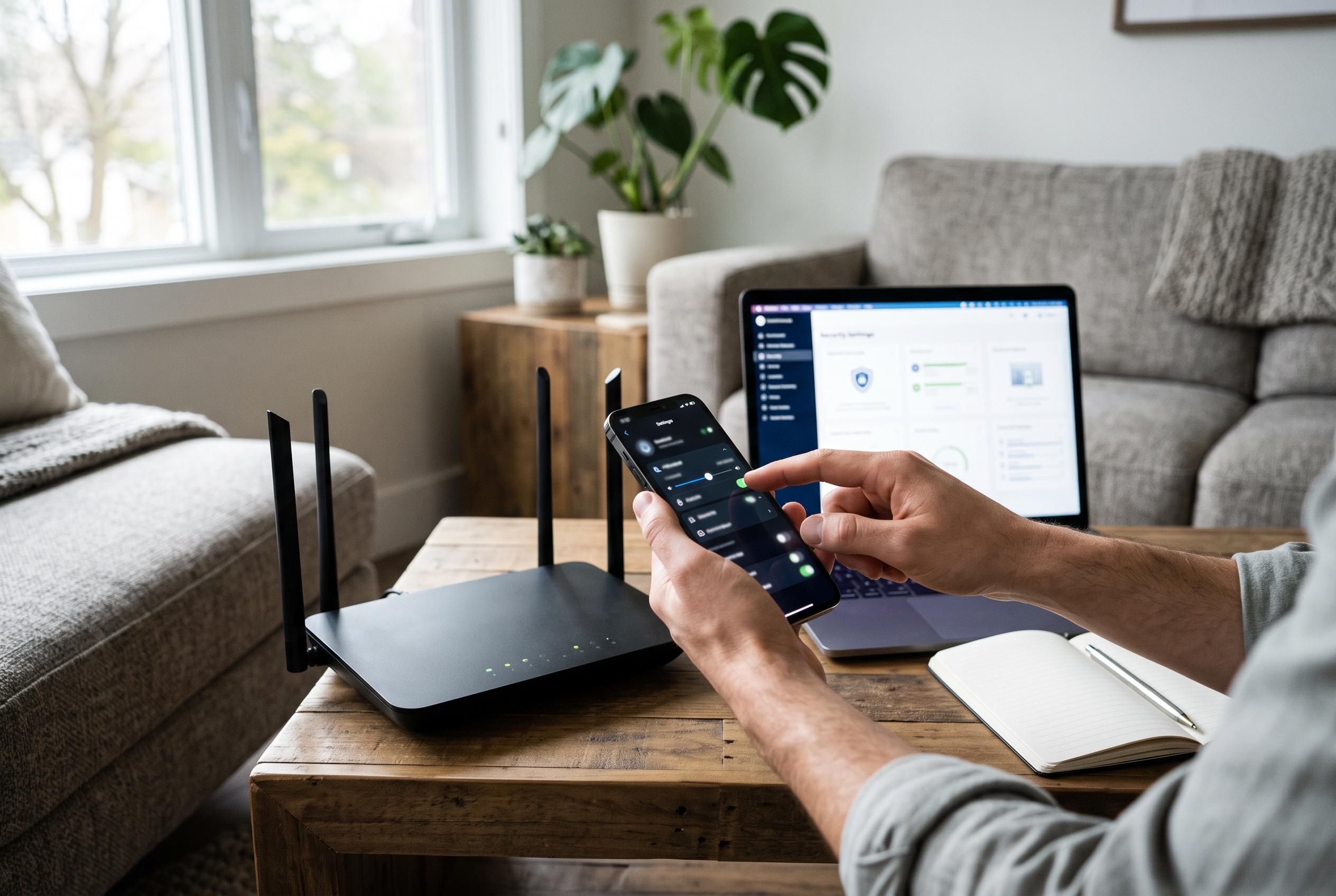

Home Wi-Fi networks often remain vulnerable despite up-to-date smart devices. Experts recommend intuitive measures such as enabling WPA3, changing default passwords, updating firmware, and disabling convenience features like WPS and UPnP to bolster network security without additional costs.
Home Wi-Fi often becomes the least protected layer of a smart home, even when the connected kit itself is modern. Cameras, locks, speakers and televisions may all support current features, yet the router that links them to the internet can still be running with weak settings, old software and unnecessary access paths. The advantage of tightening those controls is that it usually requires no new hardware and no subscription.
The most useful starting point is Wi-Fi encryption. WPA3-Personal is the strongest broadly available option for home networks that support it, because it replaces the older password exchange used by WPA2 with a design that is harder to attack offline if traffic is captured. The Wi-Fi Alliance introduced WPA3 as the successor to WPA2, and consumer guidance from the US Federal Trade Commission recommends WPA3-Personal where possible. If some household devices cannot connect, WPA2/WPA3 mixed mode is a practical compromise, but the password itself still needs to be long and unique.
That logic applies just as much to credentials as it does to encryption. Many routers use separate passwords for the administration panel and for wireless access, and leaving either on a factory default can create an obvious route in. Security guidance from consumer and device-support sites consistently advises changing both values, using distinct phrases and avoiding reuse from email, shopping or banking accounts. A password manager can make this easier, especially for the administration login, which should be longer and less memorable than the household Wi-Fi passphrase.
Keeping the router’s firmware current is equally important. Firmware is the software that runs the device’s networking functions, security controls and management interface, so known flaws can remain exploitable until the vendor issues a fix. Guides from router support sites and consumer technology publications advise checking the web interface for firmware updates and enabling automatic updates where that option exists. It is also sensible to review settings such as guest access and port forwarding after a major update, because some models alter behaviour when new firmware is installed.
Two convenience features deserve particular caution: Wi-Fi Protected Setup and Universal Plug and Play. WPS was designed to simplify device pairing, but the PIN-based version has long been criticised because it can reduce the number of guesses needed to recover the network credential. UPnP is more useful for automatically opening ports, but that same behaviour can allow a vulnerable device to create an inbound path through the firewall without the owner noticing. Turning both off removes common attack shortcuts that most households do not need.
Remote administration should also be switched off unless there is a clear need for it. Leaving the router’s management page reachable from the wider internet increases the number of systems that can probe it, which is exactly what automated scanning tools do. In most homes, the safer choice is local-only administration. Where remote access is genuinely required, a virtual private network is the cleaner option because it avoids exposing the router’s control interface directly to the internet.
The final layer is separation. A guest network can act as a useful boundary for smart TVs, cameras, speakers and visitor devices, especially when those products come from different manufacturers with uneven security standards. A separate SSID with its own password helps contain damage if one device is compromised, because it limits the attacker’s ability to move laterally across the home network. That does not stop a vulnerable device from reaching the internet, but it can stop it becoming a stepping stone to more sensitive computers or storage.
Taken together, these changes are basic rather than advanced, but that is exactly why they matter. Strengthening encryption, replacing default credentials, applying firmware updates, disabling WPS and UPnP, shutting off remote management and isolating IoT devices all reduce avoidable exposure without forcing households to buy new equipment. For older smart-home kit, WPA2/WPA3 mixed mode may be necessary, but even that compromise is better than leaving the network at its defaults.
Disclaimer: This content is intended for informational purposes only. Readers are advised to exercise their own judgement, conduct due diligence, or consult a qualified expert before acting on any information provided.