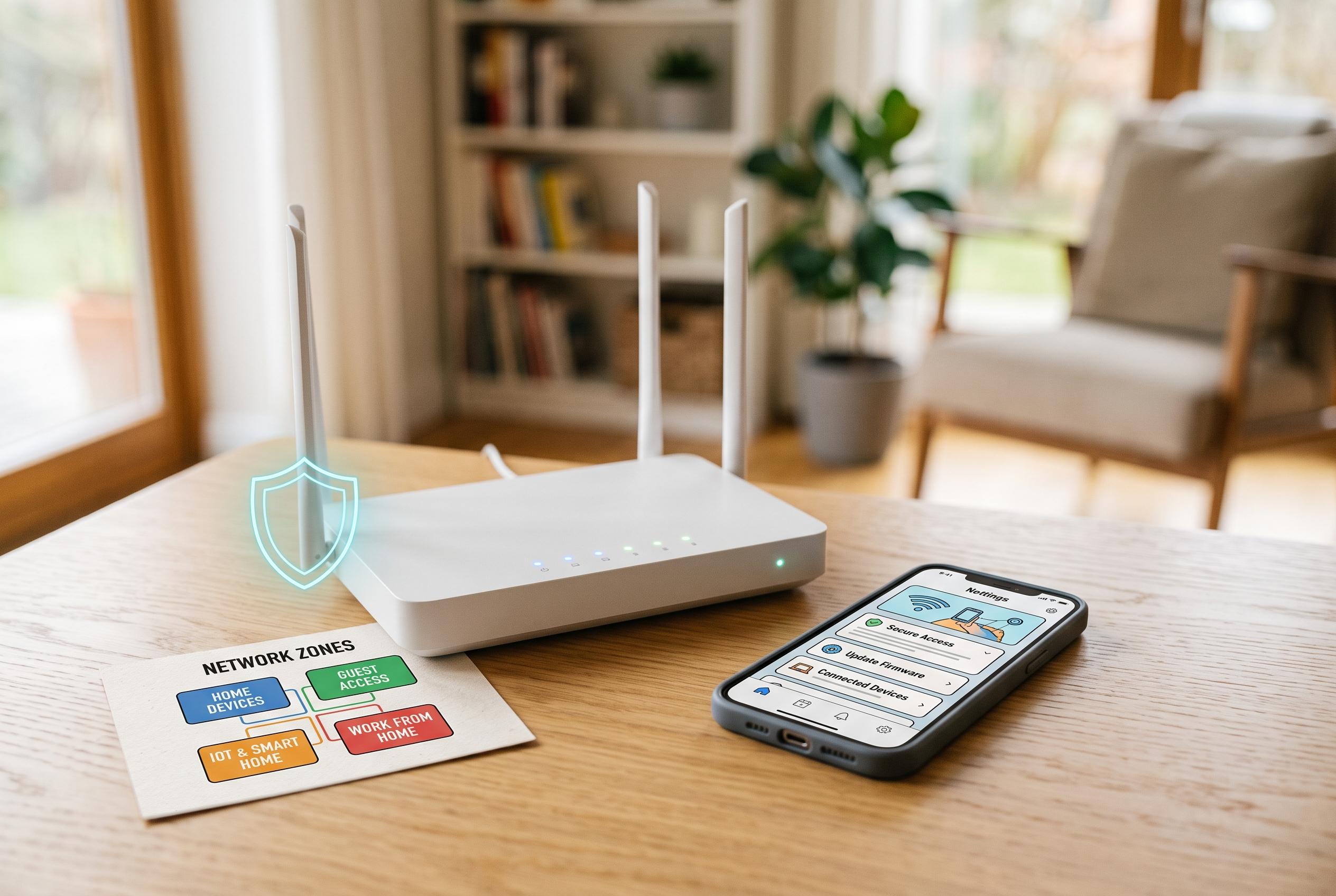

A straightforward approach to enhancing your home network’s security involves updating firmware, securing access, and segmenting devices, making it harder for attackers without a full-day commitment.
Keeping a home network secure does not require enterprise hardware or a full weekend of work. The most effective protections usually start at the router, which is still the centre of gravity for every phone, laptop, television and smart device in the house. As the supplied guide argues, a few targeted changes can remove most of the everyday weaknesses that attackers exploit.
The first task is to update the router itself. The guide says users should check the firmware or software update menu, confirm whether an internet provider manages updates automatically and replace equipment that no longer receives security support. That advice is echoed by other router-security checklists, which also stress that an unsupported device can remain usable while still becoming harder to defend over time.
Next comes access control. The router administrator password is separate from the Wi-Fi password, and it is the one that allows someone to alter settings such as DNS, firewall rules and port forwarding. Several of the reviewed guides recommend replacing any default login credentials, using a unique password and enabling multi-factor authentication where the router account supports it.
Wireless encryption matters just as much. The preferred choice is WPA3 Personal, with WPA2 Personal as the fallback for older devices that cannot connect to newer standards. The practical challenge, noted across the sources, is compatibility: many homes still contain printers, cameras or smart plugs that cannot use WPA3, so a WPA2/WPA3 transition mode is often the safest middle ground.
Several convenience features deserve scrutiny because they can expand the attack surface without adding much value. The guides advise turning off remote management unless it is genuinely needed, disabling WPS if it is unused and reviewing UPnP, which can open ports automatically for gaming or media services. A sensible firewall check also means looking for old exceptions, such as port-forwarding rules or remote desktop access, that may have outlived the device or project that created them.
Guest access is another useful line of defence. A separate guest network lets visitors use the internet without joining the main household network, and it also gives users a way to change a widely shared password without reconnecting every device in the home. The same principle can be extended to internet-connected cameras, doorbells, speakers and other IoT equipment, which security guides increasingly recommend isolating where the router makes that practical.
Finally, the connected-device list deserves regular attention. Unknown entries are not always suspicious, because some devices appear under manufacturer names, model numbers or randomised identifiers, but the list is still the quickest way to spot obsolete hardware and forgotten accounts. The supplied material also notes that router security should sit alongside device security: smart-home products and work laptops still need unique passwords, automatic updates and multi-factor authentication where available.
The most useful approach is also the simplest. Update the router, replace default credentials, use modern Wi-Fi encryption, disable features you do not need, segment guests and smart devices where possible and revisit the device list from time to time. That is usually enough to move a home network from casually exposed to well controlled without turning security into a second job.
Disclaimer: This content is intended for informational purposes only. Readers are advised to exercise their own judgement, conduct due diligence, or consult a qualified expert before acting on any information provided.