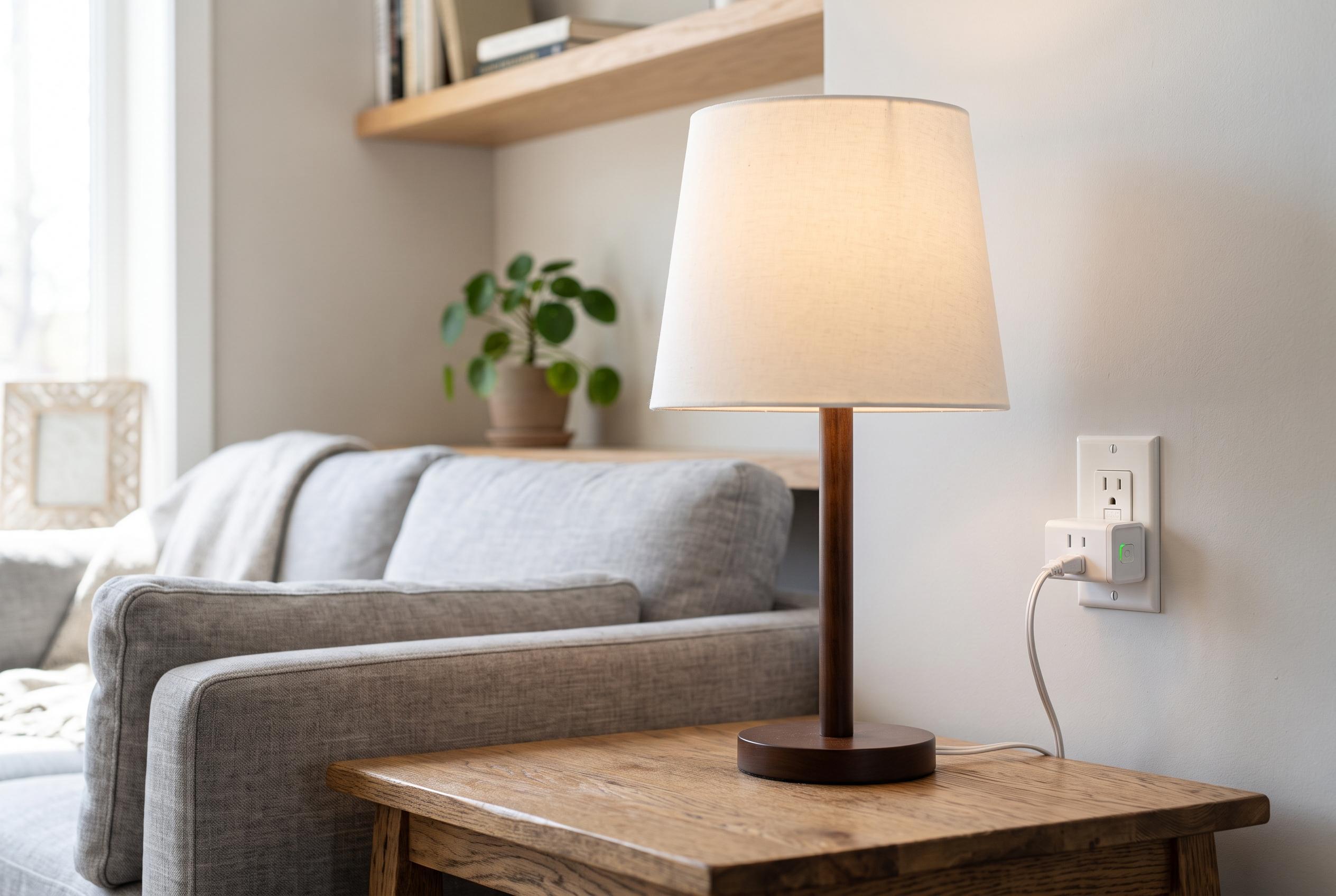

A simple, affordable, and versatile device, smart plugs are emerging as the essential first step for newcomers to home automation, enabling straightforward control over existing appliances and paving the way for more complex systems.
For anyone new to home automation, the smartest first purchase is often not a speaker, a hub or a camera. It is a smart plug. As XDA Developers argues, the device is cheap, quick to install and useful in ways that teach the basics of automation far better than voice control alone. It also provides an immediate way to solve small, repetitive problems without replacing appliances that already work.
A smart plug sits between a wall socket and an ordinary device, allowing that device to be switched on or off through an app, a schedule or, in some systems, a voice assistant. Philips Hue describes it as a simple bridge between a conventional appliance and a connected home. That simplicity is the point. TechRadar and Best Buy both note that smart plugs are one of the easiest entry points into home automation because they let users control existing lamps, chargers and other household items without buying new hardware.
The most convincing use cases are usually the least glamorous. XDA Developers gives the example of an electric blanket that now warms up before bedtime on a set schedule, removing one small but daily frustration. The same logic applies to a lamp that is awkwardly placed behind furniture or in another hard-to-reach position. Once connected to a smart plug, it can be switched from a phone and then automated so it no longer needs manual input at all. Bob Vila notes that this kind of control can also reduce waste by cutting standby power, while scheduling and energy monitoring can help identify devices that cost more to run than they should.
Smart plugs can also support more unusual projects, including repurposing older electronics. XDA Developers says an old Android phone used as a small server can be paired with a smart plug so its charger is not left running constantly. The plug can be switched off when the battery reaches a chosen level and back on later, reducing unnecessary charging. The same approach can work with an ageing laptop, especially one without a built-in battery limit. That is not just convenient; it can help manage battery wear on devices that are being kept alive for secondary use.
There are limits, though. T3 warns against using smart plugs with appliances that draw too much power or need to be operated manually in a specific way, such as heaters, toasters and some coffee machines. That makes device choice important. For beginners, the best candidates are low-risk items such as lamps, fans, chargers and other simple loads. XDA Developers also recommends Matter-compatible products where possible, because they are easier to mix across brands and less likely to lock a home into a single ecosystem.
Once a few useful automations are in place, a smart speaker becomes more valuable as a control point rather than a starting point. At that stage, routines in Alexa or scenes in Apple Home can group several actions together, such as turning off lights, switching off chargers and starting a blanket with a single bedtime command. From there, motion sensors, temperature sensors, smart bulbs, switches, locks and curtain motors can extend the system further. For most households, though, the first lesson is simple: a smart plug solves a real problem before it creates a complicated one.
Disclaimer: This content is intended for informational purposes only. Readers are advised to exercise their own judgement, conduct due diligence, or consult a qualified expert before acting on any information provided.