
Sonos has rolled out an optional app update featuring bottom-tab navigation, simplifying controls and addressing user frustrations following the 2024 redesign. The overhaul aims to make content and multi-room management more intuitive, with beta testing indicating a significant reduction in user effort.
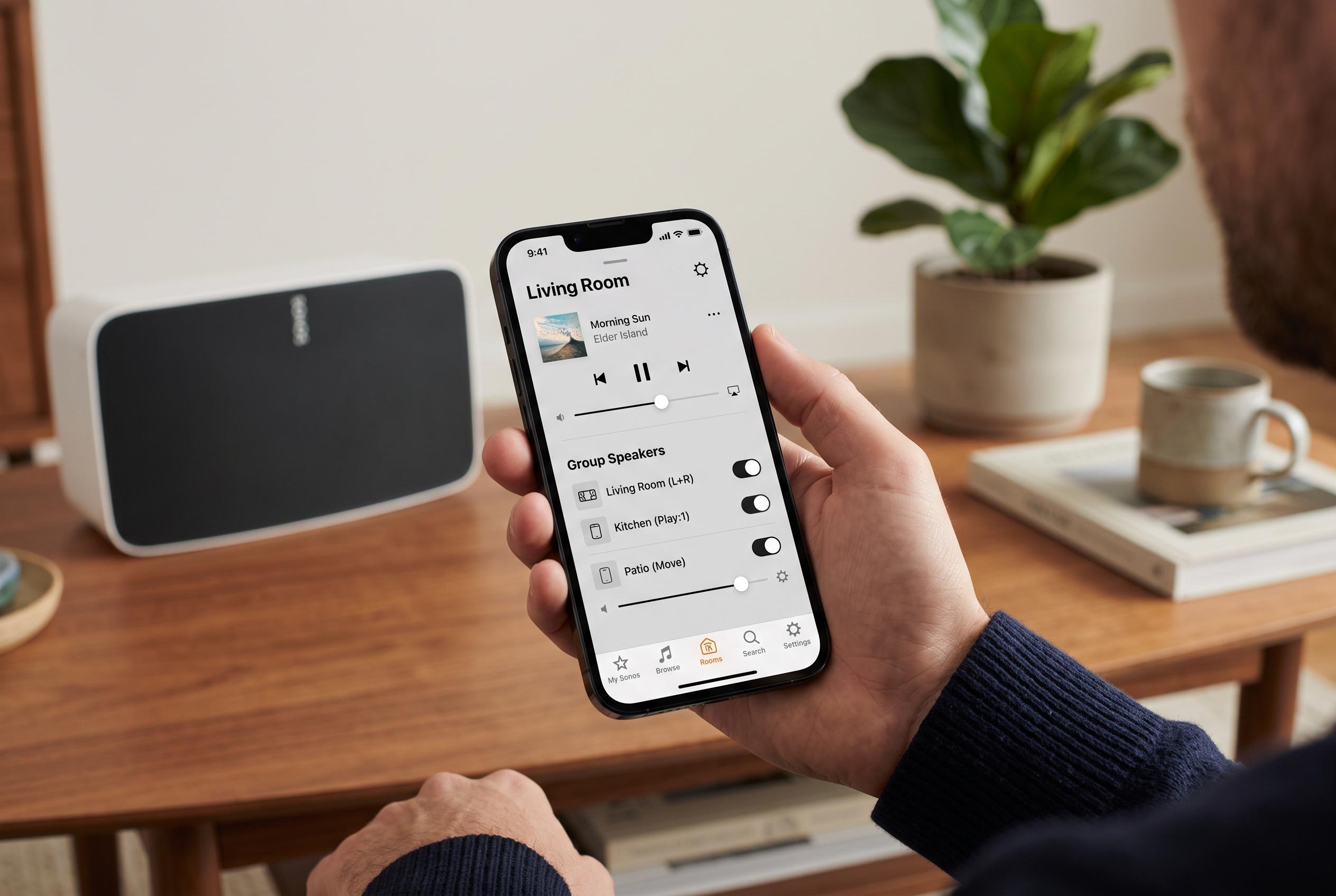
Sonos has begun rolling out an opt-in app update that restores bottom-tab navigation and pares back the hidden gestures and nested menus that frustrated many users after the 2024 redesign. The new interface places Home, System and Search at the bottom of the app, giving quicker access to content, speakers and playback controls.
According to Sonos and its chief executive, Tom Conrad, the changes were shaped by months of watching both long-time owners and first-time users struggle with the app. Conrad said in a Reddit post that the aim was to make the software easier to learn and use, after the company found that several of its own interface choices created avoidable friction. He said the app was not being replaced, but given “a new way of navigating Sonos inside the app you already have.”
The update also adds more practical controls for managing multi-room audio. Rooms can now be sorted alphabetically, by how often they are used or by what is currently playing, with frequently used rooms pinned higher in the System view. On iOS, the volume screen now includes dedicated plus and minus buttons for finer adjustments, while group volume controls make it easier to change the level across several rooms at once. Sonos says the redesigned volume tools will reach Android later.
Other changes include swipe-to-delete actions in playlists, a refreshed Now Playing screen and updated iPad views. Sonos said beta testing began in May and widened in June, with participants helping to refine navigation, room organisation and volume handling. The company said 97% of testers kept the new experience switched on and that they needed 37% fewer taps, on average, to reach the destination they wanted. The update remains optional for now, with users able to enable improved navigation through the app’s settings as Sonos gathers further feedback.
Disclaimer: This content is intended for informational purposes only. Readers are advised to exercise their own judgement, conduct due diligence, or consult a qualified expert before acting on any information provided.