

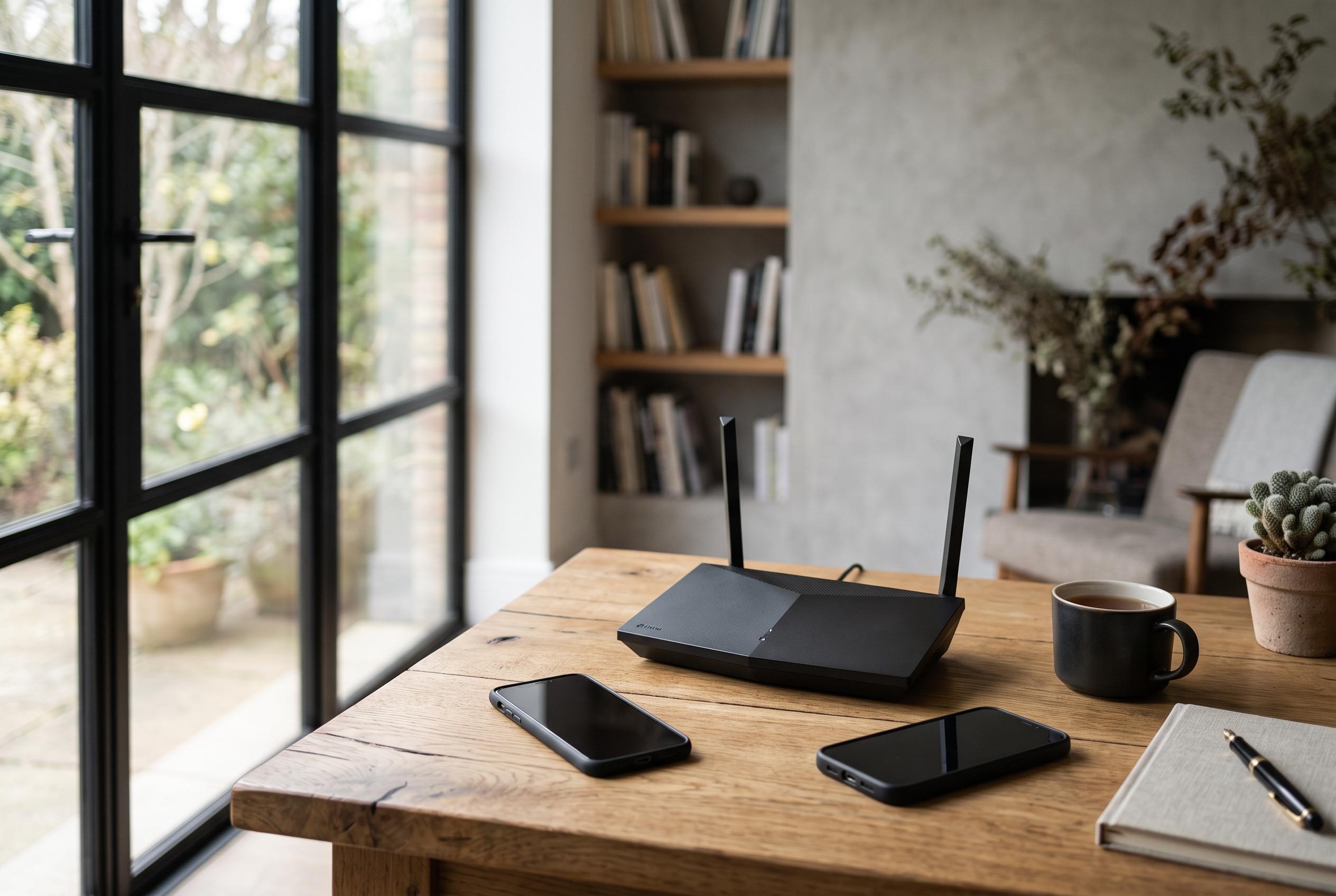

As home networks become more complex, recognising legitimate devices from potential intruders requires understanding privacy features, timely updates, and strategic security practices, rather than alarmist assumptions about unexplained device names or slow connections.
Checking who is on your Wi-Fi is often the first sensible response to a slow connection or an unfamiliar device name, but it should begin with a careful look rather than an assumption of intrusion. The practical place to start is the router or internet provider app, or the router’s administration page, where menus usually list connected devices, clients, attached devices or DHCP entries. According to the Federal Trade Commission, this is the simplest way to see what is attached to the home network, and similar guidance from security and broadband sites recommends matching each entry against the devices in the home before drawing conclusions. Unknown names are common and do not, by themselves, prove a breach.
That caution matters because modern phones, tablets and computers may deliberately appear unfamiliar. Apple’s private Wi-Fi address feature and Google’s Android documentation both explain that devices can use private or randomised MAC addresses on wireless networks, which can make a familiar phone or laptop look like a new device. Smart TVs, printers, streaming boxes, consoles and other home equipment can also show up under generic manufacturer labels rather than the household name people expect.
A slow internet connection is also weak evidence on its own. Heavy streaming, software updates, cloud backups, weak signal strength, interference from nearby networks or problems with the internet provider can all reduce performance without any outsider joining the network. Security guides therefore treat speed drops as a reason to investigate, not proof that someone is stealing bandwidth. The safer test is to refresh the connected-devices list, switch known devices off one by one and see whether the mystery entry disappears.
If a device clearly does not belong, the response should focus on the credentials that actually protect the network. The FTC advises changing the Wi-Fi password and the router administrator password, which are separate. It also recommends WPA3 or WPA2 encryption and warns against older WEP or original WPA settings. Many security guides add that routine firmware updates matter, along with turning off features such as WPS, UPnP or remote management when they are not needed.
Blocking a client in the router interface can help immediately, but it is only a temporary measure if the password has already been compromised. Rebooting the router or changing its local IP address does not provide the same protection as replacing the wireless password and hardening the administrator account. A guest network is also useful, especially for visitors and less trusted connected devices, because it limits exposure on the main home network.
The wider security issue is not only whether a neighbour is connected in the ordinary sense. In recent warnings, the FBI has said compromised home routers and internet-connected devices can be turned into proxy infrastructure, allowing criminals to route traffic through an innocent household. The agency has also warned that end-of-life routers can remain vulnerable after manufacturers stop issuing security patches. That makes update support and modern encryption just as important as watching for suspicious entries in the device list.
For most homes, the best approach is methodical rather than alarmist: identify the devices you own, understand that privacy features can make them look unfamiliar, remove anything that genuinely does not belong and secure the router properly. The device list is useful, but it is only one part of home network security. The real goal is to keep control of the network, not simply to count the names on it.
Disclaimer: This content is intended for informational purposes only. Readers are advised to exercise their own judgement, conduct due diligence, or consult a qualified expert before acting on any information provided.



