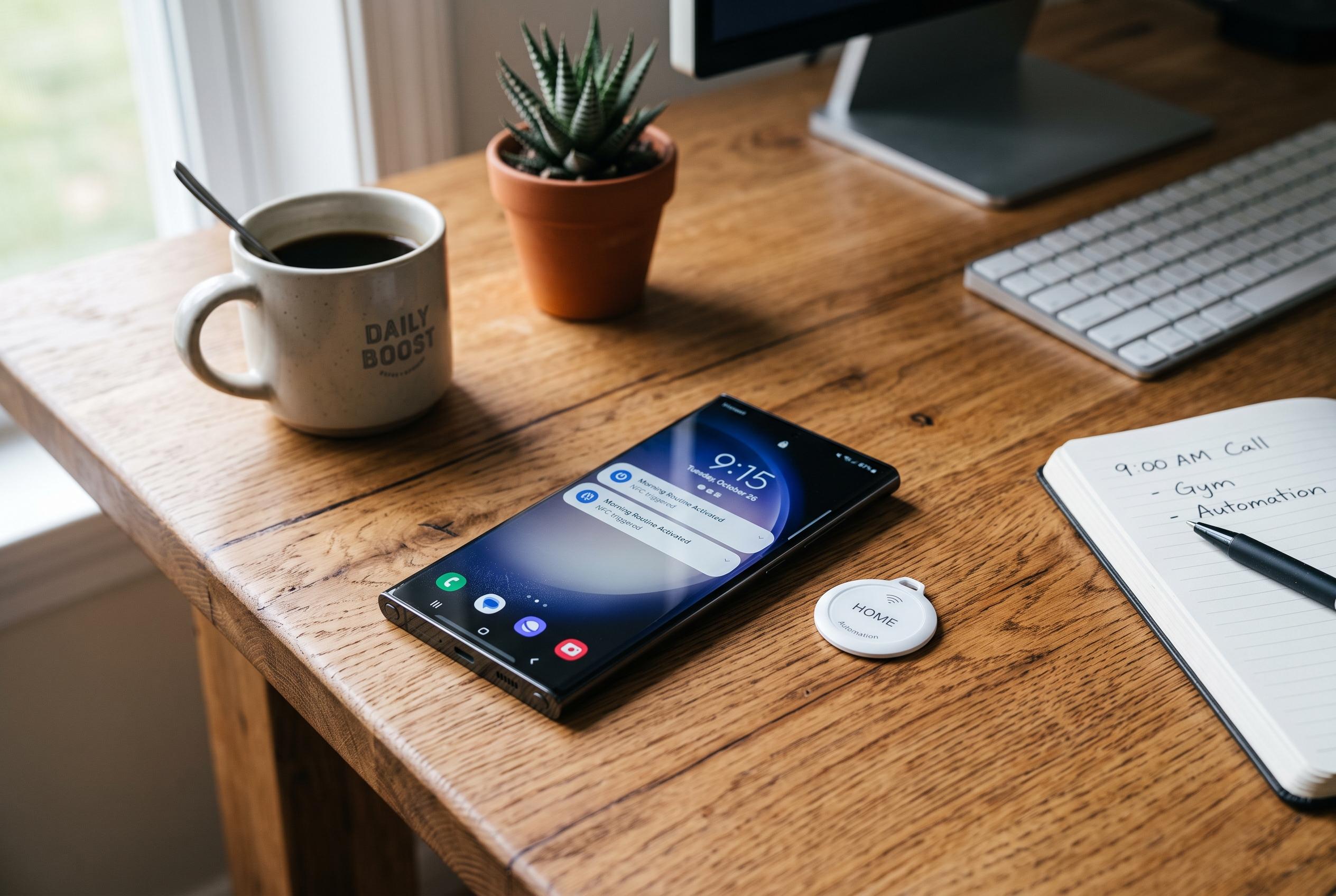

A user demonstrates how NFC tags, combined with Samsung’s automation tools, can streamline daily routines, from waking up and working to cooking and winding down, transforming smartphones into more disciplined, less distracting devices.
NFC remains one of the least celebrated features on a smartphone, yet it is one of the most practical. Samsung’s support material describes it as a short-range system for contactless payments, quick device pairing and other tap-to-connect actions, and Android Authority has long noted that it can also be used to trigger automated tasks. In practice, that makes it useful for shaving small delays from routines that repeat every day.
That is the basis of Andy Walker’s setup. He began with a handful of inexpensive NFC tags, bought for an Android Auto project, and then repurposed the extras around his home and car. Samsung’s Modes and Routines, together with the Routines+ Good Lock add-on, lets him tie a scan of a tag to a chain of actions. The tags do not store much information themselves; they simply act as triggers for automation.
One of his most effective uses is a morning routine built to force momentum. A tag placed away from the bed stops the alarm only when he walks to it, while the routine adjusts brightness, enables Samsung’s Eye comfort shield and opens Google Calendar and Keep Notes together. After a short delay, it launches his news app. The point is not novelty but routine design: remove friction at the exact moment when he is most likely to drift back to sleep.
He applies the same logic to working from home and leaving the house. At his desk, a tag turns on settings that suit a long computer session, including reduced brightness, battery protection and Link to Windows, before opening a Pomodoro app. Another tag near the door prepares his phone for a walk, switching on location services, mobile data and vibration, raising screen brightness and opening his podcast app before reminding him to take essentials and message his partner.
The article’s original Android Auto routine shows how far that approach can be pushed. Two NFC tags can be used as a kind of physical connection switch, one for starting the car pairing and another for ending it. Walker has since refined it by disabling Extra dim, lowering brightness to save power and simplifying the disconnect process. Samsung Food also gets a role in his kitchen routine, where it launches alongside Google Clock so he is less likely to forget timers while cooking.
At night, the same system brings the day to a close. A bedtime tag launches a white-noise app, waits a few minutes and then opens Keep so he can review notes before sleeping. The routine also raises battery protection and reduces screen strain with Eye comfort shield and Extra dim. Samsung’s automation tools do not replace judgement, but they do show how a few cheap tags can turn a phone into a more disciplined, less distracting device.
Disclaimer: This content is intended for informational purposes only. Readers are advised to exercise their own judgement, conduct due diligence, or consult a qualified expert before acting on any information provided.