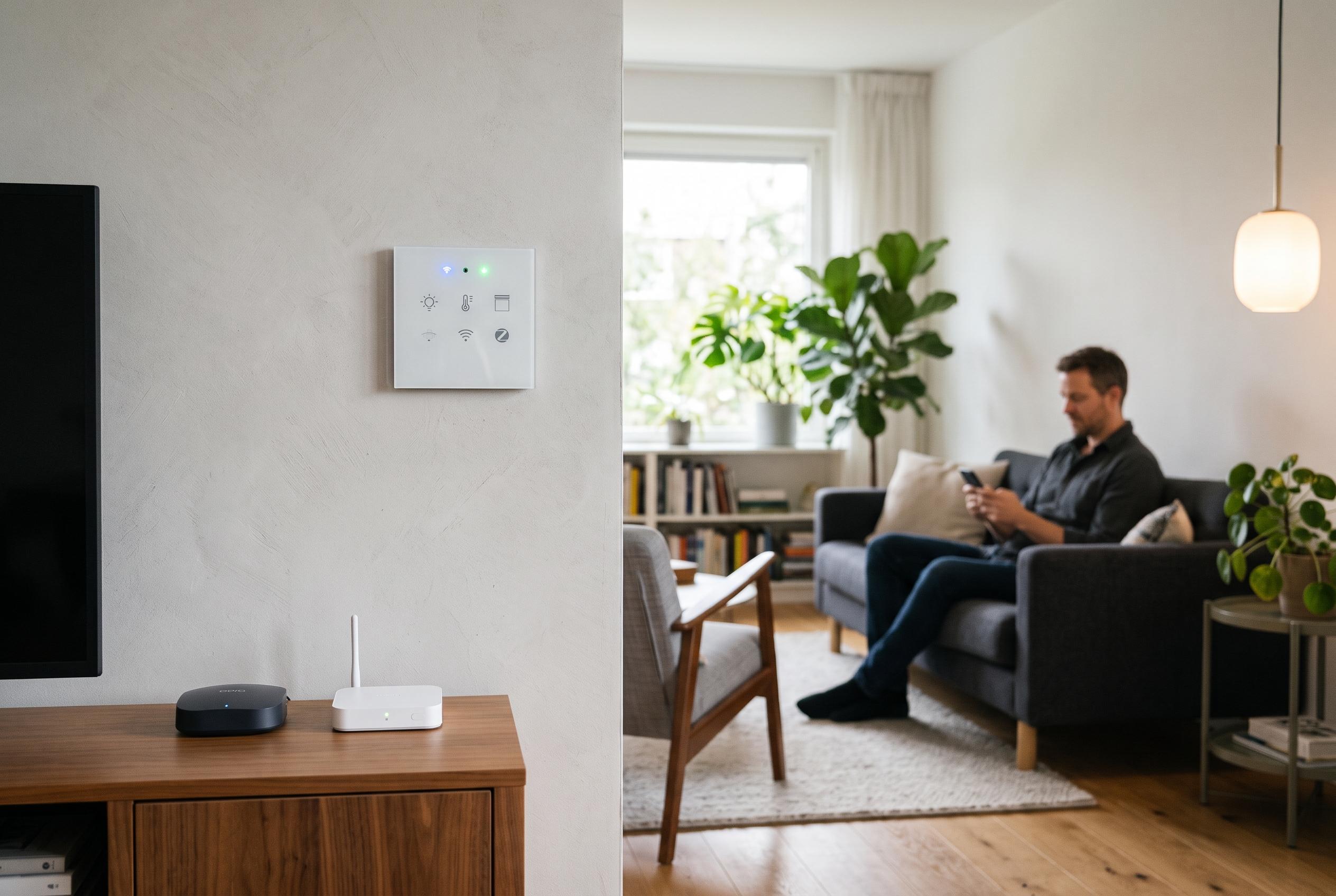

Tuya switches can run through the cloud, communicate locally over Wi-Fi or use Zigbee, and the control path determines their speed, reliability and available features in Home Assistant.
Tuya is often treated as a single ecosystem, but in practice it is three different things: a cloud service, a Wi-Fi device stack and, in some products, a ZigBee profile. Which one sits inside a switch determines how it behaves in Home Assistant, how quickly it responds and how much control you really have.
According to Home Assistant’s official documentation, the standard Tuya integration works through the Tuya Smart or Smart Life cloud service rather than directly with the hardware. That makes setup relatively straightforward and broad in device coverage, because it can support many Tuya-based products once a user has an account, an app and a linked device. The trade-off is clear: every command and status change passes through Tuya’s servers, so automations depend on both internet access and cloud availability. In practice, that means a switch can work even when local access is impossible, but it may also take longer for state changes to appear.
For users who want lower latency and true local operation, LocalTuya and similar custom integrations offer a different route. As several guides on local Tuya control note, these approaches talk directly to the device on the local network and can cut response times to milliseconds rather than seconds. They also continue to function if the internet connection fails. The downside is that the setup is more involved: users need the device ID, the local IP address and the local key. That key is device-specific, and firmware changes or re-pairing can alter whether the device remains accessible.
Local control is not guaranteed on every Tuya product. Support materials and community guides both warn that newer firmware and protocol changes can block local communication, while some devices simply do not respond reliably on the required port. For that reason, local Tuya control is best understood as a per-device test, not a universal platform promise. If local reliability matters, many experienced users choose to block internet access for the device at the router after pairing, reducing the risk that a later firmware update quietly restores cloud dependence.
There is a third route, but it applies only to some hardware. Low-cost plugs and a few other devices built around ESP8266 or ESP32 chips can sometimes be reflashed with ESPHome or Tasmota, giving full local control without Tuya’s cloud. That approach is not suitable for mains wall switches, which involve line voltage, regulatory certification and hardware constraints that make repeated opening unsafe and impractical. Tuya ZigBee devices are different again: they generally cannot be reflashed in place, but they can often be paired to a generic ZigBee coordinator through Zigbee2MQTT or ZHA.
When paired locally over ZigBee, the basic relay function usually works well because it uses the standard on/off cluster. Multi-gang switches typically appear as separate endpoints, one for each gang. However, manufacturer-specific features such as button events, scene triggers, indicator settings and energy reporting may not map neatly into Home Assistant without extra work. That makes ZigBee a strong choice for dependable switching, but a less complete one if you expect every proprietary function to be exposed cleanly from the start.
The reason Tuya devices can feel inconsistent across platforms is that they are built around data points, or DPs. A single physical switch may expose separate entities for each relay, plus backlight control, countdown timers and sometimes metering data. That is why the entity list can look more complex than the hardware suggests, and why it can change after a firmware update. For automations, the safest approach is to target the specific switch entities rather than the whole device, so a change in the underlying mapping does not break routines unexpectedly.
In practical terms, the best option depends on topology rather than branding. For a mains switch, a local ZigBee setup is usually the most resilient choice, because a light should not need a cloud round trip to turn on. Cloud integration remains useful as a fallback, particularly for remote access or for devices that refuse to pair locally. The broader lesson is straightforward: if a Tuya device has been unreliable since an update, it is often better to re-pair or change the control path than to keep forcing a fragile configuration.
Disclaimer: This content is intended for informational purposes only. Readers are advised to exercise their own judgement, conduct due diligence, or consult a qualified expert before acting on any information provided.