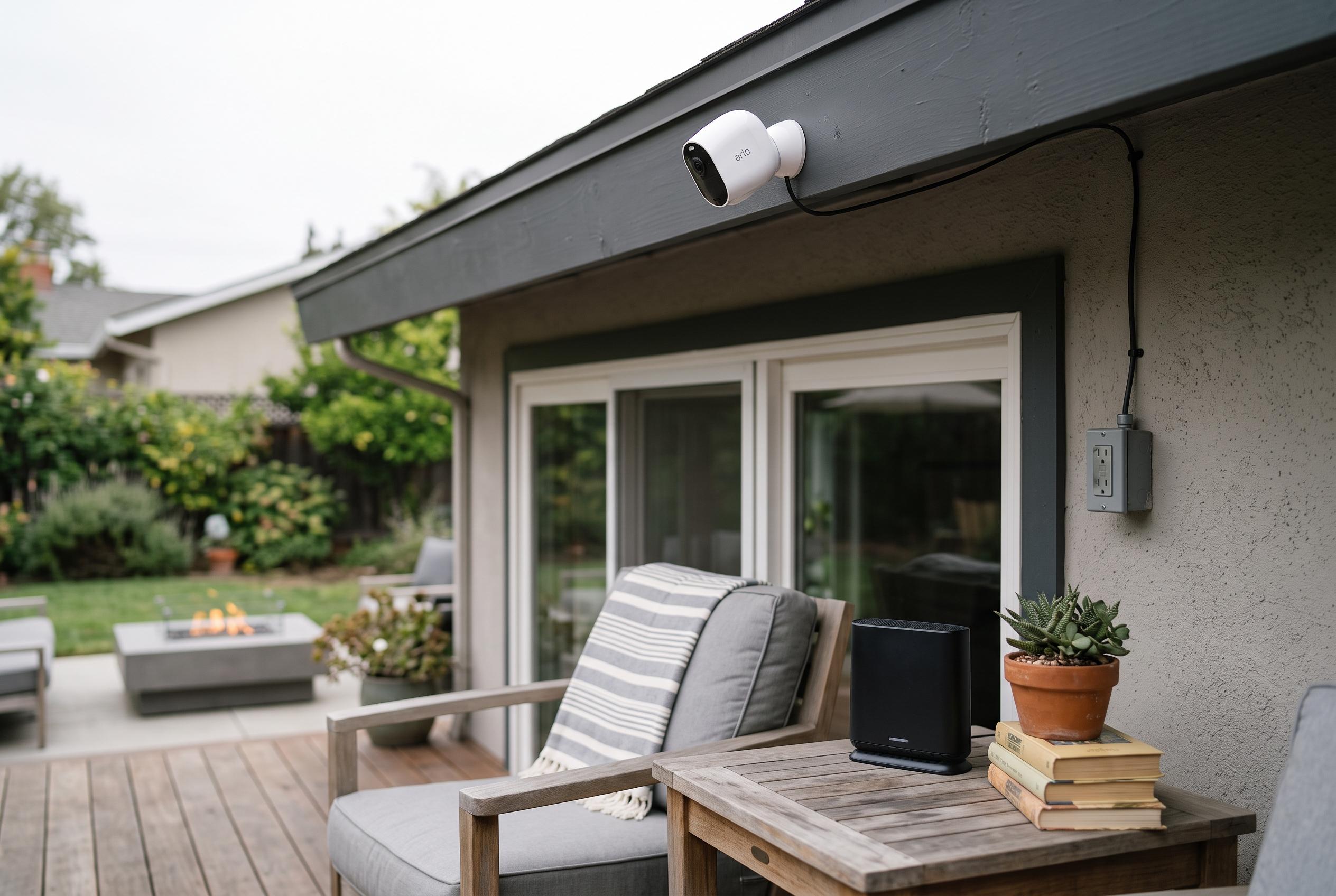

Wireless cameras offer flexible installation, but reliable protection depends on power, signal strength, network security and a clear maintenance plan.
Wireless security cameras are often described too simply. In practice, the term usually means a camera that sends video over Wi-Fi or, in some cases, a cellular connection, while still needing a separate power source. As Security.org and SecurityCamLab both explain, the distinction matters because a truly wire-free camera is usually battery- or solar-powered, and that changes how often it records, where it can be mounted, and how much maintenance it needs.
For homes and businesses in places such as Rochester Hills, Warren or Sterling Heights, the real question is not whether a camera is wireless in name, but whether the full system suits the building. A plug-in Wi-Fi camera can provide steadier operation and continuous recording where there is power nearby. A battery or solar unit is better for detached garages, gates, pole barns and other positions where running a cable is difficult or impossible. Cellular models extend that flexibility further by using a mobile network rather than local Wi-Fi, according to SecurityCamLab. The trade-off is clear: the more self-contained the camera, the more often it depends on motion-triggered recording and scheduled upkeep.
That is why professional installation should begin with a site survey rather than a catalogue. Wall materials, distance, signal paths and the shape of the property all affect whether a camera will hold a stable connection. Intel’s guidance on Wi-Fi bands underlines the point: 2.4 GHz offers longer range and better wall penetration, while 5 GHz is faster but shorter-ranged. For many cameras, reach matters more than raw speed, especially when the system must work through brick, steel racking or insulated walls. In larger commercial buildings, installers often use a mixed design, placing Power over Ethernet cameras where cabling is practical and wireless units where it is not.
The handover after installation is just as important as the hardware. A proper service arrangement should make clear who supports the camera system, who manages the network equipment, and what happens if a device goes offline. That distinction is particularly useful in commercial sites, where the camera installer may handle the surveillance equipment but the router, firewall, switches and internet service remain the responsibility of an IT provider or internet service provider. The more clearly those boundaries are defined in advance, the less likely a fault is to turn into confusion after the system is live.
Security hygiene also needs attention from the start. The Cybersecurity and Infrastructure Security Agency advises changing default log-in details, upgrading firmware, disabling remote management where it is not needed, and watching for unfamiliar devices on the network. It also recommends multi-factor authentication when manufacturers offer it. Those steps are basic, but they address the most common weaknesses in internet-connected cameras and recorders. They are especially important where footage is stored locally, because a recorder can keep recording during an internet outage even if remote viewing and alerts temporarily stop.
There are also legal and privacy issues to consider. Recording in Michigan is generally permitted on property you control, but cameras should not intrude into places where people have a reasonable expectation of privacy, such as bathrooms or bedrooms, according to the Michigan surveillance law summary from RecordingLaw. Audio is another separate decision. Two-way audio can be useful at an entrance or delivery point, but it should not be treated as a default setting. For any site with shared areas or neighbouring property nearby, camera placement and audio settings deserve the same care as image quality and storage length.
For most buyers, the right question is not whether wireless cameras are good or bad, but where they make sense. A well-designed system may combine wireless units, hard-wired Power over Ethernet cameras and cellular backup, depending on power availability, signal strength and the importance of continuous recording. Security.org, SecurityCamLab and other specialist guides all point to the same conclusion: wireless cameras offer flexibility, but reliability still depends on power, network design and ongoing maintenance. The strongest systems are not the ones with the fewest cables; they are the ones that are planned for the building they serve.
Disclaimer: This content is intended for informational purposes only. Readers are advised to exercise their own judgement, conduct due diligence, or consult a qualified expert before acting on any information provided.