

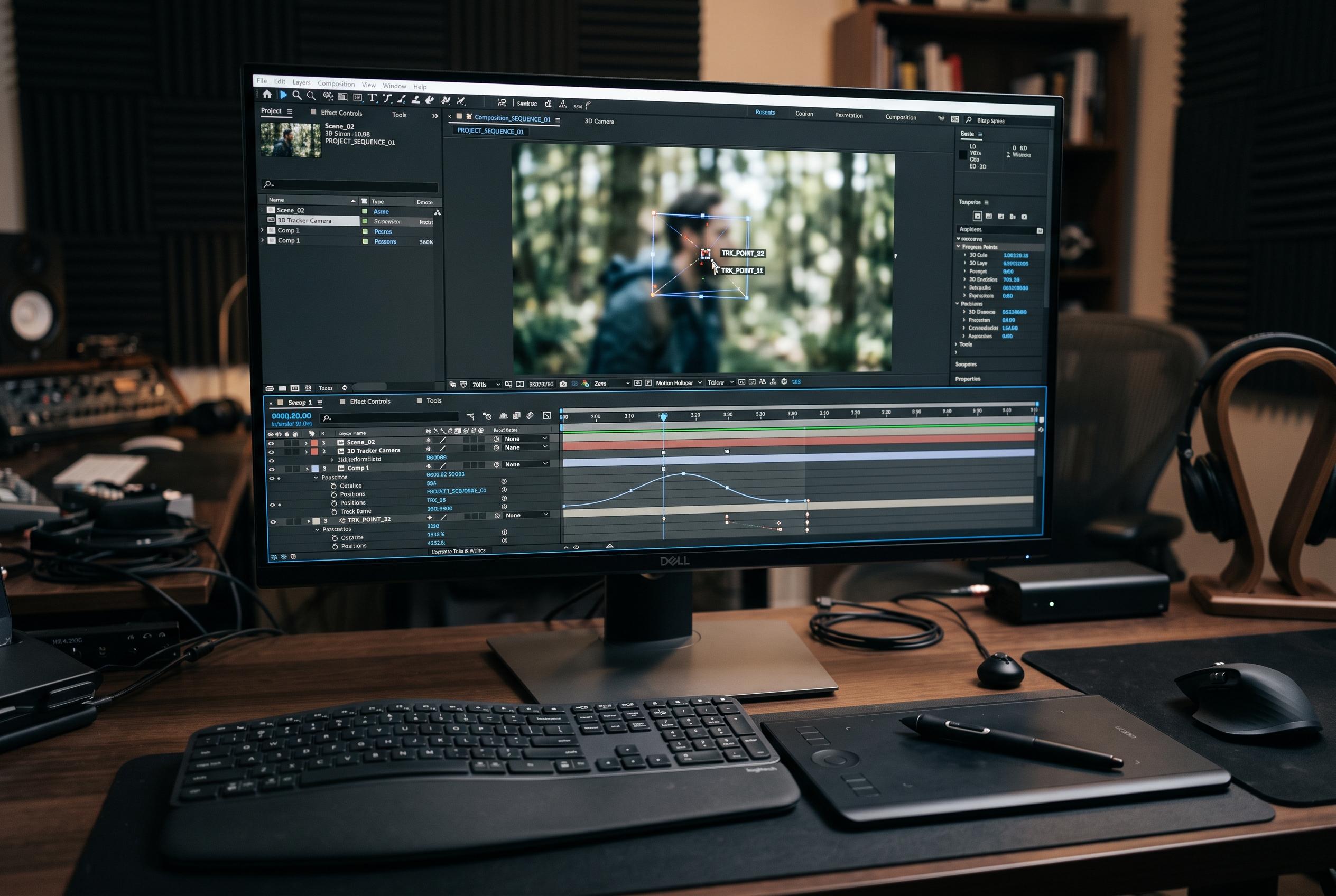

The latest tutorial from Adobe highlights a move away from full scene rebuilds towards targeted, precise adjustments in post-production, leveraging AI, tracking, and expanded 3D tools in After Effects.
Adobe’s latest After Effects workflow shows how far post-production has shifted from full rebuilds to precise surgical edits. In a tutorial led by Senior Pro Video Evangelist Robert Hranitzky, the focus is on changing only selected parts of existing footage, rather than recreating the whole scene from scratch. That approach matters in projects where shots are already locked and the job is to adjust details such as objects, backgrounds or colour without disrupting the rest of the frame.
The first step is accurate tracking. By placing a tracking point on a stable element, editors can anchor later changes to the motion in the clip and keep added material from drifting out of place. Adobe’s own guidance on mask tracking and object isolation supports the same principle: once a subject or surface is properly followed, adjustments become far more reliable across the full shot.
A central part of the workflow is AI-assisted object masking. The tutorial shows a person being isolated while the mask follows the movement through the clip, with edge refinement used to preserve fine details such as hair. Adobe’s separate learning material on its Object Matte tool describes the same kind of process: select the subject, refine the matte and apply it across the footage for tighter control over compositing.
The tutorial also demonstrates a round-trip between After Effects and Photoshop. A single frame is exported, edited with Firefly to remove a graffiti background and replace it with a neutral concrete surface, then brought back into After Effects as a new layer. That kind of interchange reduces friction between applications and makes it easier to swap out parts of a shot without breaking the larger edit. The same workflow is used later for targeted colour changes, such as altering the shade of a bag by masking it and then applying effects and curve adjustments only to that object.
The final section turns to After Effects’ expanding 3D tools. Adobe’s own learning material on native 3D meshes and Substance textures shows how the application can now create simple 3D scenes with parametric shapes, surface materials and lighting inside the same environment. Hranitzky’s tutorial highlights the practical value of that capability: objects can be distorted for a less rigid look, lit more deliberately and given depth-of-field effects that make abstract scenes feel more spatial. The broader point is that After Effects is becoming less of a finishing tool and more of a flexible environment for revising existing footage with much greater precision.
Disclaimer: This content is intended for informational purposes only. Readers are advised to exercise their own judgement, conduct due diligence, or consult a qualified expert before acting on any information provided.



