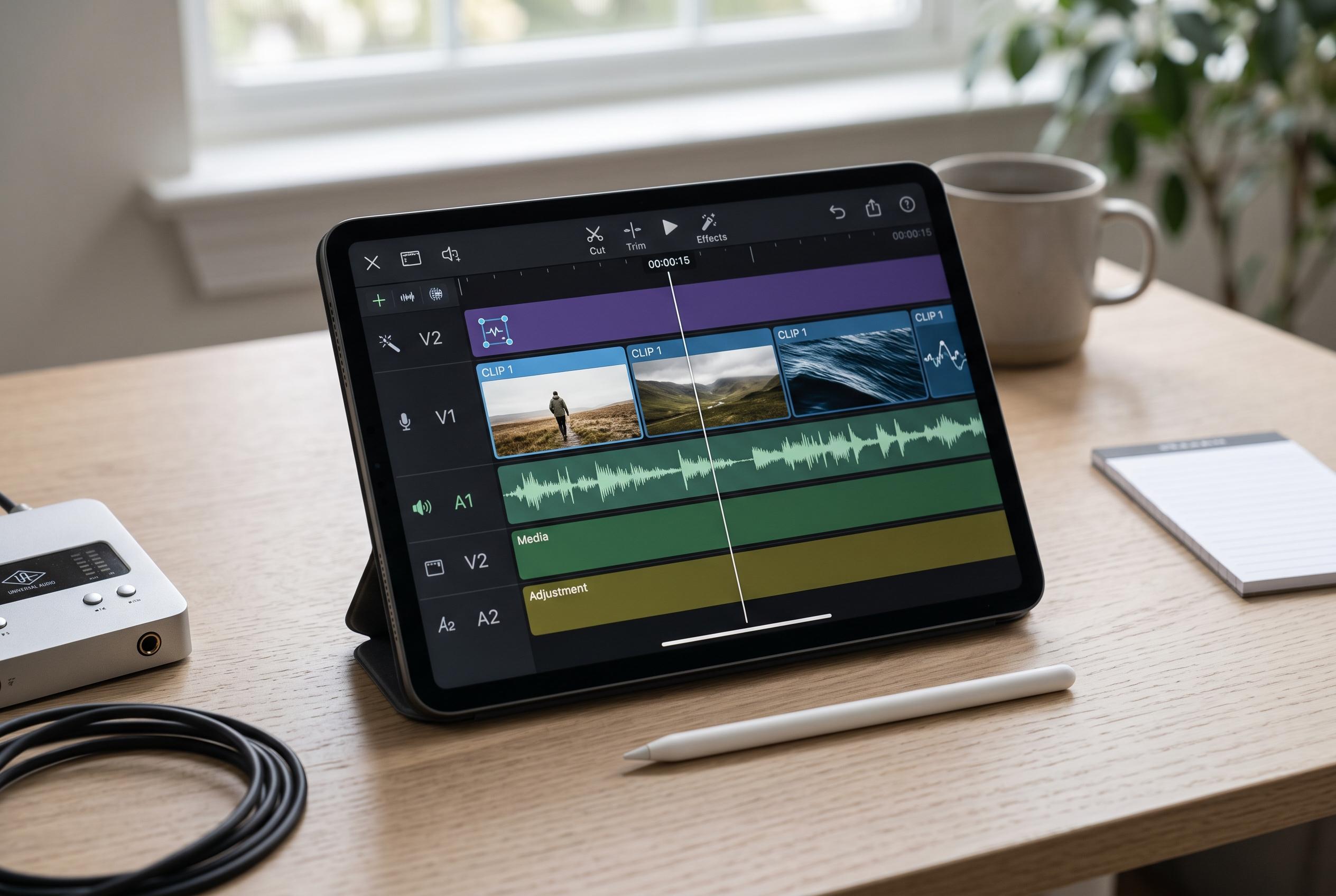

Adobe is advancing its mobile video editing strategy with a new Premiere-branded iPad app featuring multi-track editing and AI tools, signalling a step towards a more professional portable workflow amid rising competition and hardware improvements.
Adobe still does not offer a straight mobile port of Premiere Pro, but its position on phones and tablets is no longer limited to a stripped-back companion app. Adobe’s own product pages and Apple’s App Store listings show a broader mobile editing strategy built around Premiere Rush and a newer Premiere-branded iPad app with multi-track editing and AI tools. That makes the answer more nuanced than a simple no: you cannot run desktop Premiere Pro on mobile, but Adobe is pushing closer to a serious tablet workflow.
Premiere Rush remains the clearest official option for users who want fast editing on the move. Adobe describes it as a cross-device editor for quick creation and sharing, with built-in capture tools, free exports and access to premium assets on paid plans. The app is aimed at short-form work such as social clips, where speed matters more than deep post-production controls.
That is also the main reason Rush is not a full replacement for Premiere Pro. It can handle trimming, arranging clips, audio adjustments and titles, but it does not match the desktop programme’s advanced masking, plugin support, multi-camera editing or detailed colour work. For editors who need granular control, Adobe’s mobile tools still serve mainly as a first pass, not a final suite.
The latest iPad app changes that calculation somewhat. Apple’s App Store listing for Adobe Premiere AI Video Editor says the app offers a precise multi-track timeline, studio-quality audio and AI-powered tools, with a library of free creative assets. If Adobe sustains that direction, the company could end up with a tablet editor that is much closer to a true mobile NLE than Rush ever was.
Even so, mobile editing remains a different discipline from desktop post-production. Third-party alternatives such as LumaFusion already cater to users who want a more traditional timeline, advanced colour correction and stronger audio controls on portable hardware. That competitive pressure, along with stronger iPad and smartphone chips, has made a professional mobile workflow more realistic than it was a few years ago.
Disclaimer: This content is intended for informational purposes only. Readers are advised to exercise their own judgement, conduct due diligence, or consult a qualified expert before acting on any information provided.