

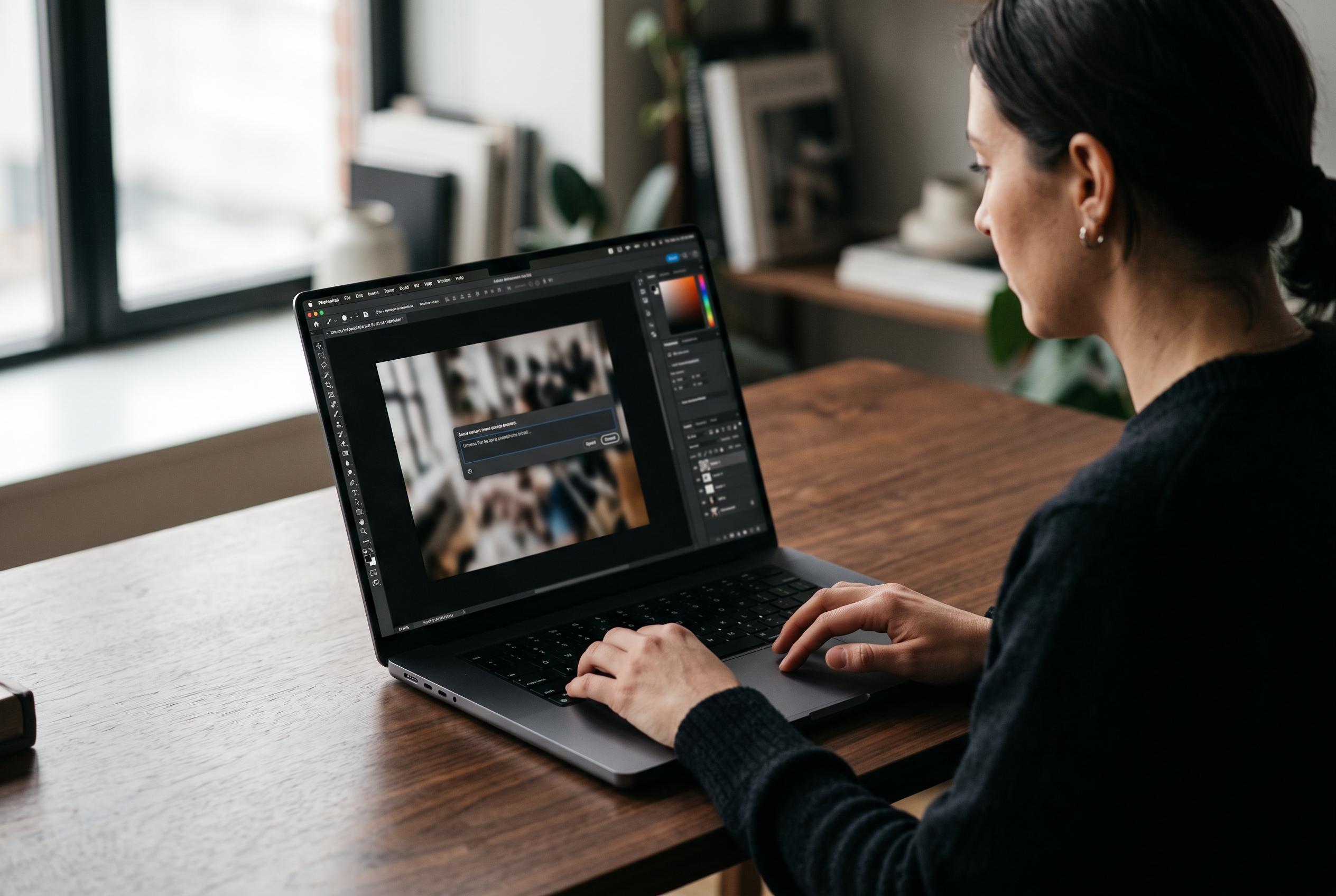

Adobe has expanded Photoshop’s beta features, introducing an AI Assisted Editor that allows users to craft edits through natural language prompts, redefining the future of digital image manipulation.
Adobe has broadened Photoshop’s beta capabilities with a new AI Assisted Editor and a wider set of tools that blend prompt-led editing with the software’s traditional layer-based workflow. According to Adobe’s own help material and launch notes, the beta mode is intended for users who want to edit with natural language as well as those who still prefer manual control. It sits alongside the established Pro Editor rather than replacing it.
The main addition is Prompt to Edit, which lets users describe changes in plain language and have Photoshop apply them without first making detailed selections. Adobe says the beta also includes Remove Background, Generative Expand, Remove Tool, Generative Fill, Generative Upscale and AI Markup. In practice, that means users can remove objects, enlarge canvases, raise resolution and direct edits either through text or by drawing on the image itself.
Adobe is also tightening the connection between generative tools and the image structure that professional users already rely on. The company has added Instruct Edit with Masks, powered by Firefly Image 5, so changes can be constrained to selected regions while leaving the rest of the picture untouched. Alongside that, AI Markup allows users to sketch arrows, shapes or highlighted areas to guide the model visually. Results from Prompt to Edit are placed as generative layers, preserving the original file and making it easier to continue working non-destructively.
Beyond AI, Photoshop’s latest update adds a Light Adjustment Layer with Exposure, Contrast, Highlights, Shadows, Whites and Blacks controls inside the layers stack, bringing Camera Raw-style tonal editing into the main workflow. Dynamic Text now extends to custom shapes and paths, reducing manual reformatting when text follows curves or freeform layouts. Adobe is also integrating its stock library more deeply through a dockable panel with access to more than 900 million assets, allowing users to search, preview and place content without leaving Photoshop.
Disclaimer: This content is intended for informational purposes only. Readers are advised to exercise their own judgement, conduct due diligence, or consult a qualified expert before acting on any information provided.



