

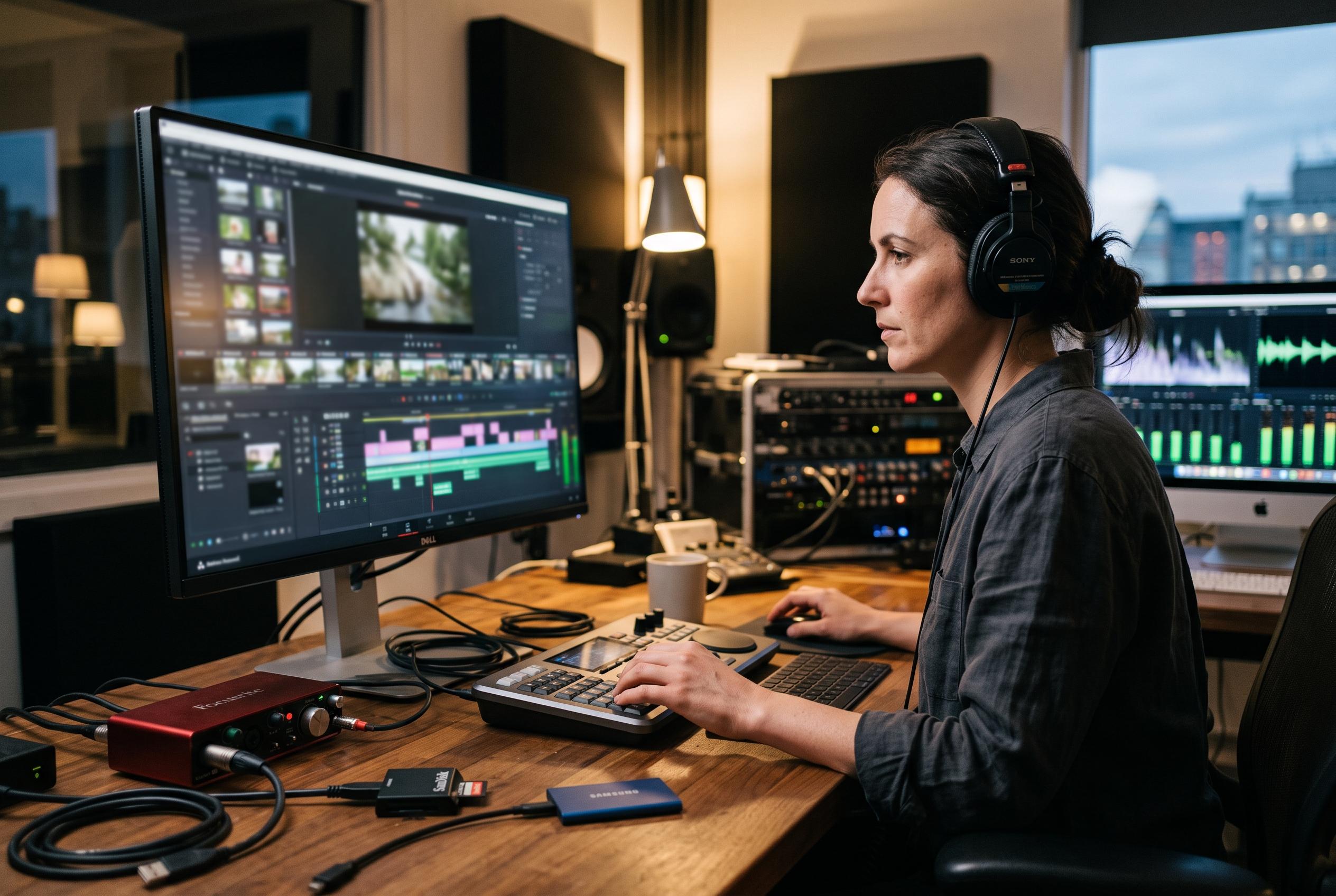

Adobe expands Premiere Pro with new generative features, including tools to fill missing shots and automate audio effects, aiming to accelerate post-production workflows and give editors more control within the timeline.
Adobe is expanding Premiere Pro with generative tools that can fill missing shots and build supporting audio inside the edit, narrowing the gap between rough cut and finished sequence. The company says the new workflow is designed for editors who need placeholder visuals, faster sound design and more control over dense dialogue tracks without leaving the timeline.
The most striking addition is Generative Extend, which can create extra frames from existing footage so an edit can be lengthened to cover an awkward gap, smooth a cut or bridge a transition. In practice, the feature uses the surrounding clip material to infer motion and continue the shot, giving editors a way to recover from clips that end too soon or miss a needed beat. Adobe positions it as a practical fix for real-world edit problems rather than a replacement for conventional shooting.
On the audio side, Adobe is also pushing deeper into automated post-production. Generate Soundscape, currently in beta, analyses up to 15 seconds of video and proposes layered ambience and effects that move with the scene. Generate Music, also in beta, creates original instrumental tracks inside Premiere, with controls for tempo, duration and looping. Adobe says the idea is to keep soundtrack work in the same environment as picture editing, rather than forcing users out to separate tools.
The company is also adding more surgical control over difficult recordings. Enhance Audio lets editors adjust dialogue, music, ambience and effects separately, while Separate Crosstalk splits overlapping voices onto different tracks so each speaker can be treated independently. Adobe says these audio tools are entering public beta, extending a broader set of existing functions in Premiere that already includes speech enhancement, auto ducking and other mix controls.
Disclaimer: This content is intended for informational purposes only. Readers are advised to exercise their own judgement, conduct due diligence, or consult a qualified expert before acting on any information provided.



