

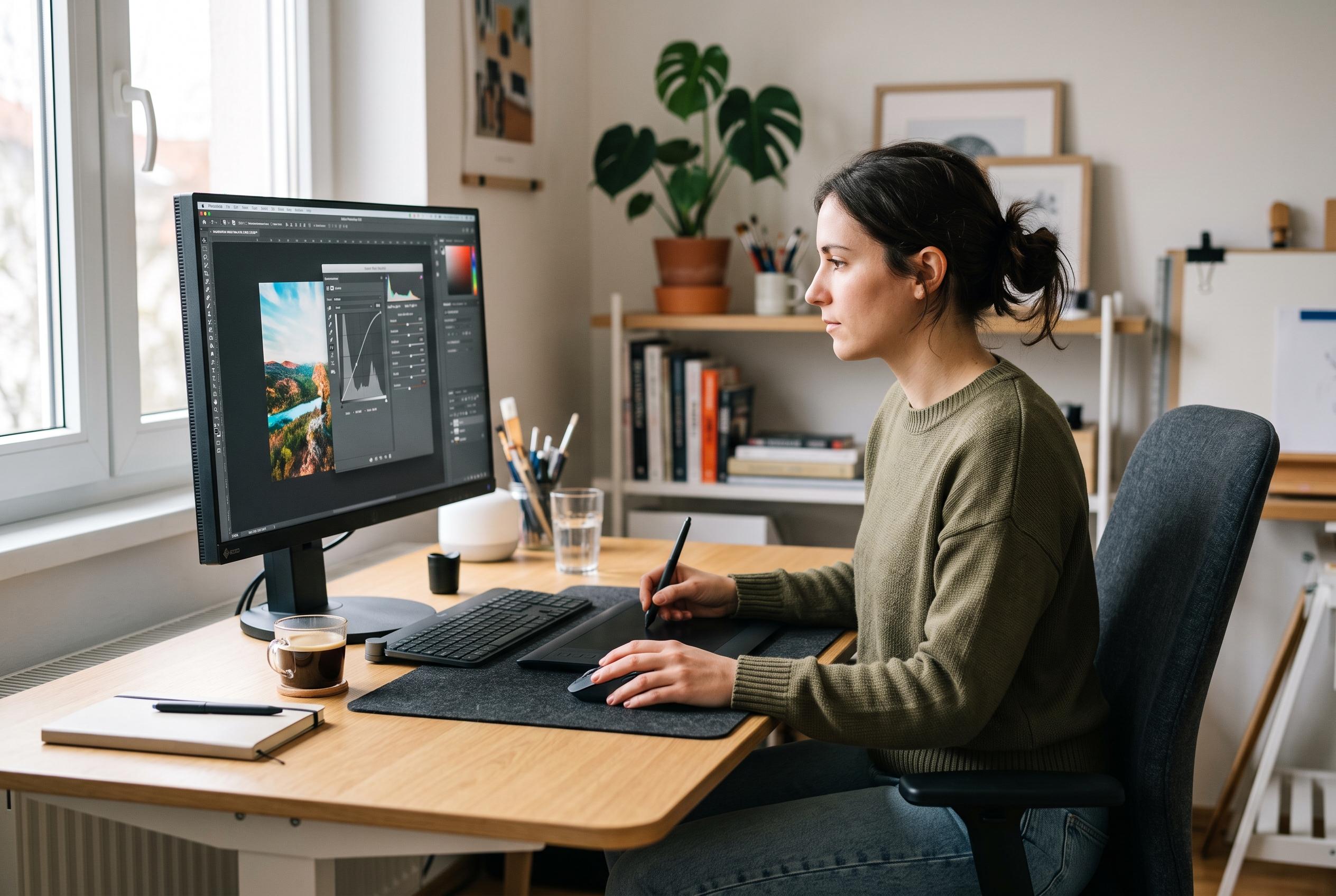

Adobe has launched its August 2026 Photoshop update, introducing a new Light adjustment layer, expanded Camera Raw effects, improved typography tools, and an AI-assisted workspace aimed at offering users more control and efficiency in their editing workflows.
Adobe’s latest August 2026 Photoshop update is built around one clear theme: tighter control. According to PhotoshopCAFE, the most practical addition is a new Light adjustment layer, which brings highlight, shadow, white and black controls into the main Photoshop workflow. That matters because it reduces the need to jump into Camera Raw for routine tonal recovery, while keeping edits non-destructive inside a standard layer-based document. DPReview likewise says the update is intended to make brightness and contrast work faster for photographers and designers. The result is a more direct way to rescue detail and shape tonal range before committing to final contrast.
The update also expands Camera Raw with new Glow effects aimed at more stylised work. PhotoshopCAFE describes three modes: Diffusion, Bloom and Halation. Diffusion is positioned as a softer, glow-heavy treatment for bright areas; Bloom is designed to let light spill from sources such as windows or lamps; and Halation mimics the warm edge glow associated with film. The useful detail is that these effects can be constrained with masks, which makes them more predictable than applying glow across an entire image.
Typography tools have also been refined. PhotoshopCAFE says Dynamic Fit now helps type follow a path more cleanly, which should save time when building logos, badges, circular headlines or other curved text layouts. The feature does not change the basics of text-on-path editing, but it reduces the amount of manual adjustment needed to make copy fill a shape properly. For designers who regularly place text on custom curves, that is a small but practical improvement.
Adobe is also pushing further into generative editing with a new AI Assisted workspace. PhotoshopCAFE says the traditional interface is now labelled Pro Editor, while the new beta workspace brings Firefly-style tools into a separate environment inside Photoshop. It also adds access to prompt-based editing, model selection and higher-resolution output options, with support for partner models including GPT and Google’s Nano Banana family in the example shown. DPReview notes that the AI Assisted Editor is meant to be simpler and more approachable, especially for users who want a prompt-led workflow rather than the full complexity of the standard interface.
The most significant change may be the improved control over where generated content lands. PhotoshopCAFE reports that users can now combine written prompts with rough on-image annotations to tell the model not just what to create, but where to place it. It also says generative fill can be limited to a mask, so the model works only inside a defined area rather than recasting the whole scene. That gives editors a more reliable way to add objects, extend backgrounds or make local compositing changes without disturbing the rest of the photograph. Among all the new tools, the Light adjustment may be the most immediately useful, but the placement controls are the clearest sign that Adobe is trying to make generative editing more precise.
Disclaimer: This content is intended for informational purposes only. Readers are advised to exercise their own judgement, conduct due diligence, or consult a qualified expert before acting on any information provided.



