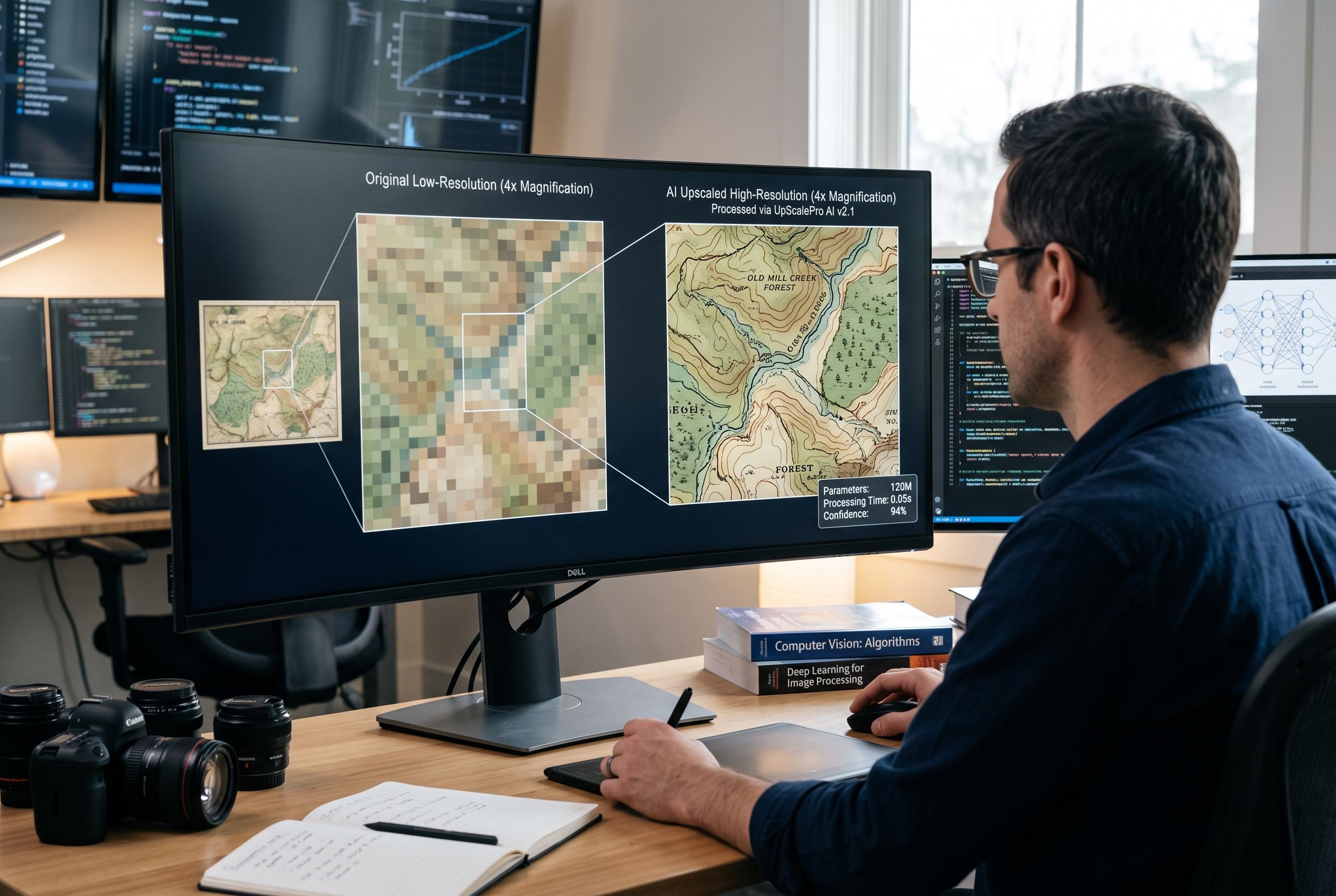

Advances in AI-driven image upscaling offer enhanced detail and quality for enlargements, yet pose challenges in maintaining strict accuracy and selecting optimal formats for various uses.
Resizing images is not the same as improving them. A simple scale-up can leave photographs soft, blocky or riddled with artefacts, particularly when the source file is already low resolution. The better approach depends on both the subject matter and the intended output, because different types of images respond very differently to enlargement. According to FAME Delivered, the file format used for editing and delivery also has a direct effect on quality and flexibility.
Traditional enlargement methods work by estimating new pixels from those already present. That makes them useful for basic resizing, but they do not create genuine detail. Nearest-neighbour scaling simply copies the closest pixel and is therefore best suited to pixel art or clean geometric graphics, where hard edges are part of the design. Bilinear and bicubic methods produce smoother results by averaging surrounding pixels, although the former can look soft and the latter can introduce halos. More advanced techniques such as Lanczos may sharpen the image further, but they demand more processing power and do not always offer a clear improvement over bicubic resampling, as the comparison published by SJPT notes.
AI-based upscaling takes a different route. Instead of averaging what is already there, it uses learned patterns to infer plausible new detail and rebuild the image at a higher resolution. That can be especially useful for older, compressed or noisy photographs, where conventional methods tend to preserve defects as they enlarge the file. The same approach can also cause problems, however, because it may invent features that were never present in the original. As SJPT explains, that makes AI enlargement valuable for visual enhancement, but less reliable where strict accuracy matters.
The choice of format is just as important as the choice of algorithm. JPEG remains the most practical option for large photo collections because it is widely compatible and keeps file sizes relatively small, though it does not support transparency. PNG is better for graphics, logos and images that need lossless preservation or transparent backgrounds, but it produces larger files. WebP offers a more efficient compromise for web publishing, with smaller files than JPEG or PNG in many cases, while HEIC is attractive on Apple devices for compact storage and editing, although compatibility outside that ecosystem is more limited, according to the format comparison published by HEIC2ALL. In practice, the best results usually come from matching the enlargement method to the source image and the output format to the final use.
Disclaimer: This content is intended for informational purposes only. Readers are advised to exercise their own judgement, conduct due diligence, or consult a qualified expert before acting on any information provided.