

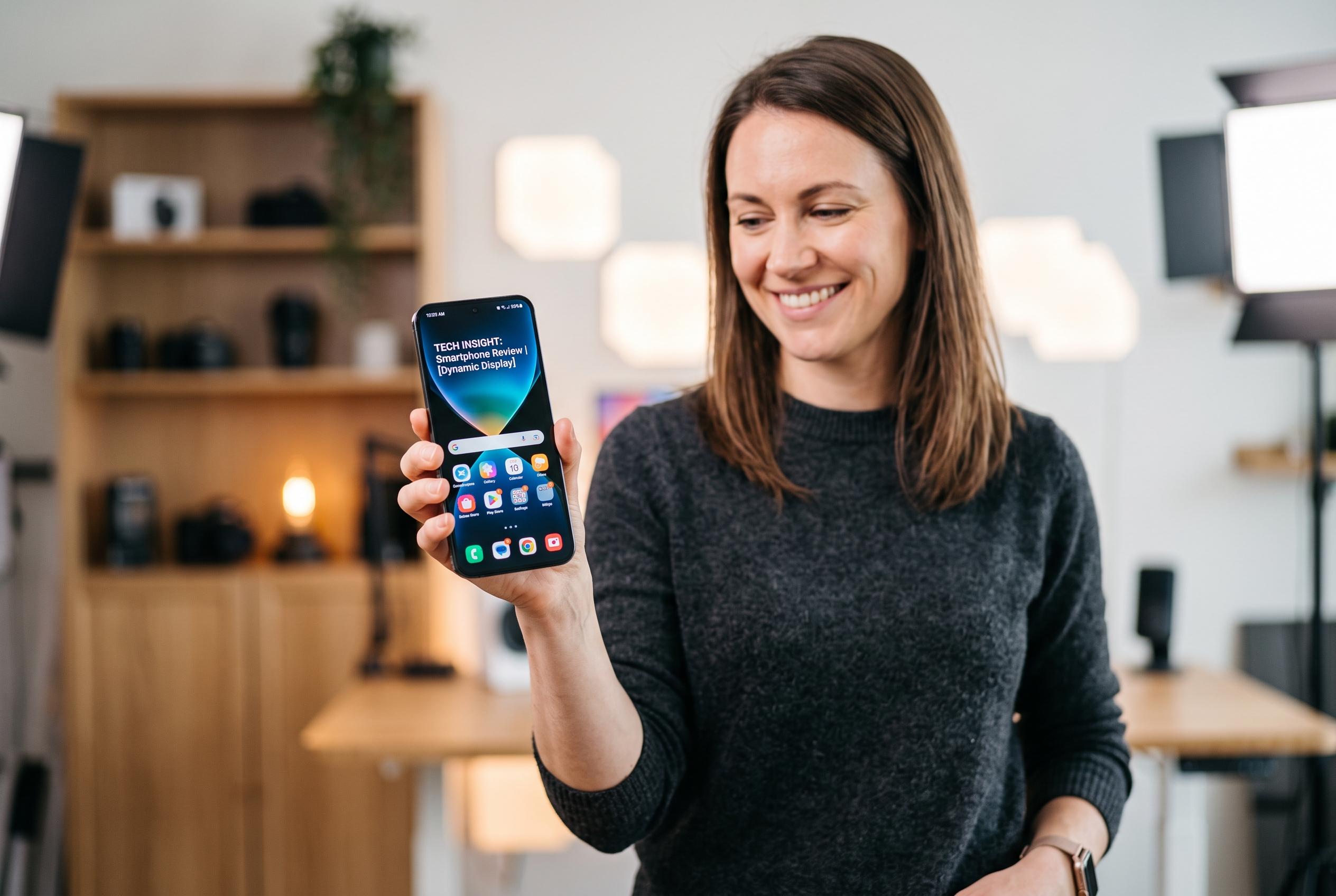

Online AI video enhancers are transforming the way gadget reviewers portray details, but their effectiveness in delivering professional-quality footage remains under scrutiny, raising questions about their impact on review credibility.
For gadget reviewers, video quality is not cosmetic; it is part of the evidence. Close shots of a display, a hinge, a coating or a connector are often the very details that help viewers judge a product. When those frames are blurred, overcompressed or noisy, the review loses credibility before the commentary even begins.
That matters because tech audiences tend to scrutinise imagery more closely than viewers of general lifestyle content. They already know the product category, the likely specifications and the visual cues they expect to see. If compression smears fine texture or makes a screen look soft, the problem is immediately obvious. The situation is made worse by publishing platforms, which apply their own compression after upload, so a file that starts out merely acceptable can reach viewers in visibly poorer condition.
This is where online AI video enhancers have found a market. Services such as Video Upscale, Video2X, Kapwing, VidHex, TensorPix and AVCLabs all claim to improve clarity, reduce blur or noise, and raise resolution without requiring a desktop installation. Some advertise upscaling to 4K, while others promise browser-based processing, local file handling for privacy, or no watermark on the exported result. For creators working on tight turnaround times, the appeal is obvious: a quick browser upload can be enough to salvage footage that would otherwise need to be reshot.
The practical value, however, depends on the job. Free tiers usually come with limits, whether that means a watermark, a cap on output resolution, restricted export length or a monthly quota. For short social clips, teaser segments or internal tests, that may be enough. For a full review that needs to represent the channel professionally, those constraints become harder to ignore, especially when the footage relies on close-ups of glass, metal finishes or display detail.
In that context, the right question is not whether free enhancement works at all, but whether it matches the importance of the video. For disposable content, it often does. For a flagship review that will remain on YouTube and shape audience perception, a more complete tool is usually the better choice. The technical aim is simple: preserve the fine detail that makes gadget footage useful in the first place.
Disclaimer: This content is intended for informational purposes only. Readers are advised to exercise their own judgement, conduct due diligence, or consult a qualified expert before acting on any information provided.



