

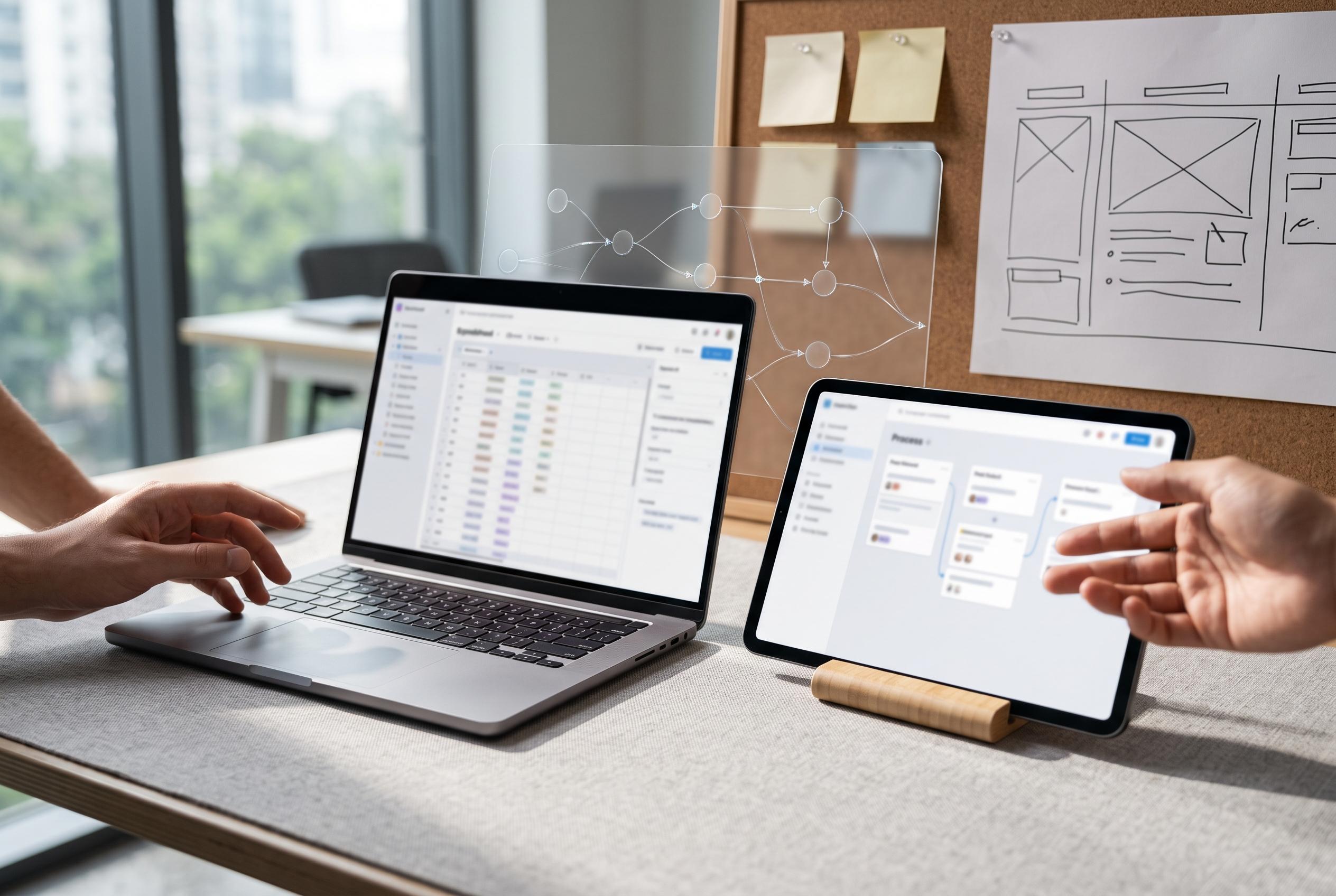

Airtable enhances project management with customisable templates that combine spreadsheet flexibility and database structure, enabling teams to swiftly build tailored workflows that integrate automation and broader software tools.
Airtable’s appeal in project management is that it bridges two familiar models: the flexibility of a spreadsheet and the structure of a database. That combination matters because many teams need more than a simple task list, but do not want the complexity of heavyweight project software. Airtable’s own materials say its templates are designed to streamline planning, execution and tracking, while improving consistency across projects.
The strongest case for templates is speed. Instead of designing a workspace from zero, teams can begin with a preset structure built for common use cases such as project tracking, resource planning and general workflow management. Airtable says these templates are fully customisable, which makes them useful as a starting point rather than a fixed system. That is important for teams that need a workable process quickly, but still want to tailor fields, tables and views to suit their own methods.
The platform’s wider project management approach depends on relational data. In practical terms, that means tasks, people, budgets, assets and milestones can be linked rather than duplicated across separate sheets. Airtable says this helps teams manage work more effectively across different scales and project types. Its support for multiple views, including Gantt charts, Kanban boards and calendars, also allows the same data to be examined in different ways depending on the audience or stage of delivery.
For many users, the value of a template lies in how it supports repeatable work. A project tracker can bring together tasks, stakeholders, assets and budgets in one connected base. A resource planning setup can help managers see allocation and utilisation more clearly. Airtable’s project management pages also stress standardisation, suggesting that repeatable workflows and status reporting can help teams create more predictable operations and better cross-functional alignment.
The editorial calendar, task manager and product roadmap examples often associated with Airtable fit neatly into this model. They are not separate products so much as different configurations of the same underlying logic. A marketing team can map content through draft, review and publication stages. A software team can track features, bugs and releases. An event team can hold venue details, vendor contacts and registration data in the same workspace. The common thread is visibility: each team can shape the system around its own workflow rather than adapting to a rigid template.
Automation extends that usefulness further. Airtable says its workflow tools can reduce manual work and improve reliability by triggering actions when records change. In project terms, that can mean reminders, status updates, follow-up tasks or alerts when something needs attention. Its project management materials also point to AI-powered workflow enhancements and resource insights, which are aimed at helping teams spot risk earlier and make better decisions about workload.
Airtable’s integrations make the system more practical in a broader software stack. The company says its project management tools connect with other applications, which allows teams to keep communication, scheduling and document handling linked to the same source of truth. That matters because project management rarely lives in one place. Work usually moves between chat, storage, planning and reporting tools, and Airtable’s value is in reducing that fragmentation.
The main limitation of any template-led approach is that it still needs disciplined setup. Airtable’s own guidance stresses planning, tracking and reporting, but the quality of the result depends on whether teams standardise naming, use linked records properly and review the base as work changes. In other words, the template is not the solution by itself. It is the framework that makes a solution easier to build.
For teams looking for a system that is structured without being inflexible, Airtable’s project management templates offer a practical middle ground. They are most effective when treated as a starting point for a living workflow, not as a finished product. That is where Airtable is strongest: not in imposing one way of working, but in giving teams the tools to build the one that fits.
Disclaimer: This content is intended for informational purposes only. Readers are advised to exercise their own judgement, conduct due diligence, or consult a qualified expert before acting on any information provided.



