

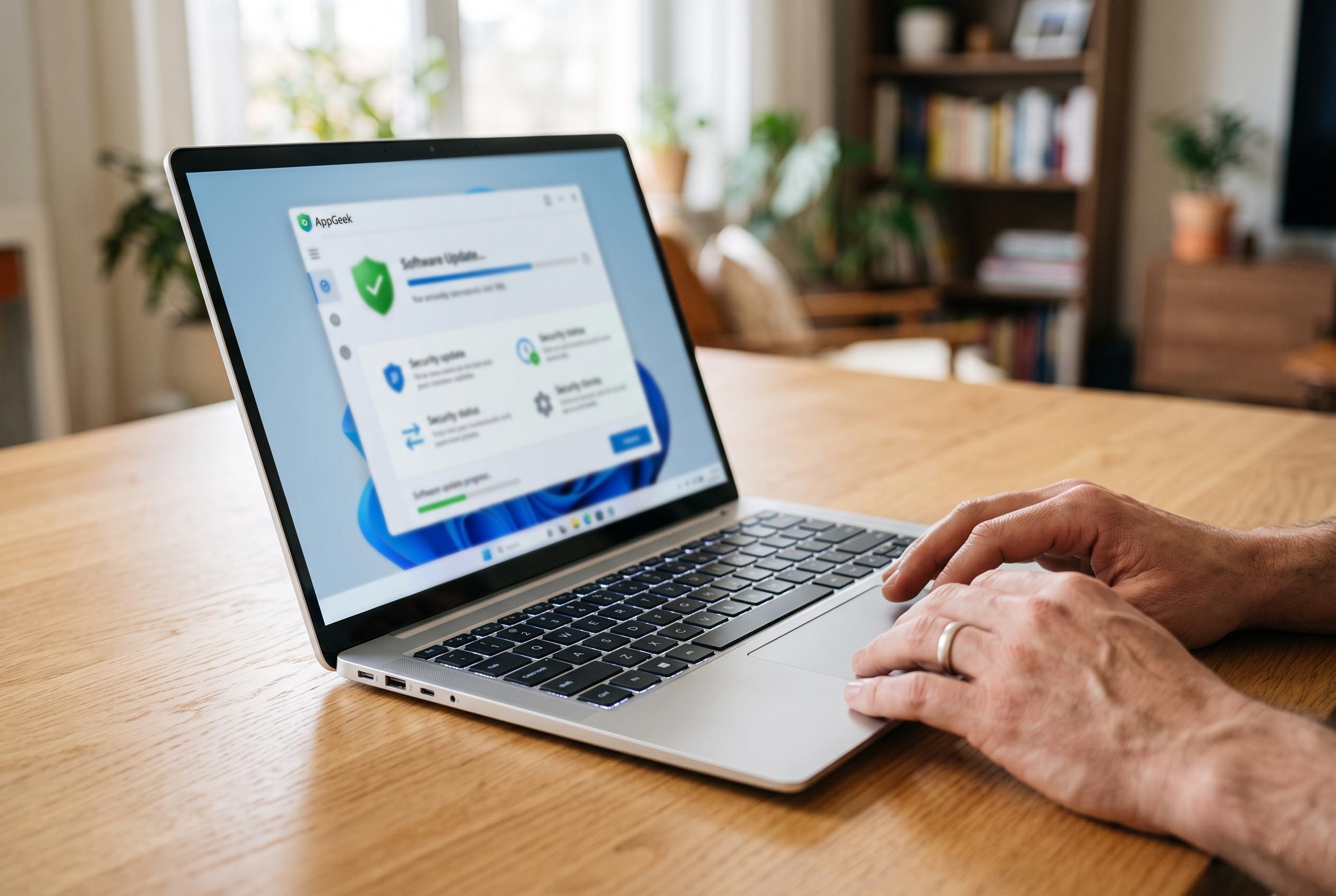

A new free utility harnessing Microsoft’s winget package manager simplifies software updates on Windows PCs, focusing on user control and security without automatic installations.
AppGeek is a free Windows utility designed to reduce the fragmentation of software maintenance on a PC. Instead of checking browsers, runtimes, media tools and other applications one by one, it scans what is installed, compares that against available versions and lets the user choose which updates to apply. The project is presented as open source, with no paid tier, advertisements or bundled extras.
The tool is built on Microsoft’s winget package manager, which Microsoft describes as a way to discover, install, upgrade and remove applications on Windows 10 and Windows 11. That matters because it gives AppGeek a trusted package source rather than relying on third-party mirrors. According to the project’s own description, every download is hash-verified before installation.
AppGeek is also deliberately cautious about how it handles upgrades. It does not install updates automatically in the background; scans can be scheduled, but installation still requires a conscious user action. The developer says the software reads the installed-programs registry and Microsoft Store package list, then matches those entries to winget. It also tries to avoid common deployment mistakes, such as upgrading a per-user application with a machine-wide installer or guessing at the wrong package identity.
The application includes features aimed at administrators and more technical users. It can pin apps that should not be upgraded, flag security-sensitive software such as browsers and PDF readers, and export an inventory in CSV or HTML. The project also says it is free for personal and workplace use, runs without telemetry or account sign-in, and ships with SHA-256 checksums because it is not yet code signed.
There are a few practical caveats. The developer warns that Windows SmartScreen will flag the first run because the software is unsigned, and advises users to verify the published hash rather than disable protection. AppGeek requires Windows 10 version 1809 or later, or Windows 11, plus administrator rights and an internet connection. A standalone build bundles the .NET runtime, and if winget is missing the programme offers to repair it rather than fail outright.
Disclaimer: This content is intended for informational purposes only. Readers are advised to exercise their own judgement, conduct due diligence, or consult a qualified expert before acting on any information provided.



