

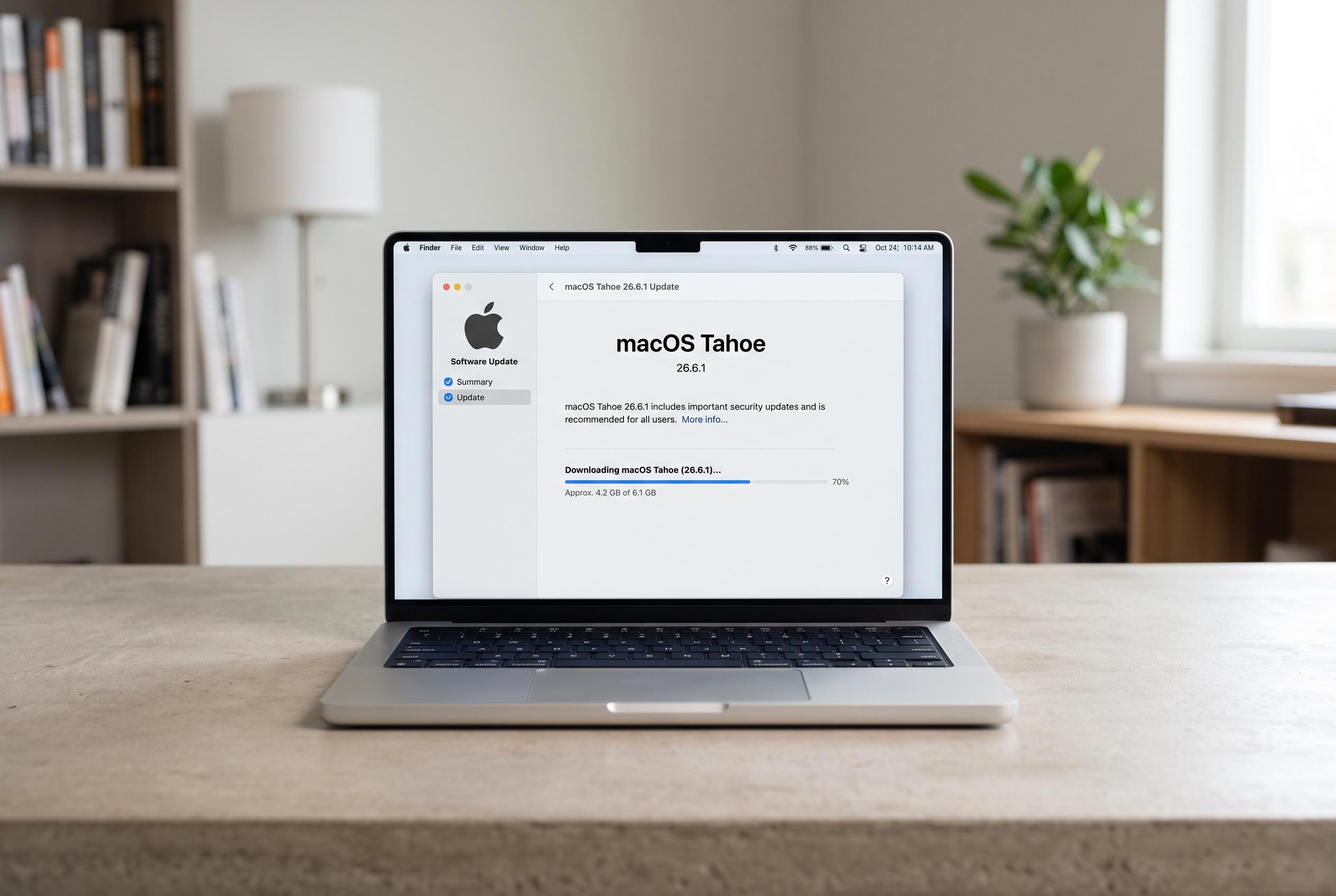

Apple has quietly launched macOS Tahoe 26.6.1, a minor update focusing on security fixes and subtle performance enhancements amid ongoing user complaints over battery life, heat, and stability issues in the latest macOS release.
Apple has quietly pushed out macOS Tahoe 26.6.1, arriving little more than a week after the larger July update. On paper, the new release is modest: Apple says it contains security fixes, with no new features or visible design changes. But small point releases like this often do more than the notes suggest, especially when they follow closely behind a major system build.
That matters because macOS Tahoe 26.6 had already drawn complaints about battery life, heat and general stability. Some users reported that MacBooks were running warm during routine tasks such as browsing and email, while Activity Monitor pointed to system services and WindowServer as heavy users of processing power. Apple’s own support material for macOS Tahoe 26.6 also says the update optimises Spotlight indexing in preparation for macOS 27 and recommends it for all Tahoe users to improve stability and performance. MacRumors reported that the earlier 26.6 release included more than 130 security fixes across Apple’s desktop and mobile platforms.
There were also familiar grumbles about wireless reliability and external storage, with some users saying Wi-Fi was unstable on certain routers and that attached drives did not always appear in Finder after being connected. Others said performance could wobble when switching displays or using peripherals, while AirDrop and other file-sharing features were sometimes inconsistent. Apple has not singled out any of those issues in its notes for 26.6.1, but this sort of maintenance release is often where those quieter fixes land.
Compatibility has not changed, because 26.6.1 sits inside the Tahoe line. That means it is available to any Mac already running macOS 26 Tahoe, including MacBook Pro models from 2019 onwards, iMacs from 2020 onwards, the 2019 Mac Pro, Mac mini models with M1 chips or later, all Mac Studio machines and MacBook Air models with M1 chips or later. Apple has also said macOS 26 is the final major version for several Intel-based Macs, with support expected to end in the next full release cycle.
For anyone planning to install it, the process is straightforward: back up the Mac with Time Machine, open System Settings, go to General and then Software Update, and follow the prompts to install. Apple advises keeping the Mac plugged in during the process. If the update does not appear immediately, that is usually just a staggered rollout rather than a problem with the machine.
Disclaimer: This content is intended for informational purposes only. Readers are advised to exercise their own judgement, conduct due diligence, or consult a qualified expert before acting on any information provided.



