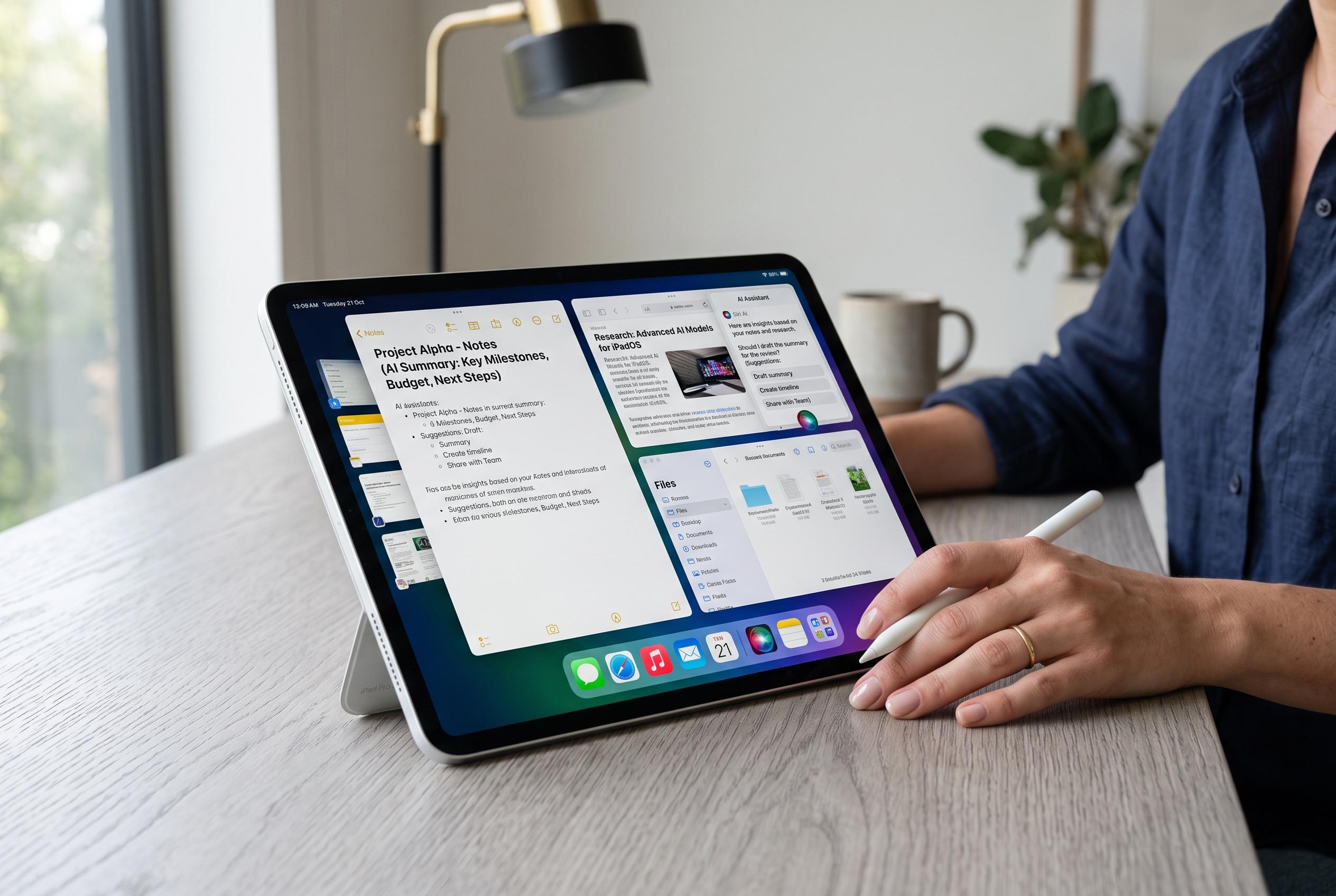

Apple releases iPadOS 27 beta 5 to developers, focusing on bug fixes, stability, and refining AI and multitasking features ahead of the full launch later this year.
Apple has released iPadOS 27 beta 5 to developers as testing continues ahead of the operating system’s wider launch later this year. The update is available through Software Update on iPads enrolled in Apple’s developer beta programme, extending a cycle that has centred on Apple Intelligence, interface changes and performance tuning.
The latest build does not appear to introduce major new consumer-facing features of its own. Instead, it seems aimed mainly at bug fixes, stability improvements and refinement of features introduced earlier in the beta cycle. Apple has spent the broader iPadOS 27 testing period positioning Siri AI as a central addition, with more natural conversation, improved personal context, on-screen awareness and deeper integration across the system.
Apple’s broader iPadOS 27 plan also includes a wider set of changes built around large-screen use. According to Apple’s official iPadOS materials and developer notes, the platform is gaining expanded Apple Intelligence support across apps such as Photos, Safari, Mail, Messages and Shortcuts, along with Visual Intelligence tools for understanding on-screen content. The company is also continuing to adjust its Liquid Glass design language and the windowing and multitasking system, including a more capable menu bar for iPad users who rely on keyboard input.
For developers, the update is part of a wider push to make the iPad more capable as a productivity device. Apple says iPadOS 27 also focuses on faster app launches, file handling and AirDrop transfers, while Safari, Photos and Shortcuts are all receiving additional improvements. Apple’s developer documentation further shows continuing work on Neural Engine behaviour and large-model performance for Apple Intelligence-capable devices during the iOS and iPadOS 27 beta cycle.
Installing the beta remains straightforward for anyone already enrolled in Apple’s developer programme. On the iPad, users need to open Settings, go to General, tap Software Update, choose Beta Updates, select iPadOS 27 Developer Beta, then return to Software Update and install the beta once it appears. Apple continues to warn that developer builds can still cause bugs, battery drain, performance issues and app compatibility problems, so a secondary device remains the safer choice for testing.
Disclaimer: This content is intended for informational purposes only. Readers are advised to exercise their own judgement, conduct due diligence, or consult a qualified expert before acting on any information provided.