

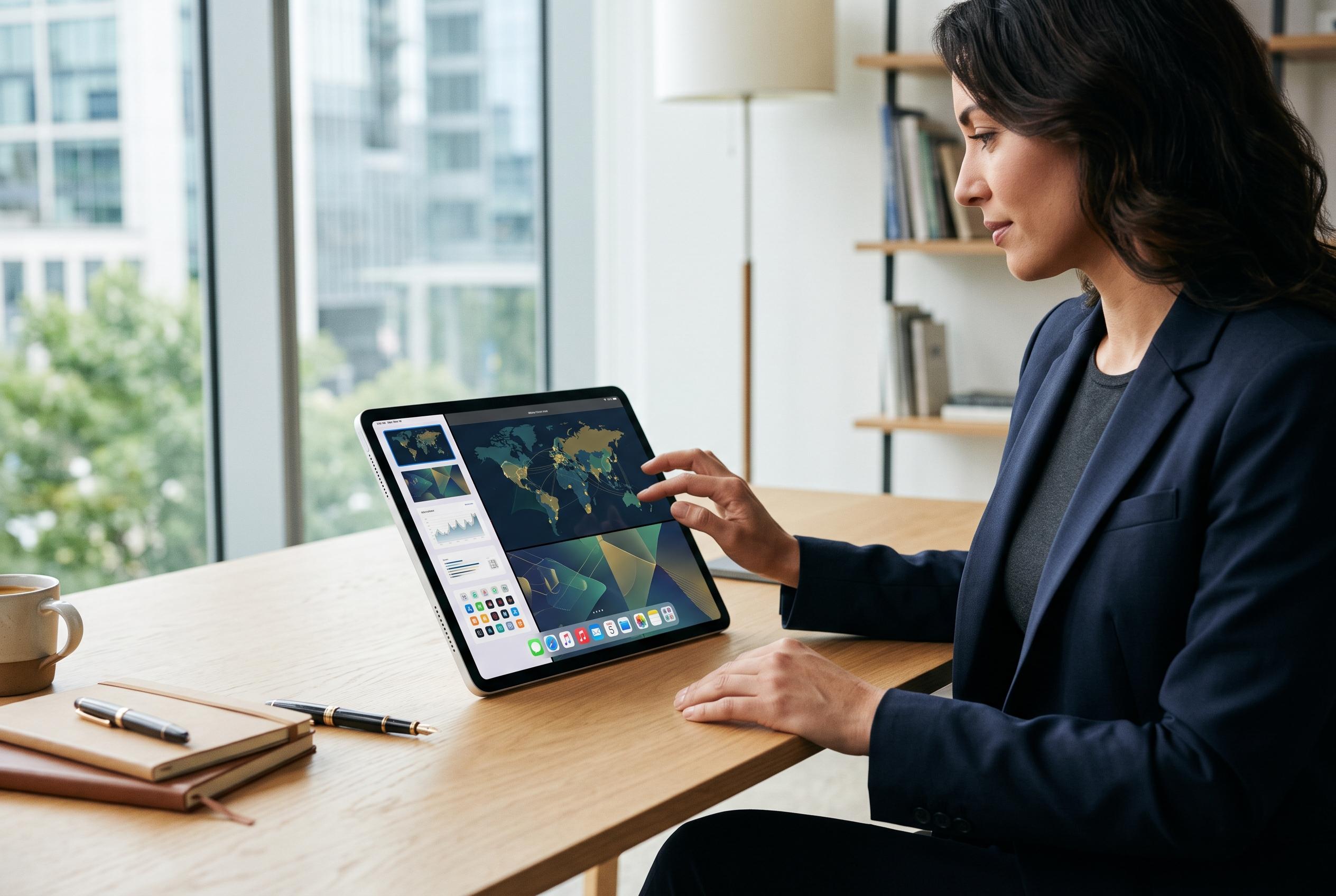

Apple’s latest iPadOS 27 introduces significant multitasking, personalisation, and performance improvements, inching the iPad closer to replacing a laptop for many users with targeted AI enhancements and interface tweaks.
Apple’s iPadOS 27 pushes the iPad further towards a laptop-like workflow, with changes aimed at multitasking, personalisation and faster everyday use. According to Apple’s own guide, the update centres on Siri AI, a more conversational assistant with personal context and wider world knowledge, alongside refinements to Photos and iCloud Shared Albums. The broader picture from early hands-on reporting is that this is less a dramatic redesign than a substantial set of practical improvements.
Compatibility remains important, and Apple says Siri AI in beta is limited to Apple Intelligence-enabled iPad mini models with the A17 Pro chip and iPad models with M1 or later, running in a supported language. That means some of the most advanced features will not reach every compatible device equally. Apple’s support documentation also points to broader iPadOS 27 availability across recent iPad Pro, iPad Air, iPad and iPad mini hardware.
The update also expands the iPad’s customisation options. Geeky Gadgets highlights a movable lock-screen clock, undo and redo controls for home screen layout changes, and resizable windows for iPhone apps on iPad. Those additions may sound modest, but they address long-standing limits in how the interface can be arranged and used day to day.
Multitasking is another clear area of focus. Apple’s changes include new gestures and shortcuts, an auto-hiding menu bar and natural-language input in Shortcuts, so users can type a request such as opening two apps in split view and let the system build the workflow. MacRumors also reports a dedicated Siri app, with chat history, a sidebar, support for windowing, and multiple ways to invoke Siri, including voice, typing and the top button.
Performance improvements are presented as a major part of the release. Geeky Gadgets says app launches, AirDrop transfers and file handling can be up to 80% faster, with better support for external drives. If accurate in everyday use, that would matter most for people moving large files, editing media or working across several apps at once.
Apple is also giving core apps more depth. The Notes app gains Markdown export, dividers and linking tools, while Photos adds keyword tagging and the ability to save a frame from video as a still image. Apple’s guide adds spatial reframing, image extension beyond the frame and better Shared Albums controls, while its main iPadOS page says slideshows and improved cross-platform album participation are also part of the release.
Taken together, iPadOS 27 looks designed to make the tablet feel less constrained and more adaptable. Safari gains automatic tab grouping, which should help with research and heavier browsing, while Siri’s expanded awareness of on-screen content, handwritten notes and app actions gives Apple a more capable assistant than before. The result is an update that appears aimed squarely at users who want the iPad to handle more of their routine work without friction.
Disclaimer: This content is intended for informational purposes only. Readers are advised to exercise their own judgement, conduct due diligence, or consult a qualified expert before acting on any information provided.



