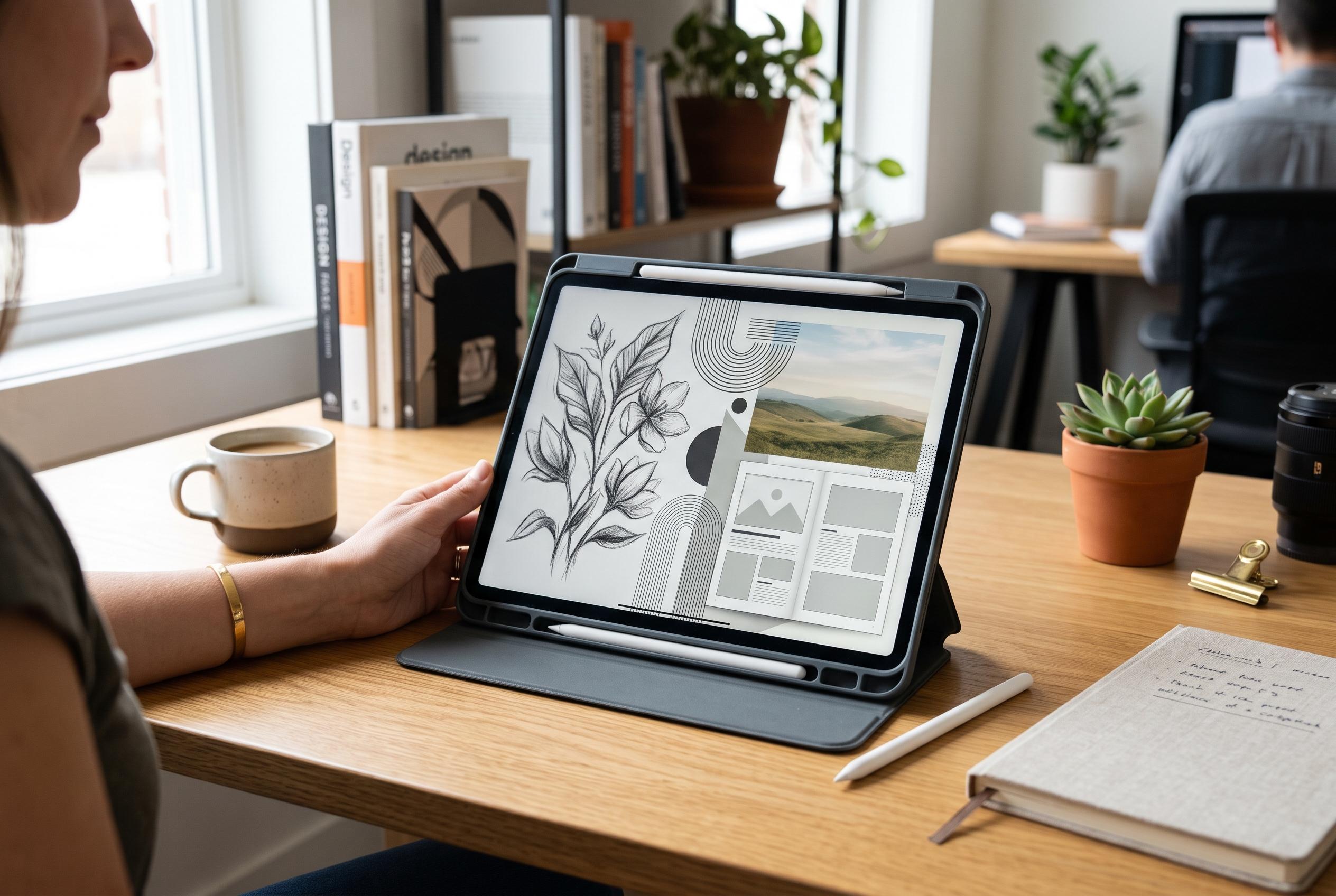

The touch-first app combines sketching, vector design, photo editing and page layout in one project file, with core creative tools free for individual users.
Canva has brought Affinity to the iPad in a single, touch-first application that folds sketching, vector design, photo editing and page layout into one workflow. In its announcement, the company said the app was built to remove the repeated exporting and app-switching that often slows creative projects, allowing work to move from a rough sketch to a finished document inside one .af file. The release also marks a broader push to make Affinity’s tools more accessible on mobile hardware, with core features offered free to individual users.
The new iPad version centres on four workspaces: Sketch, Vector, Pixel and Layout. According to Canva and Affinity, that structure lets users move smoothly from freehand drawing to editable curves, image retouching and print-ready page composition without leaving the same project. The app also includes Sketch Studio, which is designed for Apple Pencil and touch input, so pressure and tilt affect strokes directly on the canvas. Canva said the release was requested by the Affinity community and is intended to make the iPad a more complete production device rather than just a companion screen.
Affinity’s product page says the app supports RAW image editing, composite work, multi-page documents and non-destructive changes within a single project file. It also notes that some desktop functions are not available on iPad at launch, which suggests the tablet release is aimed at a wide but not fully identical feature set. Creative Bloq reported that the software extends Apple Pencil Pro support to features such as barrel roll, squeeze and hover, while Digital Trends said the app was scheduled to arrive on 3 November 2026.
For users evaluating creative software, the main significance is practical: the iPad version now unifies tasks that were previously spread across separate tools, reducing friction in mixed workflow projects. Canva says the core creative functions are free for individuals, while Canva AI Studio features require a premium plan. That pricing model places the new app directly against established subscription-based creative suites, but with a notably simpler document structure and a stronger emphasis on direct stylus input.
Disclaimer: This content is intended for informational purposes only. Readers are advised to exercise their own judgement, conduct due diligence, or consult a qualified expert before acting on any information provided.