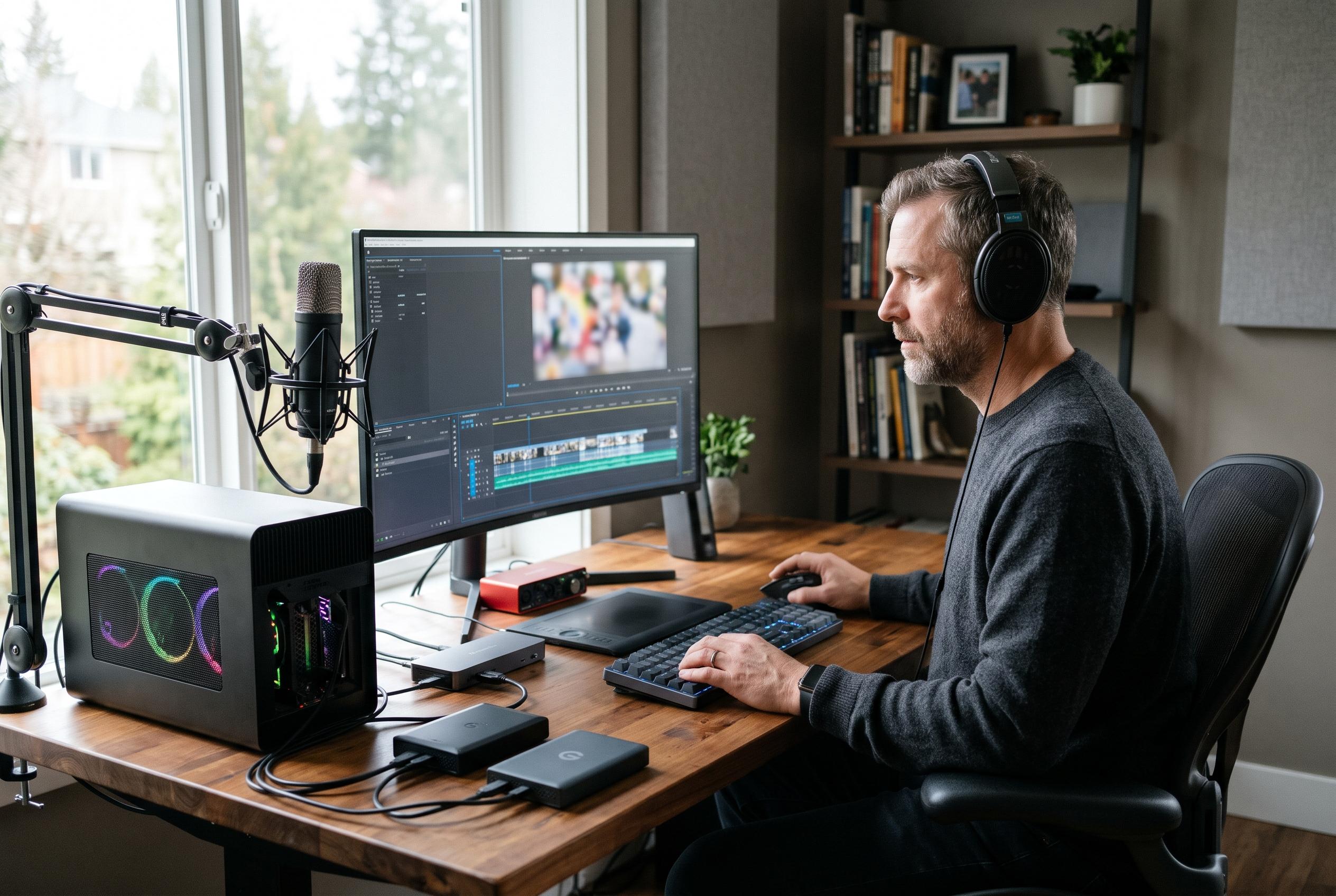

The cross-platform editor combines offline Whisper transcription, GPU-accelerated effects and watermark-free exports without sending creators’ footage to the cloud.
Clovercut is being positioned as a desktop video editor for creators who want modern tools without handing their files to a cloud service. The open-source project is built for Linux, Windows and macOS, and it combines a multi-track timeline, contextual panels and keyboard-driven workflows with a clear emphasis on local editing, data control and no-watermark exports. In that respect, it sits within a wider wave of open-source, privacy-focused editors that are trying to match the convenience of mainstream creator software while keeping processing on the user’s own machine.
Technically, Clovercut leans on a Rust core, a Slint-based interface and GPU acceleration through WGSL compute shaders. That design choice matters because it suggests the project is aiming for responsive playback, faster visual effects and a desktop workflow that can handle more demanding projects without relying on browser-based rendering. Several newer rivals are taking a similar path: ArtDaddy, OpenReelio and SynthCut all stress local processing, GPU-assisted export and cross-platform support, while Velocut goes further by using a Rust/WASM engine and WebGPU in the browser. Instush follows the same privacy-first logic, although it runs entirely client-side in a web browser rather than as a native application.
One of Clovercut’s most distinctive features is its offline subtitle generation with OpenAI Whisper. According to the project description, captions are produced locally on CPU or GPU after the model is downloaded, which means audio files do not need to leave the device for transcription. That is an important selling point for journalists, educators and small production teams handling sensitive material. The subtitle system also includes styling controls such as font, outline, shadow and background, and it can export to SRT for use in other editing or publishing tools. Similar AI-assisted captioning is now common across this category, with ArtDaddy, SynthCut and OpenReelio all highlighting automated captions as part of their local-first toolsets.
Clovercut also tries to reduce the friction of everyday editing. It includes a stock-style asset library for animated stickers through GIPHY, audio browsing through OpenGameArt and Freesound, and YouTube-linked audio resources with licence and credit information that can be copied for later use. The editor further supports reusable clips, duplicated groups, favourite effects and multi-track compositing, alongside GPU-powered transitions such as Barn Door, Circle Close, Cover, Wipe, Pixelize and Glitch. Export support is broad for an open-source project, covering MP4 with H.264, ProRes and AV1, up to 60 frames per second. Clovercut is currently available as an AppImage for Linux, with source code released under the AGPL, making it one of several emerging editors that are trying to make desktop video production more capable without subscription fees or mandatory cloud workflows.
Disclaimer: This content is intended for informational purposes only. Readers are advised to exercise their own judgement, conduct due diligence, or consult a qualified expert before acting on any information provided.