

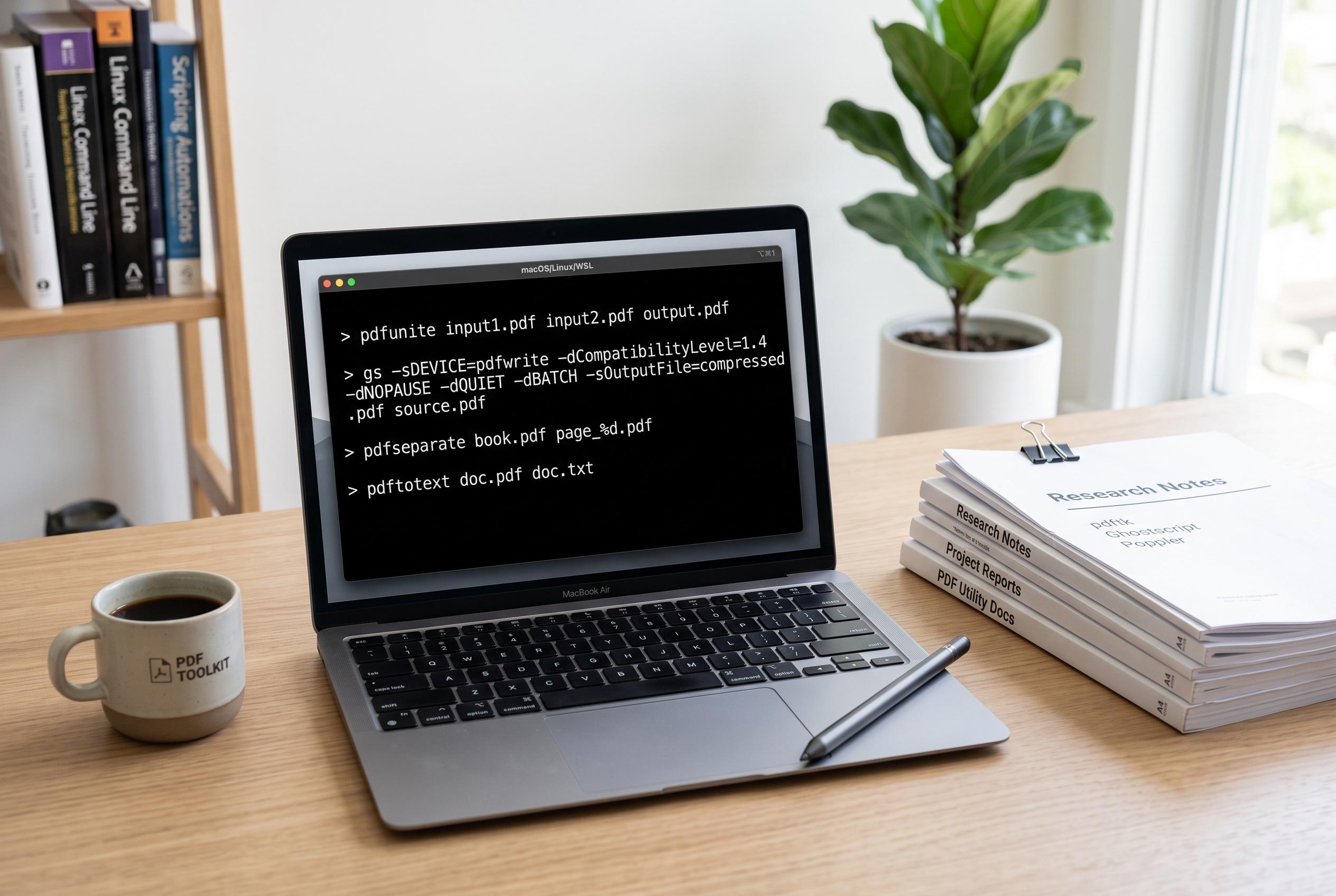

A suite of free command-line utilities offers a powerful alternative to commercial PDF software, enabling users across Linux, macOS, and Windows Subsystem for Linux to extract, merge, split, and convert PDF documents directly from the terminal.
Many people assume serious PDF work requires Adobe Acrobat or a dubious online converter, but several command-line tools can handle the most common jobs for free on Linux, macOS and Windows Subsystem for Linux. How-To Geek highlights a practical set of utilities that can extract text, split files, merge documents and convert PDFs into other formats without leaving the terminal.
For turning a PDF into editable text, the article points to pdftotext, a Poppler utility that writes the contents of a document into a plain text file. Related documentation from ForrestCLI and LinuxCommand.dev notes that the tool can also handle page ranges and is widely available across major Linux distributions, making it useful for quick extraction jobs and batch processing.
If HTML is a better target, pdftohtml does a similar job by converting a PDF into a web page or a set of HTML files. Package listings for openSUSE and FreeBSD, along with command references from Mankier, show that it is also part of the Poppler family and can be installed on several Unix-like systems through standard package managers.
The same toolkit includes pdfunite, which combines multiple PDFs into one file, and pdfseparate, which splits a document into individual pages. How-To Geek also notes that pdfseparate can extract only a chosen page range, which makes it handy when you need to pull out a section without editing the original file in a graphical application.
For image output, pdftoppm can render each page of a PDF as an image file, such as PNG. That makes it useful when a document needs to be shared as single-page graphics, posted online or inserted into another project without preserving the full PDF format.
The article also singles out qpdf as a more flexible all-rounder. It can extract specific pages, join multiple PDFs and linearise a document so the first page loads quickly in a browser. That last feature is especially useful for large files intended for web viewing. By contrast, img2pdf works in the opposite direction, taking a set of pictures and packaging them into a PDF.
Taken together, the tools offer a lightweight alternative to commercial PDF software for routine tasks. For anyone comfortable with a terminal window, they cover most of the basic workflows that people usually expect to pay for.
Disclaimer: This content is intended for informational purposes only. Readers are advised to exercise their own judgement, conduct due diligence, or consult a qualified expert before acting on any information provided.



