

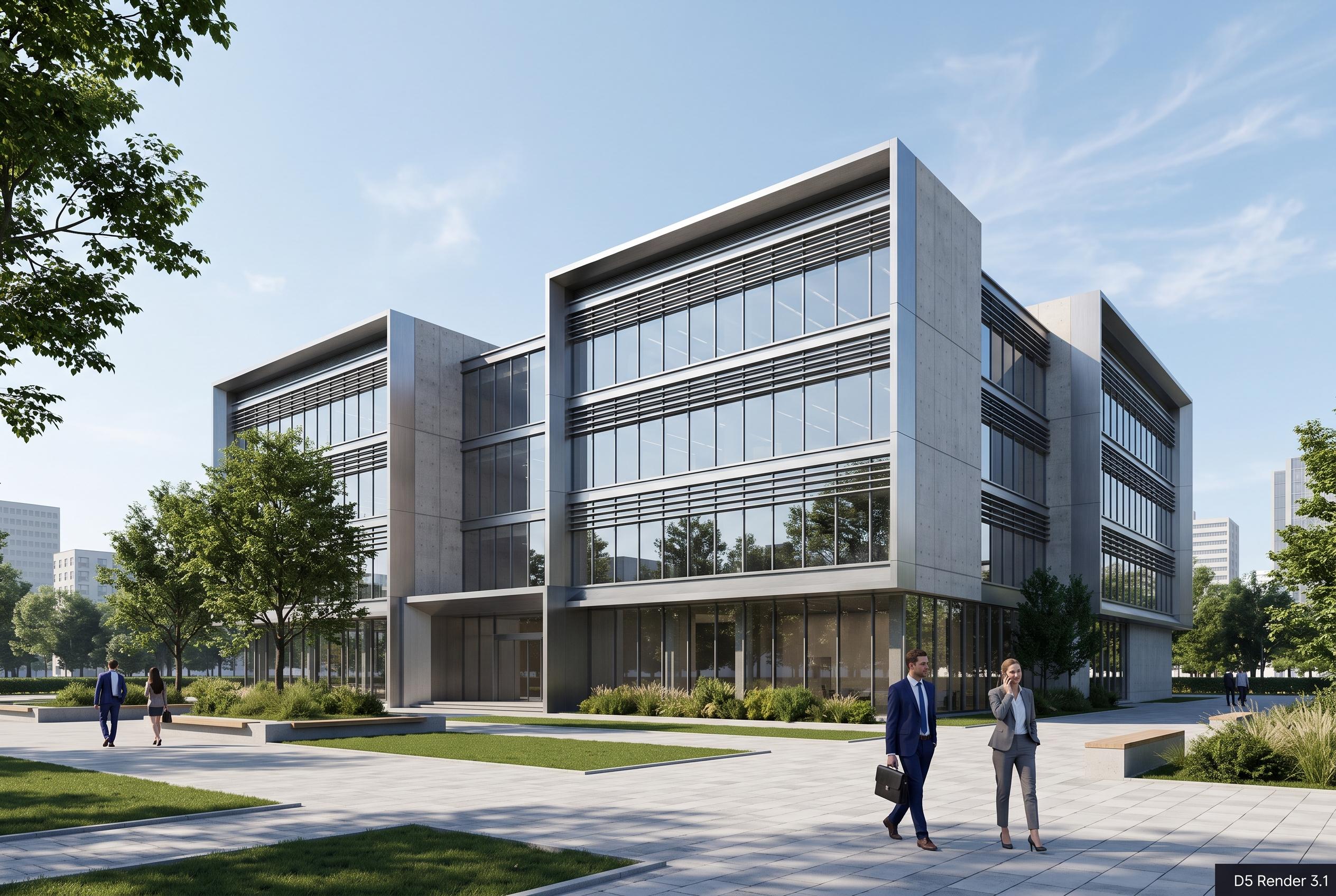

The latest update to D5 Render introduces interactive presentation features and immersive review tools, shifting architectural visualisation from static imagery to a real-time, collaborative workflow that enhances client engagement and decision-making.
Architectural visualisation has long been judged by how closely it could imitate a finished building. D5 Render 3.1 suggests the real shift is elsewhere: not in sharper images alone, but in making presentation part of the design process itself. The update is aimed at teams that need to move between explanation, comparison and decision-making without leaving the live project.
Its main addition is Interactive Presentation, a workflow that keeps the structure of a slide deck while allowing presenters to work from the actual model. Viewpoints, design schemes, material choices, lighting, weather and object visibility can all be changed within the same session. According to D5 Render, that makes it possible to answer client questions or test alternatives during the review, rather than preparing a new set of images each time the discussion changes.
The release also leans more heavily into immersive review. D5 Render says Stereoscopic Panorama is designed to help viewers judge depth, scale and material relationships in VR, while Spatial Tour has been refined with faster scene generation, smoother movement between interior and exterior spaces and dollhouse views for navigating more complex projects. These tools do not replace still renderings or animations, but they widen the ways a project can be understood.
D5 Lite has also been extended beyond SketchUp to Rhino and Revit, bringing real-time visualisation earlier into the modelling workflow. The company positions that tool as a way to support concept work, façade studies and iterative testing before a project reaches full presentation mode in D5 Render. The broader message of the release is clear: as architectural practice becomes more collaborative and more fluid, visualisation is shifting from a final output to a continuous working environment.
Disclaimer: This content is intended for informational purposes only. Readers are advised to exercise their own judgement, conduct due diligence, or consult a qualified expert before acting on any information provided.



