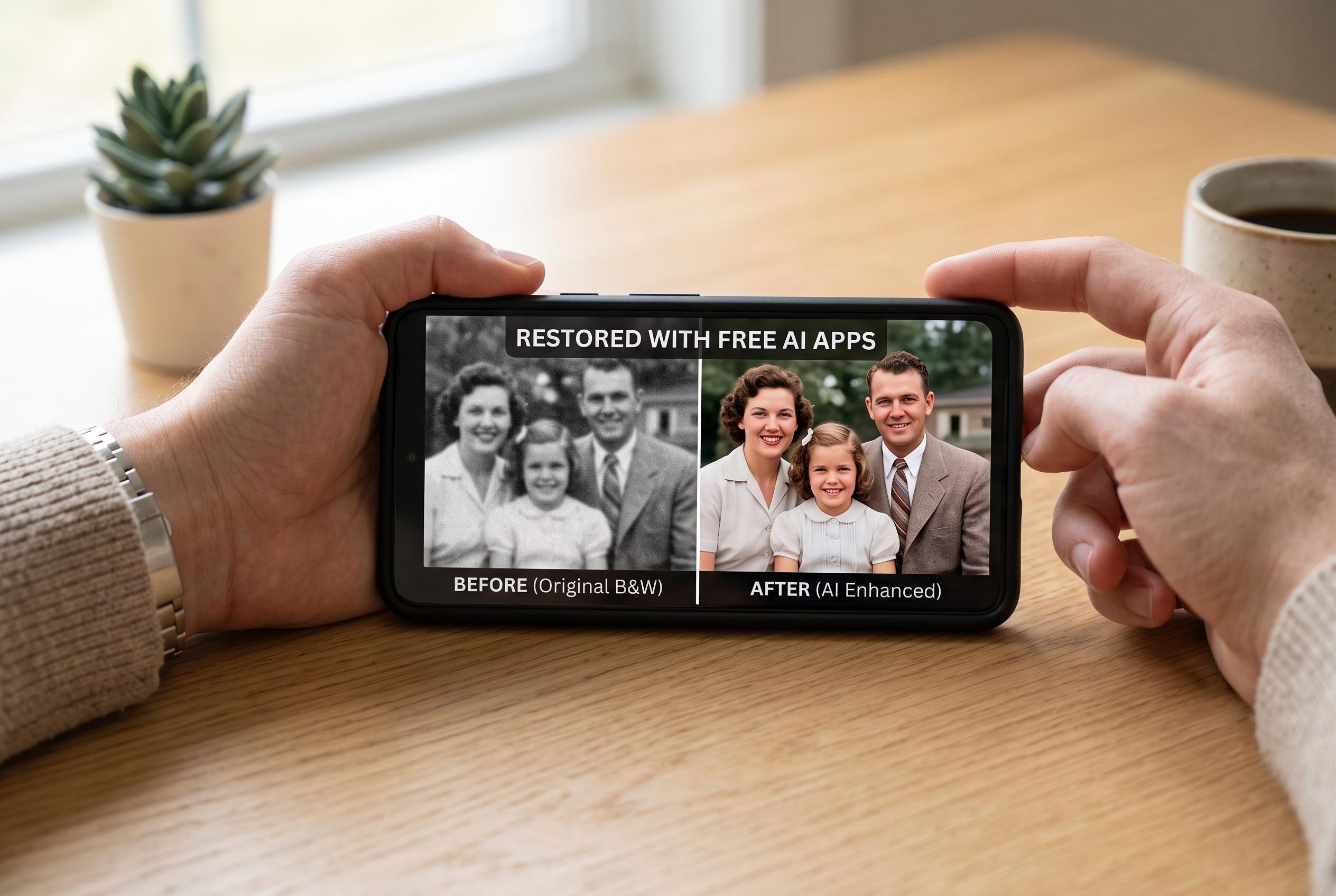

A new wave of free and freemium apps harness AI technology to simplify photo enhancement, unblurring, and face improvement, providing casual users with accessible tools to revive and clean old family pictures and product images without specialised desktop software.
Blurry photographs are no longer a dead end for casual users. A growing set of free or freemium apps now offers one-tap restoration, face enhancement, colourisation and unblurring tools that can make old family pictures, portraits and product shots look cleaner without desktop software. Apple’s App Store listings for Clearify, Fairy Magic, Remini and PhotoApp all describe AI systems built to sharpen soft images, restore damaged photographs and improve facial detail, while Fotor and Media.io promote browser-based unblur tools that work without installation.
The appeal is straightforward: many blurred images are not lost, just degraded. Handshake, poor focus, motion, low light and compression all reduce visible detail, and enhancement software tries to reverse some of that damage by analysing edges, faces, noise and resolution. In practice, the best results usually come from the original file rather than a screenshot, a forwarded message or a heavily compressed copy, because each extra save can strip away more information before the repair begins. That principle is consistent with the guidance given by Fotor and Media.io, which both position their tools as quick online fixes for low-quality images.
Among the current options, Remini remains one of the best-known names for portrait recovery. Its App Store listing says it uses AI to improve old, blurry photos, repair damaged images and refine selfies and facial photos, and it has been widely used for restoring personal snapshots. Clearify takes a similar approach, with a focus on unblurring and colourising old photographs, while Fairy Magic is pitched towards low-resolution and historical face restoration. Those tools can be effective for worn family pictures, but they may also reconstruct details rather than recover them exactly, which is why the enhanced version should never replace the untouched original.
For users who prefer a browser workflow, Fotor and Media.io offer simpler routes. Fotor says its unblur feature is free to try, requires no sign-up and produces downloadable high-definition output, while Media.io promotes an automatic sharpener that aims to remove blur without halos or obvious artefacts. That makes browser tools attractive for quick fixes on mixed devices, especially when someone wants to improve a photo on a laptop without installing software. PhotoApp sits between the two approaches, combining mobile convenience with AI enhancement and a large volume of processed images, according to its App Store description.
The limits remain important. No app can reliably recreate information the camera never captured, and the more severe the blur, the greater the risk that the software will invent plausible-looking detail. That is acceptable for a social media portrait or a nostalgic family image, but it is far less acceptable for evidence, identity checks, records or any image where accuracy matters more than appearance. Users should also treat free plans carefully, since many apps reserve higher-resolution exports, extra processing or advanced models for paying customers. The App Store listings for Clearify, Fairy Magic, Remini and PhotoApp all note in-app purchases.
The most practical approach is still the simplest one: start with the best source file, apply only moderate sharpening, compare the before and after view closely and keep the original untouched. For old photographs, face restoration and colourisation may be useful; for product shots, natural contrast and clean edges matter more; for text or documents, enhancement should be treated cautiously because a clearer-looking image is not always a more accurate one. Free tools have made the process much easier, but they have not changed the basic rule that enhancement is a substitute for lost detail.
Disclaimer: This content is intended for informational purposes only. Readers are advised to exercise their own judgement, conduct due diligence, or consult a qualified expert before acting on any information provided.