

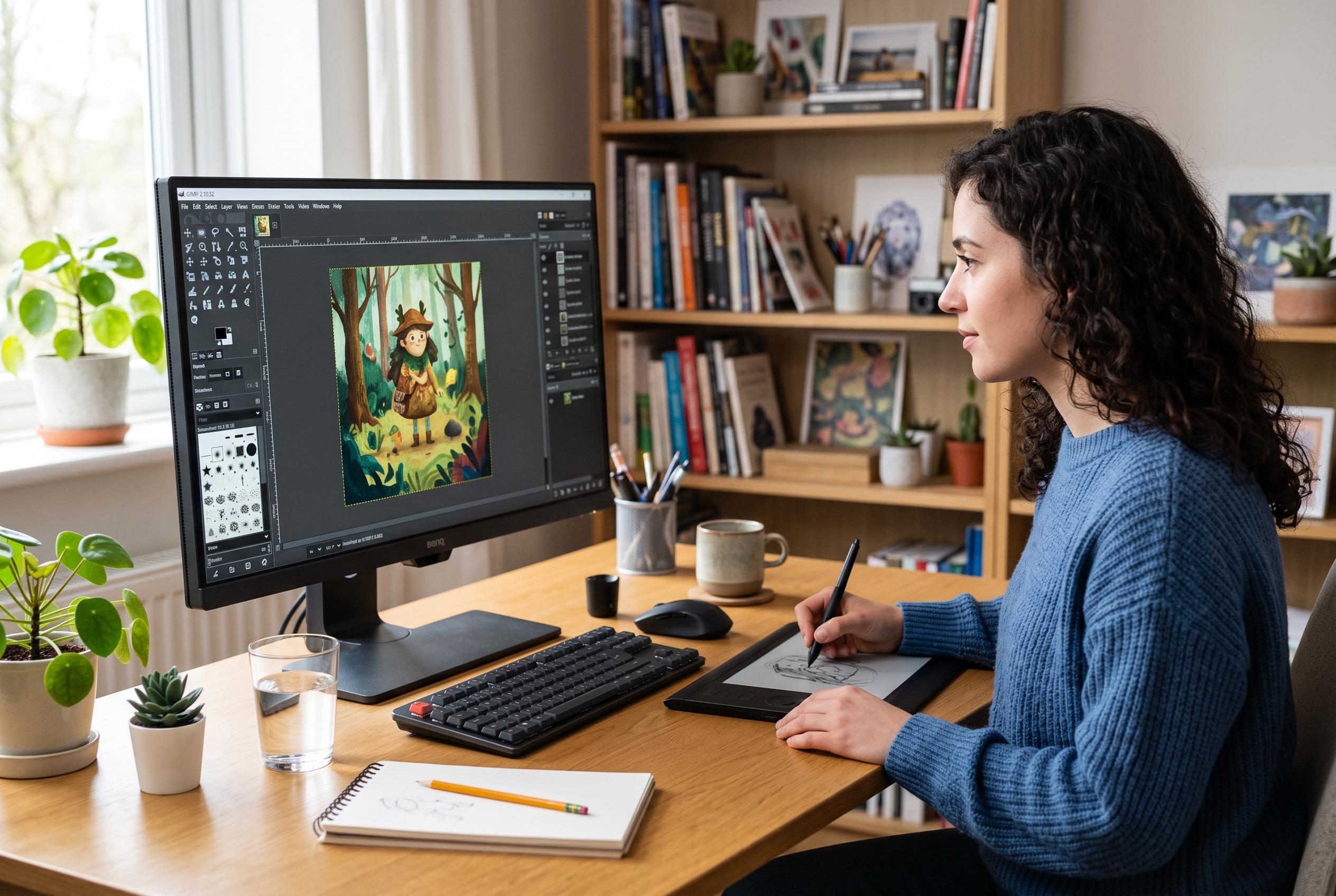

Despite its interface and high-end feature limitations, GIMP continues to be a versatile and accessible option for digital artists, hobbyists, and small teams seeking professional-quality image editing without the subscription costs of Adobe’s Photoshop.
GIMP remains a credible option for creating graphics, despite its long-standing reputation as a free alternative to Photoshop. According to comparison guides from TechRadar, PCWorld and Digital Trends, it offers a broad set of image-editing tools, runs on Windows, macOS and Linux, and gives users access to professional-grade functions without a subscription. The trade-off is a less polished interface and a steeper learning curve than Adobe’s software.
Its open-source model is one of its main strengths. Because the software is free to use and extend, users can add plugins, adapt workflows and rely on a community that continues to maintain and improve the programme. Several of the supplied comparisons note that this flexibility makes GIMP especially attractive to students, hobbyists and small teams looking to avoid recurring licensing costs.
For practical graphic work, GIMP covers most of the essentials. It supports layers, masks, brushes, selections and filters, which is enough for compositing images, preparing web graphics and building digital artwork from scratch. The software is particularly useful for raster-based work, where pixel-level control matters more than vector scalability.
Where GIMP falls short is in a few high-end production features. The comparison pieces agree that it does not yet match Photoshop’s native CMYK support or its fuller non-destructive editing workflow. That makes Adobe’s tool better suited to print-heavy studios and users who depend on advanced adjustment layers, Smart Objects and integrated camera-raw processing.
Even so, those limitations do not stop GIMP from handling a wide range of design tasks well. The cited guides say it is capable of photo retouching, background removal, banner design, interface mock-ups, social media graphics and digital painting. For many users, that is enough to cover everyday creative work, particularly when speed, cost and accessibility matter more than niche professional features.
The learning experience is another factor. Reviewers note that GIMP can feel less intuitive than Photoshop at first, partly because of its different workflow and interface structure. Yet the same sources also point out that it is supported by a large tutorial ecosystem and an active community, which helps new users overcome the initial adjustment period.
For anyone asking whether graphics can be created in GIMP at a serious level, the answer is yes. It is not the closest match to Photoshop in every respect, but it is a capable, flexible and cost-free tool that remains relevant for a wide range of design and editing jobs. For many creators, that combination is enough.
Disclaimer: This content is intended for informational purposes only. Readers are advised to exercise their own judgement, conduct due diligence, or consult a qualified expert before acting on any information provided.



