

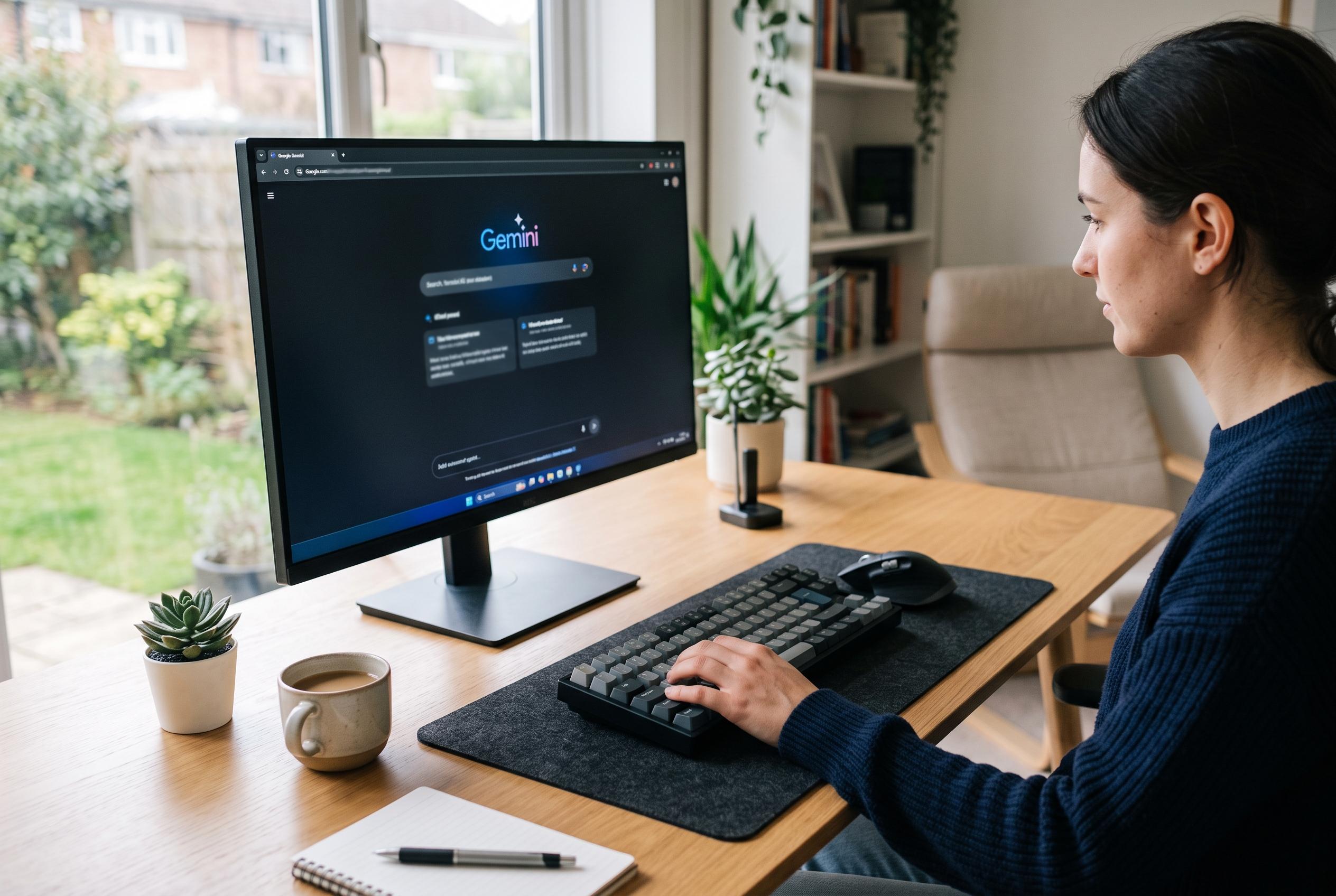

Google has launched a Windows desktop app for Gemini, integrating the AI assistant directly into the workflow with a global Alt+Space shortcut to improve productivity and connectivity with Google services.
Google has moved Gemini further into the desktop workflow with the launch of a Windows app that lets users call up the assistant without opening a browser. The company said the software is available worldwide on Windows 10 and Windows 11, extending support after releasing a Mac version in April.
The most notable feature is a global shortcut, Alt+Space, which brings Gemini into view over the active screen. That design is meant to let users check text, summarise material or draft a title, then return to their previous task without switching away from the window they were using. Google says the app is intended to stay light and unobtrusive.
The desktop release also connects Gemini more closely with Google’s wider services. According to Google’s desktop page, the app can draw on Gmail, Drive, Docs and Calendar, which makes it more useful for tasks such as searching through material, assembling project notes or producing summaries from connected accounts. 9to5Google reported that the Windows version also supports image and video generation, using Google’s “Nano Banana” and Gemini Omni tools.
The rollout underlines Google’s effort to position Gemini as a workplace utility rather than a chatbot that users must deliberately open in the browser. By embedding the assistant into Windows itself, Google is trying to make AI support available at the moment it is needed, particularly for writing, research and presentation work. The company also says it plans to add more native Windows features over time.
Disclaimer: This content is intended for informational purposes only. Readers are advised to exercise their own judgement, conduct due diligence, or consult a qualified expert before acting on any information provided.



