

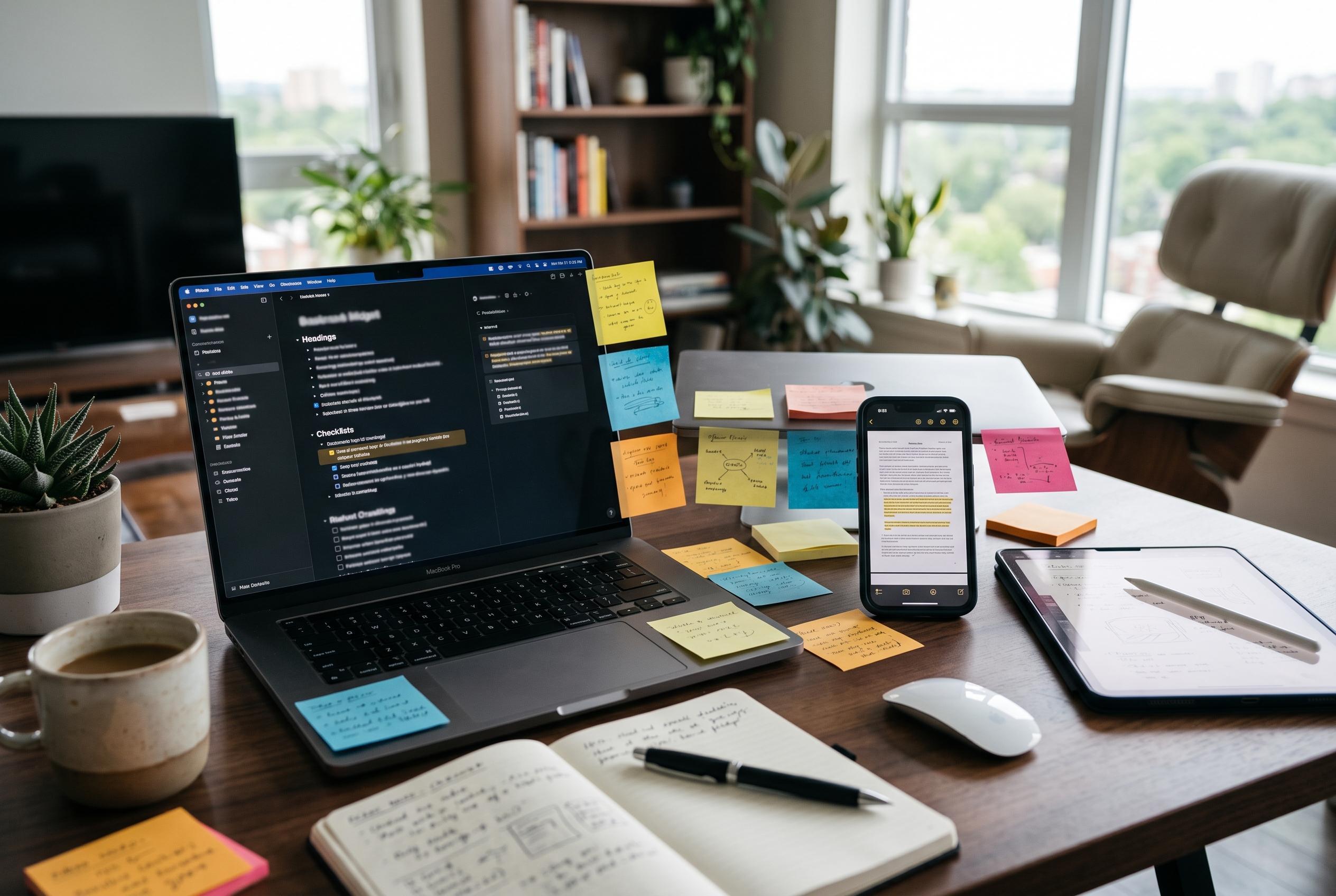

Google Keep evolves beyond a simple note app by adding sophisticated organisation options, OCR text extraction, and seamless integration within Google Workspace, making it more versatile for both personal and professional use.
Google Keep has long been treated as a lightweight note app, but its value comes from how much it can do without getting in the way. That restraint is part of the appeal. It syncs across devices, supports notes, lists, photos, drawings and audio, and can be shared with other people in real time, according to Google Workspace. The app also works offline and ties into the wider Google ecosystem, which helps explain why it remains useful for both quick personal reminders and more organised work.
One of the most practical features is text extraction from images. Google Keep uses optical character recognition to turn text inside a photo or screenshot into editable, searchable copy. That makes it useful for saving recipes, receipts, handwritten notes or menu details without retyping them. Google’s own support material and third-party technical references describe OCR as a way to pull text from visual content and store it in a form that can be searched later.
Sharing is another area where Keep is more capable than its simple interface suggests. Google says collaborators can be added to notes, lists, drawings, images and audio recordings, and that shared notes can be edited in real time. In practice, that makes the app suitable for planning a trip, building a shopping list or coordinating ideas without sending repeated screenshots or separate message threads.
Its integration with Gmail is also easy to overlook. Google Keep sits in Gmail’s right-hand sidebar, allowing users to save an email idea or reference note without leaving the inbox. For people who receive a stream of tasks, links or article assignments, that shortcut can keep important material from disappearing into a crowded mailbox. Google Workspace says notes can also be moved into Docs later, which extends that workflow into longer-form writing.
Voice input adds another layer of convenience. Keep can record spoken thoughts and transcribe them into text, which is useful when typing is awkward or an idea appears at an inconvenient moment. Because the recording can be removed once the transcription is saved, the result stays neat and readable. The feature is not the app’s main attraction, but it is a sensible option for capturing fleeting information quickly.
Organisation is where Keep quietly becomes more powerful. Labels make it possible to separate work, recipes, travel plans and personal reminders, while Google has also added sorting by date created or date modified, according to Android Central. Those small controls matter because Keep is designed to stay simple even as a library of notes grows. That balance is what makes it more enduring than many flashier note-taking tools.
Disclaimer: This content is intended for informational purposes only. Readers are advised to exercise their own judgement, conduct due diligence, or consult a qualified expert before acting on any information provided.



