

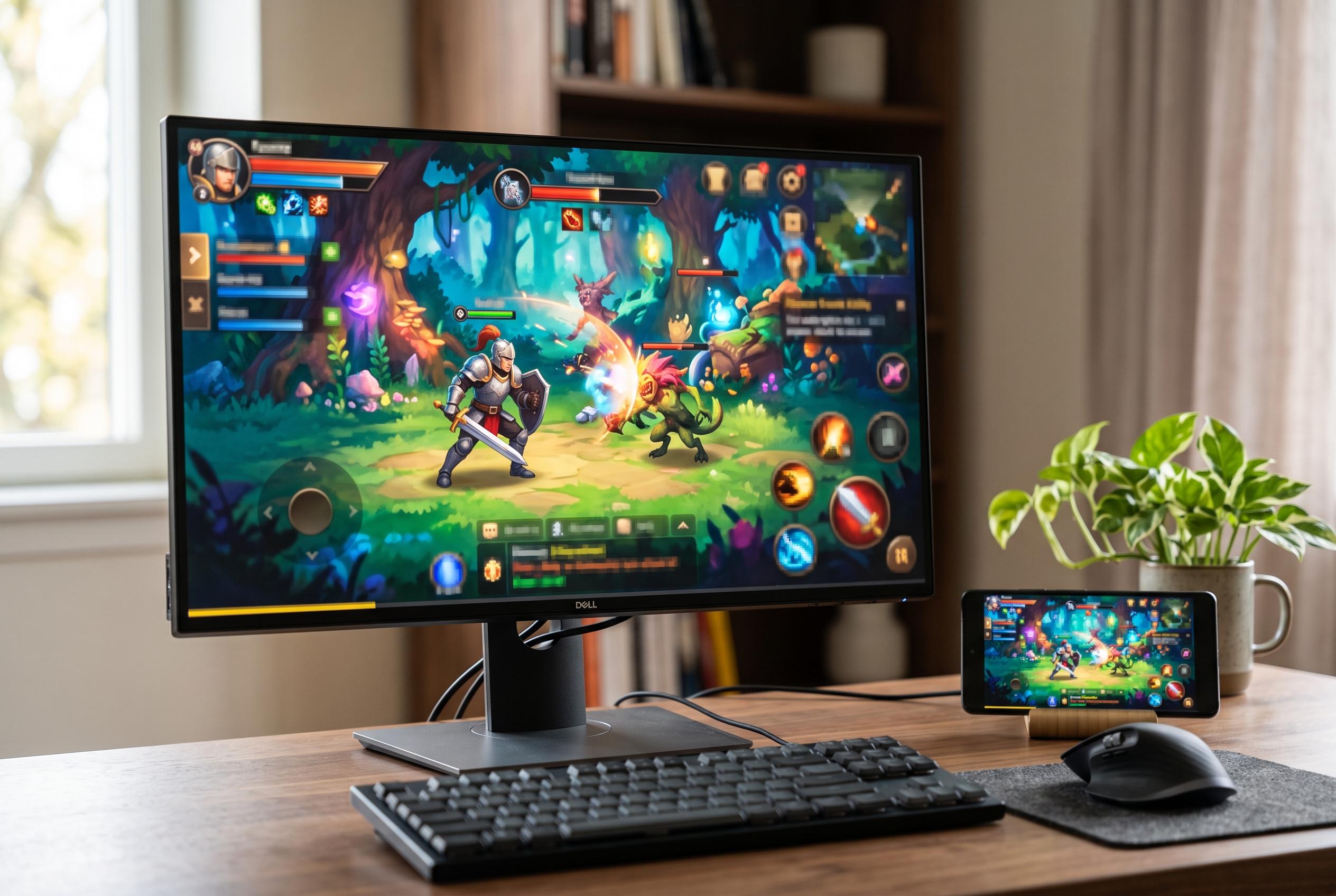

Google launches a dedicated PC version of its Play Games service, enabling smoother integration and broader compatibility for Android titles on Windows, with features like progress sync, multiplayer, and a growing game library.
Google Play Games for PC brings a more controlled way to play Android titles on a Windows machine. The service is designed to let players move between phone, tablet, Chromebook and PC while keeping progress, purchases and account data in sync. Unlike a generic Android emulator, it is built by Google with developer support, which generally gives it stronger compatibility and tighter optimisation. Google also positions the service as a full gaming platform, with access to points, rankings and multiplayer features where supported.
Before installation, the system has to meet Google’s minimum requirements. According to Google’s support documentation, this means Windows 10 version 2004 or later, an SSD with at least 10GB of free space, 8GB of RAM, an Intel UHD Graphics 630-class GPU or equivalent, a processor with four physical cores, a Windows administrator account and hardware virtualisation enabled. For better results, Google recommends a gaming-capable GPU such as the Nvidia GeForce MX450 and a processor with eight logical cores.
Hardware virtualisation is a key requirement. Google says it should be checked in Windows Task Manager and, if it is not enabled, switched on in the system firmware settings, often described as BIOS or UEFI. The company also says Windows Hypervisor Platform must be enabled before Google Play Games can run properly, although this is handled through a standard Windows prompt and restart rather than a manual configuration process.
Installation begins by downloading the official PC application and following the on-screen setup steps. Google’s guidance says users must sign in with a Google account, ideally the same one used on Android, to preserve synchronised game progress and library data. During first launch, the app can also show previously installed mobile titles and offer a direct path to install them on the PC version.
Once set up, the interface is organised around discovery and library management. Google’s service highlights featured games, previously played titles, suggested selections and offline options, while also allowing users to search, install and remove games from the collection area. The official site says the catalogue now spans more than 200,000 games across mobile and PC, reinforcing the service’s role as a bridge rather than a separate gaming ecosystem.
Disclaimer: This content is intended for informational purposes only. Readers are advised to exercise their own judgement, conduct due diligence, or consult a qualified expert before acting on any information provided.



