

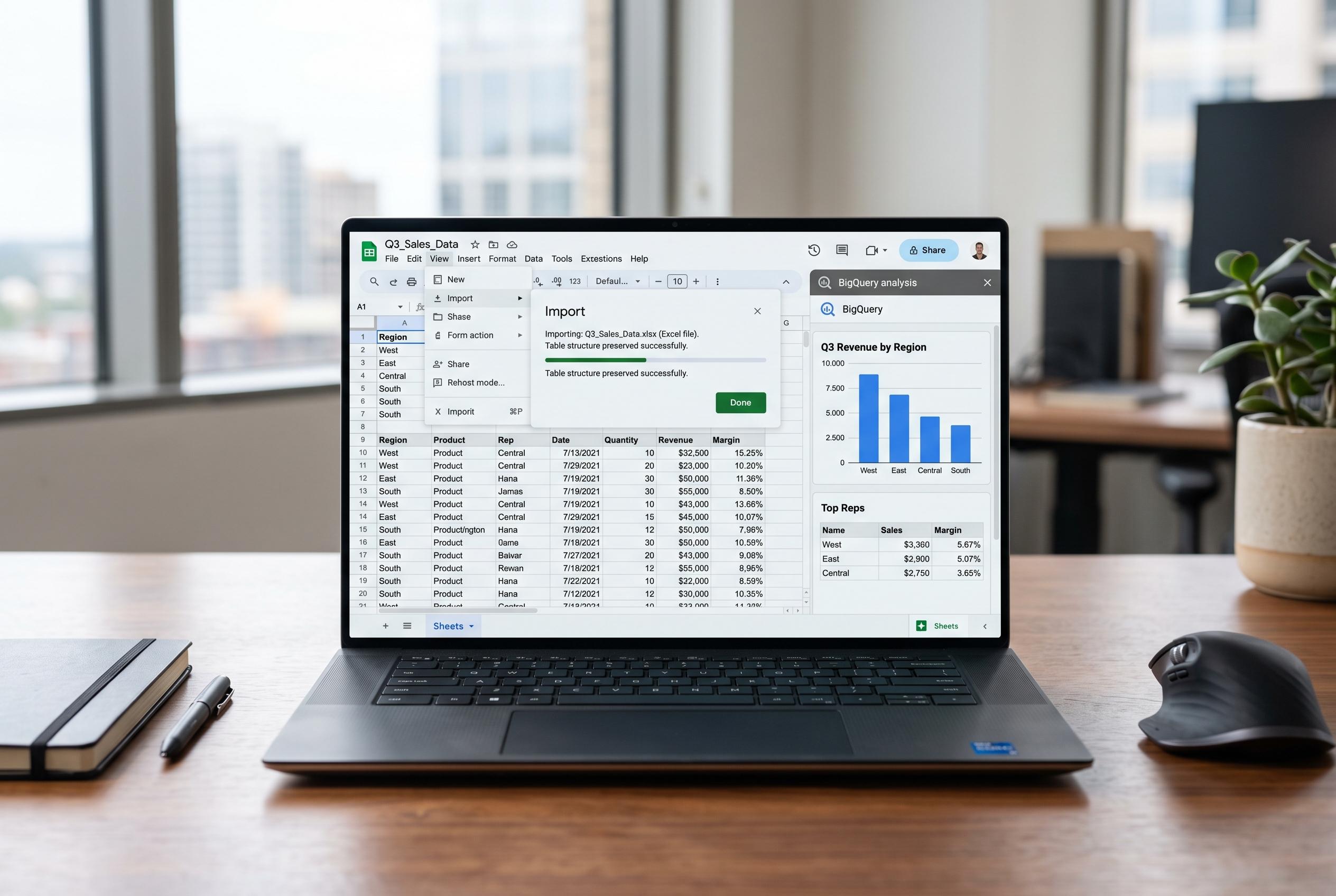

Google updates Sheets to improve Excel import accuracy by preserving table structures and introduces new Connected Sheets tools to streamline BigQuery data analysis for non-technical users.
Google is updating Sheets to make Excel imports more faithful and to give Connected Sheets users more control when analysing BigQuery data. The changes come as Google continues to position Sheets as a lighter-weight workspace for structured data, with support for table references already built into the product and Connected Sheets designed to handle larger datasets than a standard spreadsheet can comfortably manage.
The most immediate change is that Excel tables now import as native Google Sheets tables rather than losing their structure in translation. According to Google’s help material on table references, native tables preserve clearer formula syntax and structured components such as headers and columns, which makes them easier to maintain than ad hoc cell ranges. In the new import flow, table formatting, sort controls and table structure are retained, while Excel pivot tables based on table ranges are brought across as interactive pivot tables instead of flattened grids.
That matters because users importing business spreadsheets often spend time rebuilding functionality that already existed in Excel. Google says the updated import process reduces that cleanup work and lets people start working on the file immediately rather than recreating tables or pivot layouts by hand. Table imports are available now, while linked pivot table support is rolling out gradually to Workspace domains and personal accounts.
Google is also adding two Connected Sheets features aimed at making BigQuery analysis easier for non-specialists. Connected Sheets documentation explains that the tool is meant to let users query, refresh and analyse BigQuery data directly inside Sheets, including pivot tables, charts and calculated columns. The new list parameters feature lets a range of cells act as a single BigQuery parameter, which should make it easier to build filterable reports with drop-down choices or selection grids. Column aliasing gives users friendlier names for database fields, which can make complex datasets more readable without altering the underlying source references.
Disclaimer: This content is intended for informational purposes only. Readers are advised to exercise their own judgement, conduct due diligence, or consult a qualified expert before acting on any information provided.



