

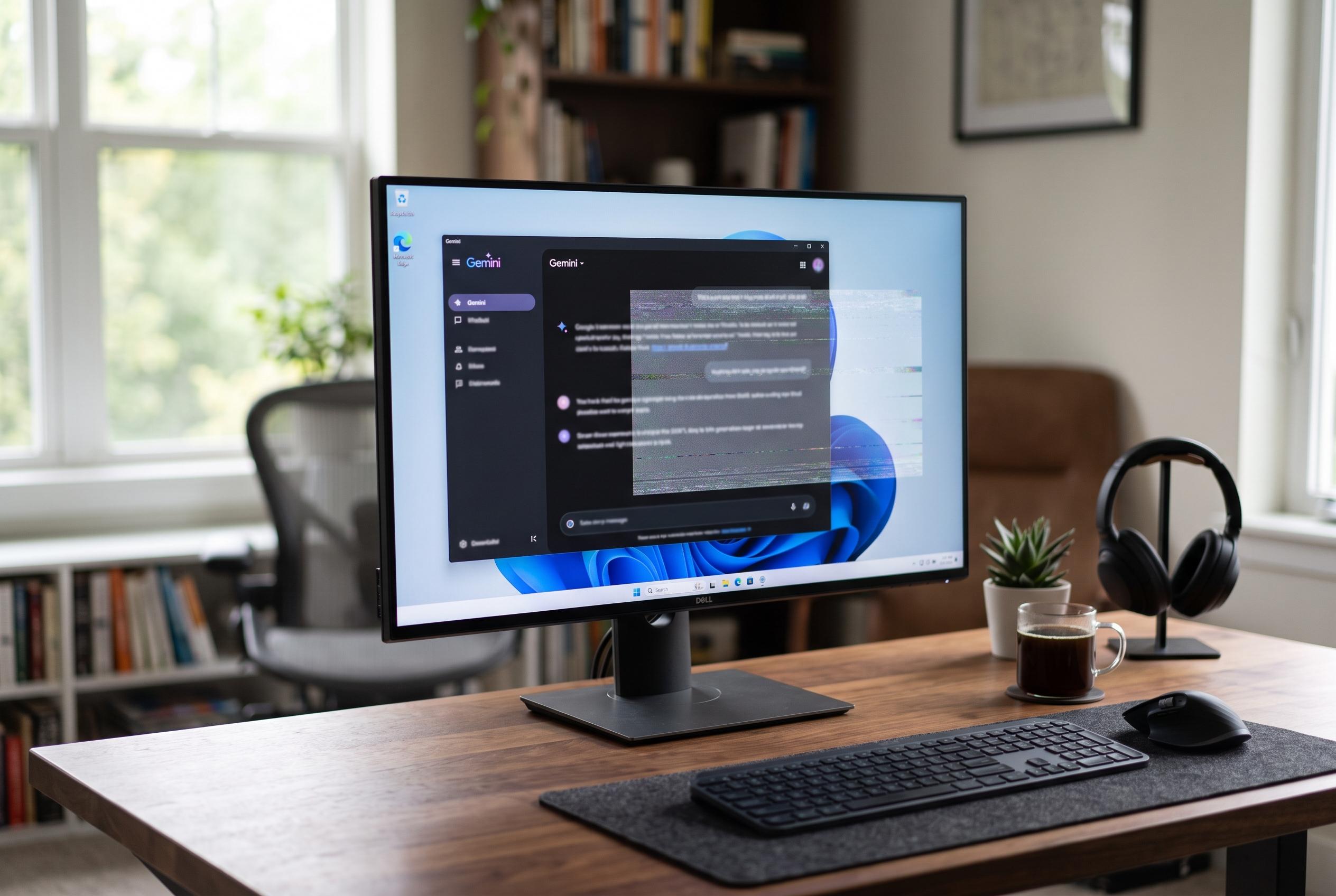

Google launches a native Gemini app for Windows 10 and 11, featuring a exclusive system-wide shortcut, but users may face hotkey conflicts and limited functionalities amid rapid ecosystem integration.
Google has released a standalone Gemini app for Windows 10 and Windows 11, bringing its assistant out of the browser and into the desktop. The key feature is a system-wide shortcut: pressing Alt + Space opens Gemini over whatever is already on screen, making it quicker to use than switching tabs or launching a separate page. TechRadar said the app is available globally for Windows users.
That convenience comes with a catch. According to Windows Central, Gemini uses the same Alt + Space shortcut as Microsoft Copilot and PowerToys Run, so some users may need to reassign hotkeys to avoid clashes. On some systems, installing the app can also take over the shortcut entirely. Google is pitching the software as a companion to normal work rather than a replacement for it, with the app designed to sit alongside other applications.
The Windows client mirrors the web version closely, but Google is also linking it to parts of its wider ecosystem. The app can connect to Gmail and Google Drive, and Google says it can help draft documents, manage tasks and generate images from the desktop. Android Authority and other reports said some more advanced features, including Gemini Spark, are limited to paying subscribers, while availability depends on country. TechRadar noted that Spark is not yet available in the UK.
The app also exposes the gap between Google’s mobile and desktop ambitions. TechRadar reported that Gemini Live, the voice-driven mode available on iOS and Android, is not yet built into the Windows version. For now, users who want to analyse what is on their screen still have to take screenshots and upload them manually. Google says more native desktop functions will arrive over time, but at launch the focus is on fast access rather than full feature parity.
There are also privacy questions. TechRadar said the app displays a user’s location in the sidebar, with no obvious way to hide it other than closing the panel. Even so, the arrival of a native Windows client marks a meaningful step for Google’s desktop strategy, especially as it tries to compete more directly with Microsoft’s own AI tools. Google’s announcement and independent coverage both suggest the company sees the desktop app as the beginning of a broader rollout, not the final version.
Disclaimer: This content is intended for informational purposes only. Readers are advised to exercise their own judgement, conduct due diligence, or consult a qualified expert before acting on any information provided.



