

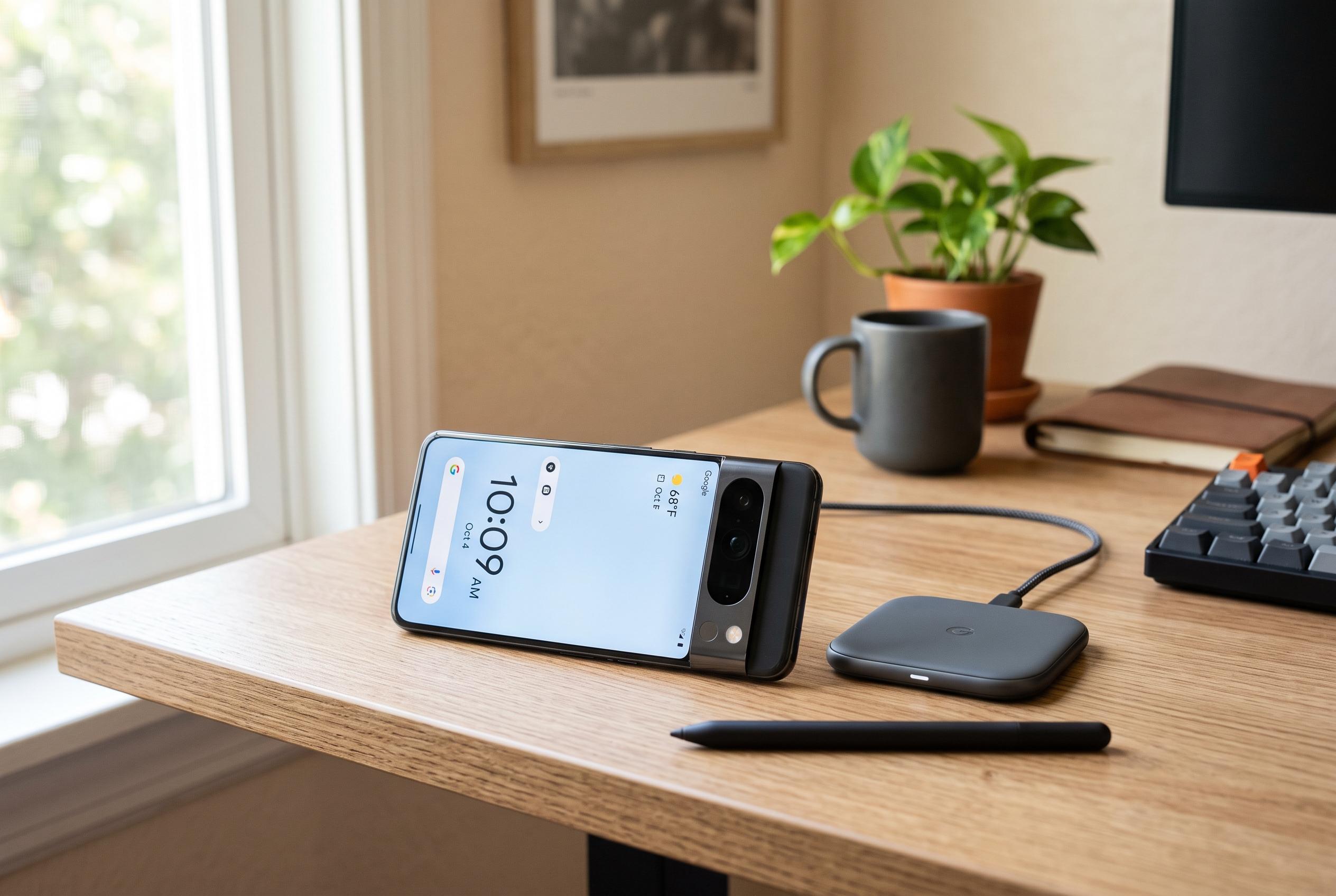

Google’s Pixel phones highlight artificial intelligence but fall short in providing a seamless and comprehensive automation system, unlike competitors like Samsung and Apple, due to fragmentation among core features.
Google has spent much of this year framing Pixel phones as devices built around “intelligence”, with Gemini at the centre of that pitch. But in the more ordinary job of device automation, the experience remains fragmented. The phone’s three related tools, Rules, Modes and Focus, are each useful in narrow ways, yet they do not combine into a coherent system.
That matters because automation has become a basic expectation on modern smartphones. Samsung offers Modes and Routines, while Apple bundles similar controls into Focus and Shortcuts. Google’s approach on Pixel is much simpler. According to How-To Geek, Rules can only respond to two triggers, Wi-Fi and location, and only perform four actions: switch on Do Not Disturb or change the phone between silent, vibrate and ring. There is no support for time-based triggers, Bluetooth accessories, NFC tags, app activity or deeper system controls.
Modes are broader, but still constrained. They let users set up custom notification behaviour for situations such as work, sleep or driving, with controls for calls, alerts, alarms and display changes. Yet most Modes on Pixel can only be automated with a simple schedule, unlike Samsung and Apple, where modes can be triggered by location, app launches, charging state, Bluetooth connections and other conditions. Android Central reported this week that Samsung is continuing to expand that system in One UI 8.5, adding options such as “Forever”, “Choose date” and “Run only once” for routines started on schedule, although manually started routines still require manual switching off.
Focus is even more limited. It is designed to block distracting apps by greying them out and preventing them from opening while the mode is active. But, as How-To Geek noted, it can only be enabled on a schedule or manually. It cannot be tied to the same kinds of triggers that Rules already uses, which makes the feature feel isolated rather than integrated. That also means a user cannot, for example, switch on Focus when arriving at a library or connecting to a specific network.
The real weakness is the lack of interaction between the three features. Rules cannot activate custom Modes or Focus, even though it already knows how to react to location and Wi-Fi. Modes cannot call up Focus. The result is a set of small tools that do not share logic with one another. Yahoo Tech described Pixel’s Rules as basic compared with Samsung’s broader automation engine, and Google’s own support forums show users asking why Pixel does not have a fuller rules system like Apple’s Shortcuts or Samsung’s routines. On current Pixel phones, Google has intelligence in the marketing, but not yet in the automation layer that many users will notice every day.
Disclaimer: This content is intended for informational purposes only. Readers are advised to exercise their own judgement, conduct due diligence, or consult a qualified expert before acting on any information provided.



