

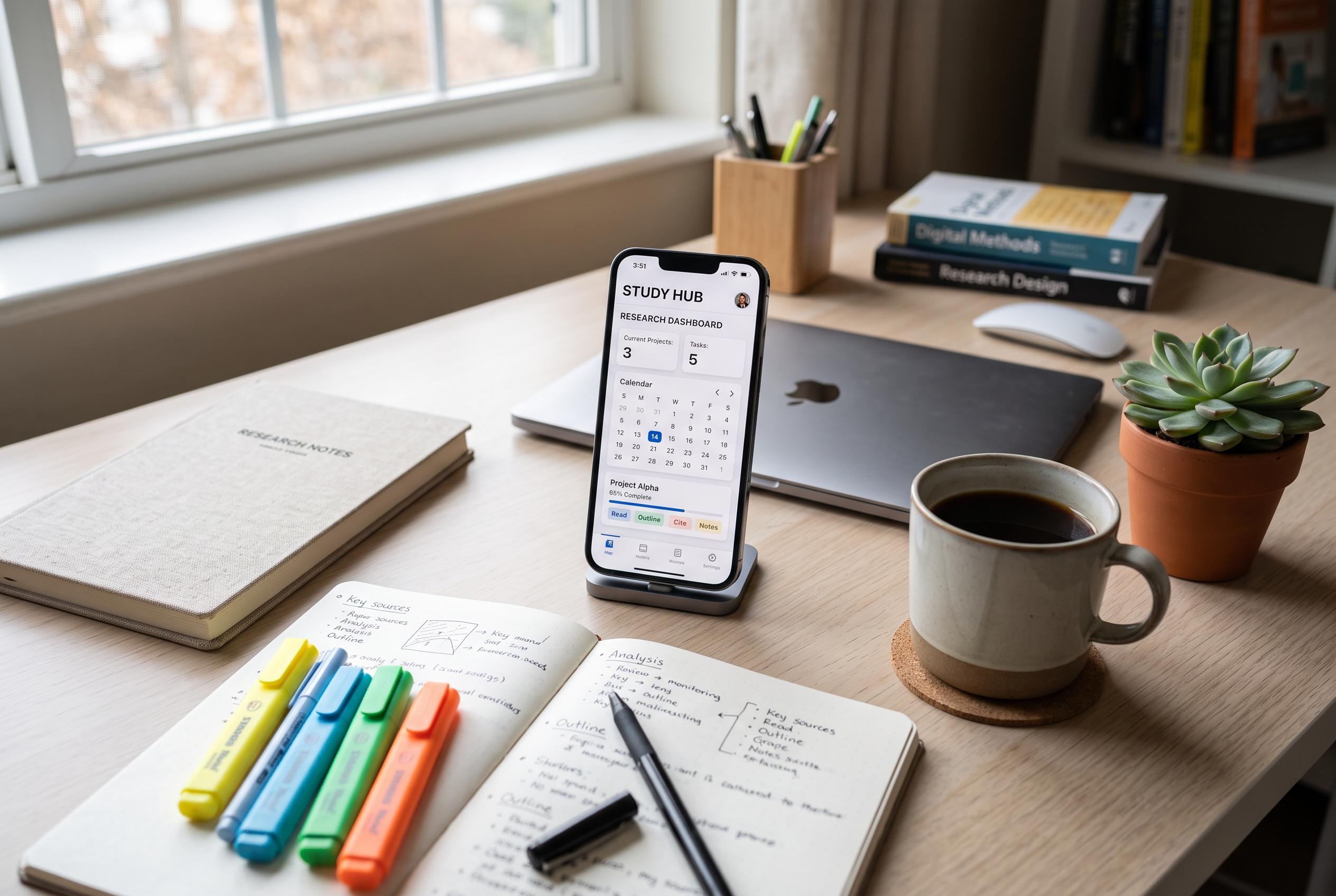

Discover lesser-known Android applications that help students organise notes, manage sources, handle PDFs, optimise revision, and maintain study habits, revolutionising traditional learning methods.
Android phones are often treated as entertainment devices first, but for students they can do far more. With the right apps, a handset can become a compact research tool, a revision aid and an organised reading system. The most useful options are not always the most obvious ones.
Obsidian is one of the strongest choices for students who need to make sense of large volumes of notes. According to Obsidian, it is built around local Markdown files, linked notes, graph views and extensive customisation, which makes it well suited to building a personal knowledge base rather than a flat list of documents. That structure is particularly useful for research-heavy and theory-led subjects, where connections between ideas matter as much as the ideas themselves.
For managing sources, Zotero is widely used because it combines collection, organisation, annotation and citation in one place. Zotero says students can save journal articles, books and web pages, automatically retrieve PDFs where available, and sort material with collections and tags. For coursework and dissertations, that can remove much of the friction that comes from keeping references scattered across browser tabs and messaging apps.
PDF handling is another area where specialist apps are more useful than default viewers. Xodo describes itself as a PDF reader and editor that supports highlighting, note-taking, scanning and file management, as well as OCR for turning scanned text into searchable text. It also supports merging, splitting and compressing files, which makes it practical for students dealing with lecture hand-outs, assignments and textbook extracts.
Revision becomes easier when memorisation is broken into smaller, repeated intervals. AnkiDroid uses spaced repetition, a method designed to present material just before it is likely to be forgotten. The app supports user-created decks, shared decks, images, sound and mathematical notation, which makes it suitable for vocabulary, formulas, definitions and other material that must be retained accurately over time.
For science and mathematics students, WolframAlpha works less like a search app and more like a computational engine. WolframAlpha says it can answer questions and perform calculations across mathematics, physics, chemistry, statistics and engineering, while its Android app includes step-by-step solutions and photo input in paid Pro features. Used properly, it is best treated as a check on working, not a shortcut around it.
Google Lens and ReadEra fill two other common gaps in student life. Google Lens can copy printed text from a camera view, translate it and help identify objects or places, which is useful when studying from books or working across languages. ReadEra, meanwhile, supports a wide range of file types, works offline, does not require registration and is ad-free in its free version, making it a sensible choice for students building a digital library of textbooks, papers and long-form reading.
The final app in the list, Loop Habit Tracker, addresses a problem that no note-taking tool can solve on its own: consistency. Its open-source, ad-free design is built around simple habit monitoring with charts and statistics, so students can track routines such as revision, reading, sleep and problem practice. The broader lesson is straightforward: the best study apps are usually the ones that remove one specific obstacle rather than trying to do everything at once.
Disclaimer: This content is intended for informational purposes only. Readers are advised to exercise their own judgement, conduct due diligence, or consult a qualified expert before acting on any information provided.



