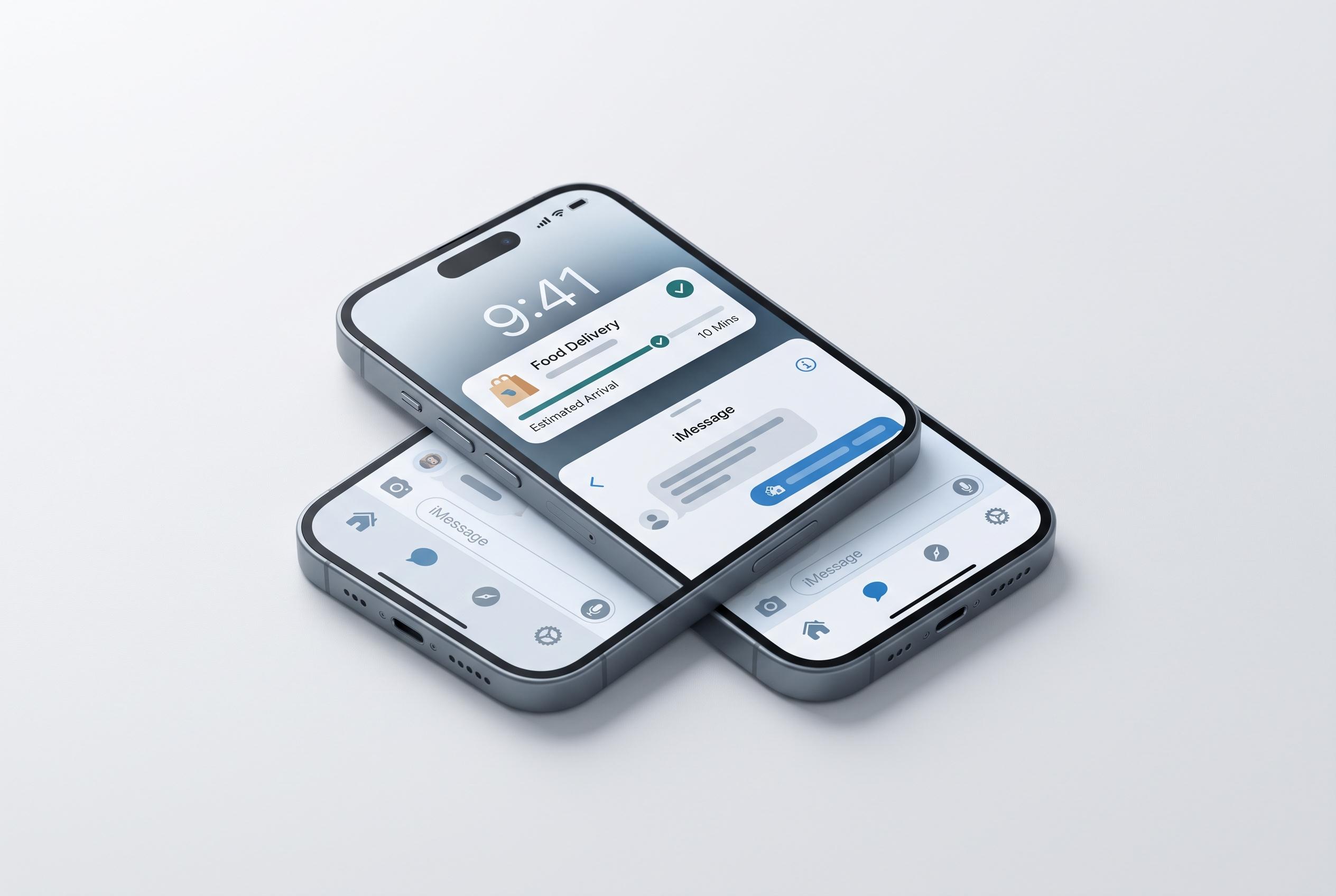

Apple’s meticulously polished features, from iMessage to Live Activities, are blending seamless design with functional consistency, positioning iPhone as a benchmark that even skeptics cannot ignore in the race with Android.
Some of the sharpest criticism of iOS from Android loyalists now comes with an unexpected admission: a handful of Apple’s smaller features are so polished that even sceptics notice their absence elsewhere. The argument is not that iPhone is universally better, but that Apple has a habit of turning everyday tasks into coherent system-level tools rather than leaving them scattered across apps. That difference matters most in messaging, notifications, automation, backup and privacy.
Messaging is the clearest example. Android has improved markedly in recent years, with Google Messages now supporting RCS, end-to-end encryption and typing indicators in many cases. But Android Central reported that Apple never brought iMessage to Android in part because executives saw it as a way to keep users inside Apple’s ecosystem, a view reflected in court filings tied to the Epic Games case. In practice, iMessage still benefits from tighter integration across iPhone, iPad and Mac, while Android’s cross-platform messaging remains more uneven. FaceTime also continues to give Apple a more cohesive communications stack.
Live Activities are another feature that shows how Apple thinks about small conveniences. Introduced with iOS 16, they surface real-time information on the lock screen and, on supported devices, in Dynamic Island. Apple’s own design guidance says the feature is meant to let users monitor ongoing tasks at a glance, from deliveries and sports scores to timers and ride-hailing updates. Android phones have tried to answer with live updates in notifications, but the experience is less consistent across manufacturers and less deeply integrated into the interface.
StandBy is a similar case. When an iPhone is placed sideways while charging, it can become a simple desk display for clocks, widgets, photos and live updates. It is a niche feature, but one that changes how the device behaves when it would otherwise be idle. Android’s always-on display can cover some of the same ground, yet it rarely feels as complete or as useful as Apple’s version.
Apple’s Shortcuts app also remains one of the strongest consumer automation tools on any phone. It lets users build routines for common tasks without needing third-party software, and the system is accessible enough that non-technical users can still create useful workflows. Android offers alternatives such as Pixel Routines, Samsung’s modes and routines, Tasker and MacroDroid, but the experience is fragmented and often less approachable. That fragmentation is a recurring theme across Android.
The same is true of search and backup. Spotlight on iPhone reaches far beyond app launch, pulling in contacts, messages, calculations, settings, app downloads and web queries from one field. Android has capable search tools on some devices, particularly Pixels and Samsung phones, but not a single consistent equivalent across the platform. iCloud backup is another Apple strength: it captures a broad set of device data and makes migration to a new iPhone relatively painless. Google’s backup tools are useful, but they are less comprehensive and can behave differently from one Android skin to another.
Privacy is where Apple’s case becomes more forceful. App Tracking Transparency forces apps to ask before tracking users across other services, while Hide My Email gives users disposable addresses for sign-ups. Android still lacks a robust, built-in app lock on the level many users expect, and its privacy protections remain more fragmented. That does not make iPhone perfect, but it does make Apple’s baseline feel more deliberate.
Android still has plenty going for it, and recent reporting suggests its AI tools and some hardware options remain ahead in specific areas. But the appeal of these iPhone features lies in their consistency. They are not flashy in isolation. Together, they make the phone feel more finished.
Disclaimer: This content is intended for informational purposes only. Readers are advised to exercise their own judgement, conduct due diligence, or consult a qualified expert before acting on any information provided.