

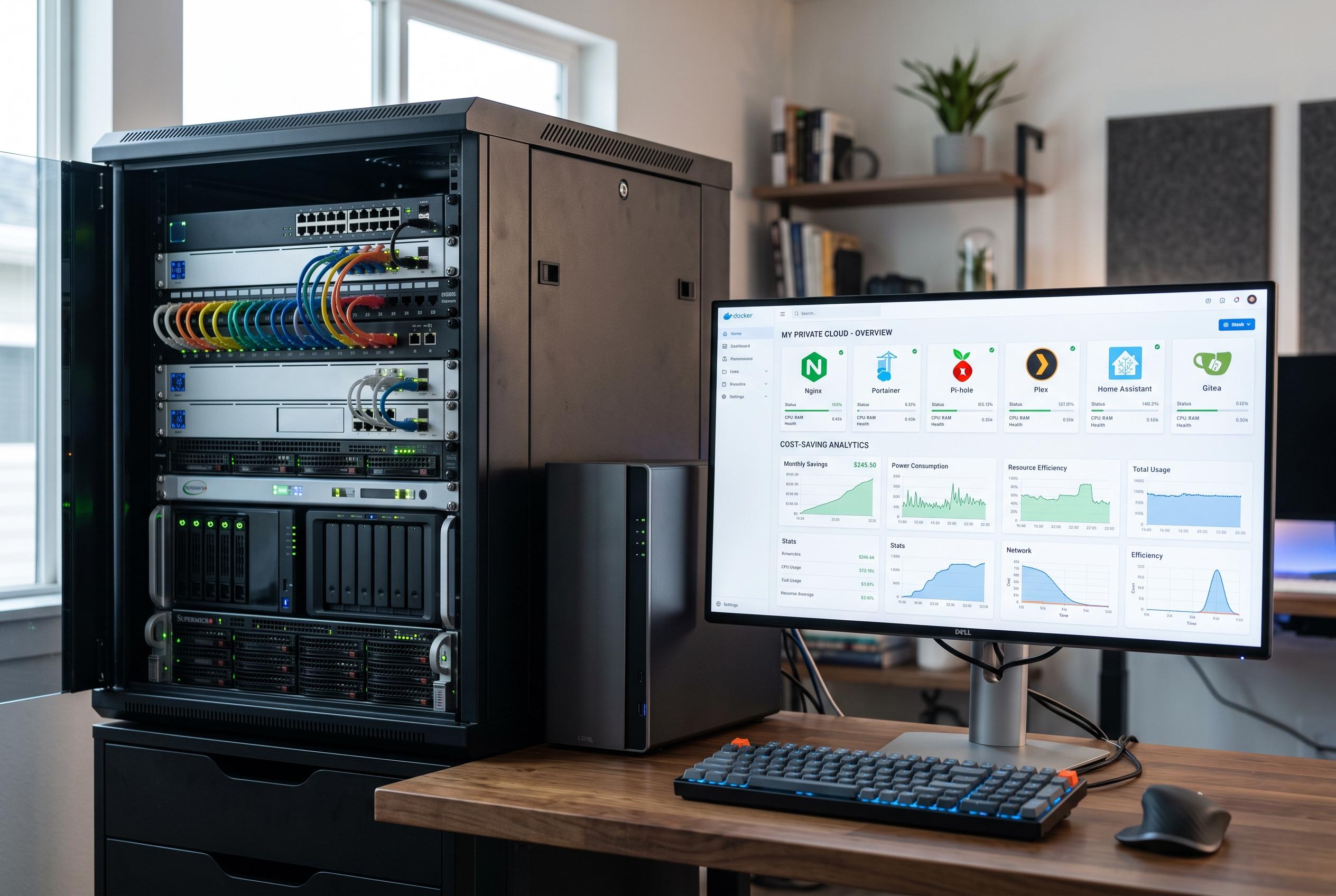

A collection of Docker-based tools enables users to replace multiple expensive cloud services with customised, private solutions on their home servers, enhancing control and reducing costs.
For anyone tired of paying monthly fees for simple digital chores, Docker can turn a home server into a practical replacement for a surprising number of cloud apps. The appeal is not only cost. It is also control: files stay on personal hardware, workflows can be customised, and there is less dependence on subscription platforms that may change terms, raise prices, or shut off features at any time.
Nextcloud is the clearest example. According to ServerMan and SitePoint, it is a self-hosted alternative to services such as Google Drive, OneDrive and Dropbox, with file synchronisation, sharing and a wider productivity suite that can stretch to calendars, contacts, document tools and video calls. In the setup described here, though, its job is narrower and more useful: it acts as a private file hub for documents, photos, videos and other media, while keeping the user’s data under direct control.
Outline fills a different gap. OpenSourceStartups and Podwarden describe it as an open-source knowledge base and wiki built for structured collaboration, with nested documents, search and a clean editor. That makes it well suited to project notes, technical documentation, research and home-lab records. Its appeal is partly functional and partly visual. Many self-hosted tools work well but feel dated; Outline is designed to look and behave more like a modern commercial product.
For automation, Activepieces takes the place of services such as Zapier. The value of this kind of tool is straightforward: once a trigger is set, the system can run actions in the background without manual intervention. Self-hosting it means the automation layer is not yet another external subscription. It also keeps more of the user’s logic inside their own infrastructure, which may matter when workflows handle sensitive information.
Stirling PDF covers a category that many users underestimate until they need it. PDF tools are often scattered across small paid services, but a local container can handle common tasks such as merging, splitting, compressing, rotating, converting and protecting files. It can also perform OCR and watermarking. Keeping that work in-house reduces the need to upload confidential material to a third-party website for routine edits.
Penpot rounds out the stack with a self-hosted design tool for mock-ups, interface concepts and early-stage product planning. It is close enough to Figma in layout and workflow to feel familiar, while still being suitable for occasional rather than professional-heavy design work. Together, these containers show the broader point: a modest NAS or home server can replace several cloud subscriptions, provided the user is willing to accept some setup and maintenance in exchange for lower recurring costs and greater autonomy.
Disclaimer: This content is intended for informational purposes only. Readers are advised to exercise their own judgement, conduct due diligence, or consult a qualified expert before acting on any information provided.



