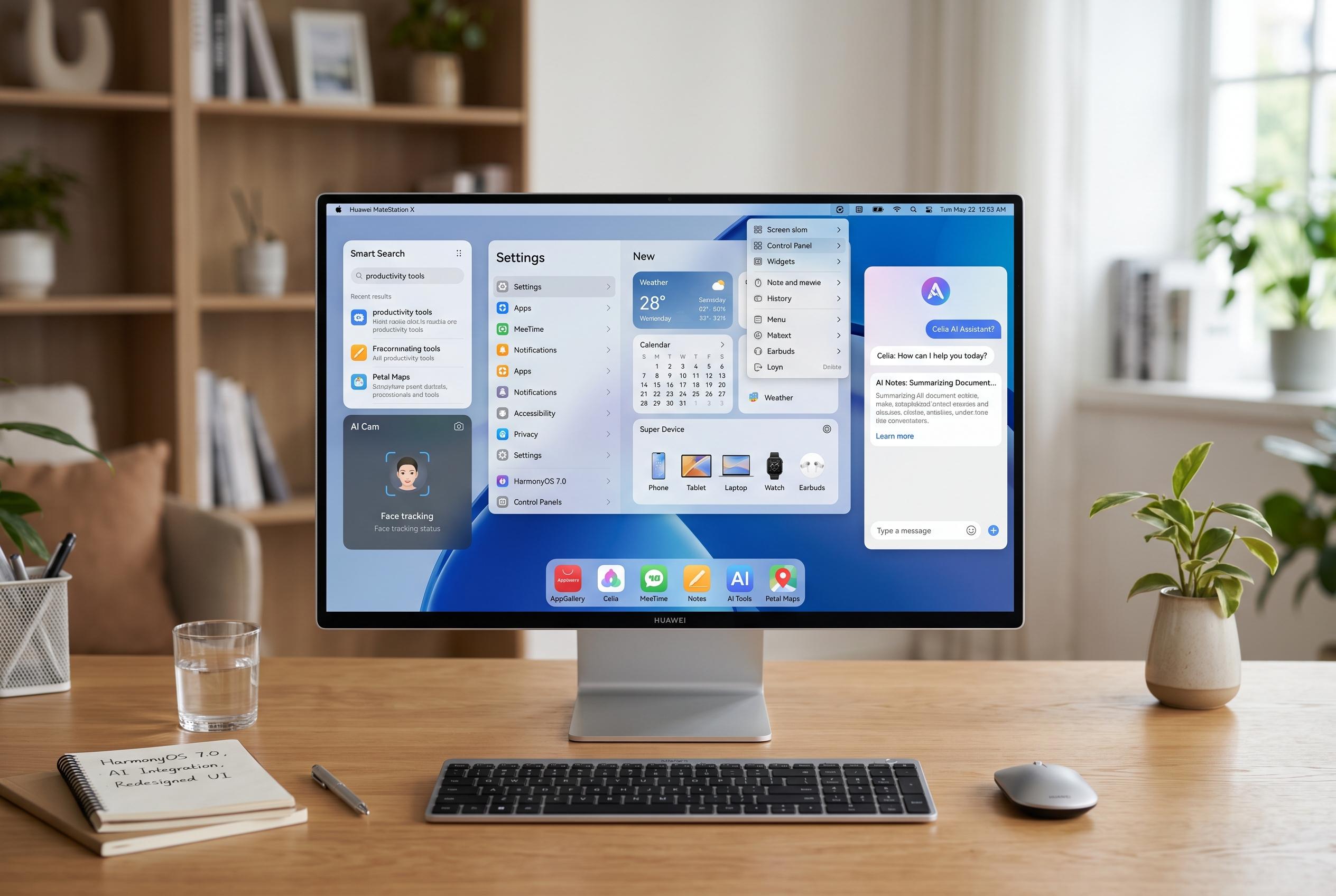

Huawei has released an early beta of HarmonyOS 7.0 for PCs, featuring a redesigned interface, AI advancements, security upgrades, and productivity tools, signalling a significant shift in its operating system ecosystem.
Huawei has begun rolling out a beta version of HarmonyOS 7.0 for PCs, bringing a redesigned interface and a broader set of system changes to its notebooks. Huawei Central reported that the first build, version 7.0.0.102 SP5, is unusually large at 15.46GB and arrived earlier than the company had indicated at its MateBook Fold and Pro S launch event. The update extends beyond appearance, with changes to the home screen, Celia AI, Gallery, Memo and other built-in applications.
The most visible changes are in the user interface. Huawei says the beta adds new hover effects for Dock icons, fresh drag-and-drop animation for home screen folders and smoother motion when adjusting volume and brightness in Control Centre or removing widgets. That work fits with the wider HarmonyOS 7 design direction described by Gizmochina, Gizchina and Ubergizmo in June, when Huawei unveiled a more spatial, three-dimensional visual style for the operating system, along with what it called deeper AI integration and stronger security features.
Celia has also been expanded. According to the changelog shared by Huawei Central, the updated system-level assistant now supports a floating toolbar, quicker switching between audio sources and smarter recording controls. The recording tools can transcribe speech, display summaries alongside the original text and extract speaker names automatically. Huawei also says the new AI Minutes feature can generate meeting notes, study notes and interview-style summaries from templates, while bilingual recording now includes English speech recognition and English-to-Chinese translation.
Security and productivity features have gained attention as well. The beta introduces HarmonyOS Passkey support for passwordless sign-in, as well as a Star Shield anti-fraud tool that can detect AI voice spoofing during calls and issue warnings in real time. The system also adds clipboard history, extended wireless screen mirroring for using one computer across two displays and multi-image printing on a single sheet. In Gallery, Huawei has added new view modes, AI retouching tools, text and mosaic editing, portrait enhancements and automatic grouping for group photos. Memo gains custom recurring reminders and easier drag-and-drop sorting, while Home Screen users get new wallpaper sets aimed at making the desktop feel more personal.
Disclaimer: This content is intended for informational purposes only. Readers are advised to exercise their own judgement, conduct due diligence, or consult a qualified expert before acting on any information provided.