

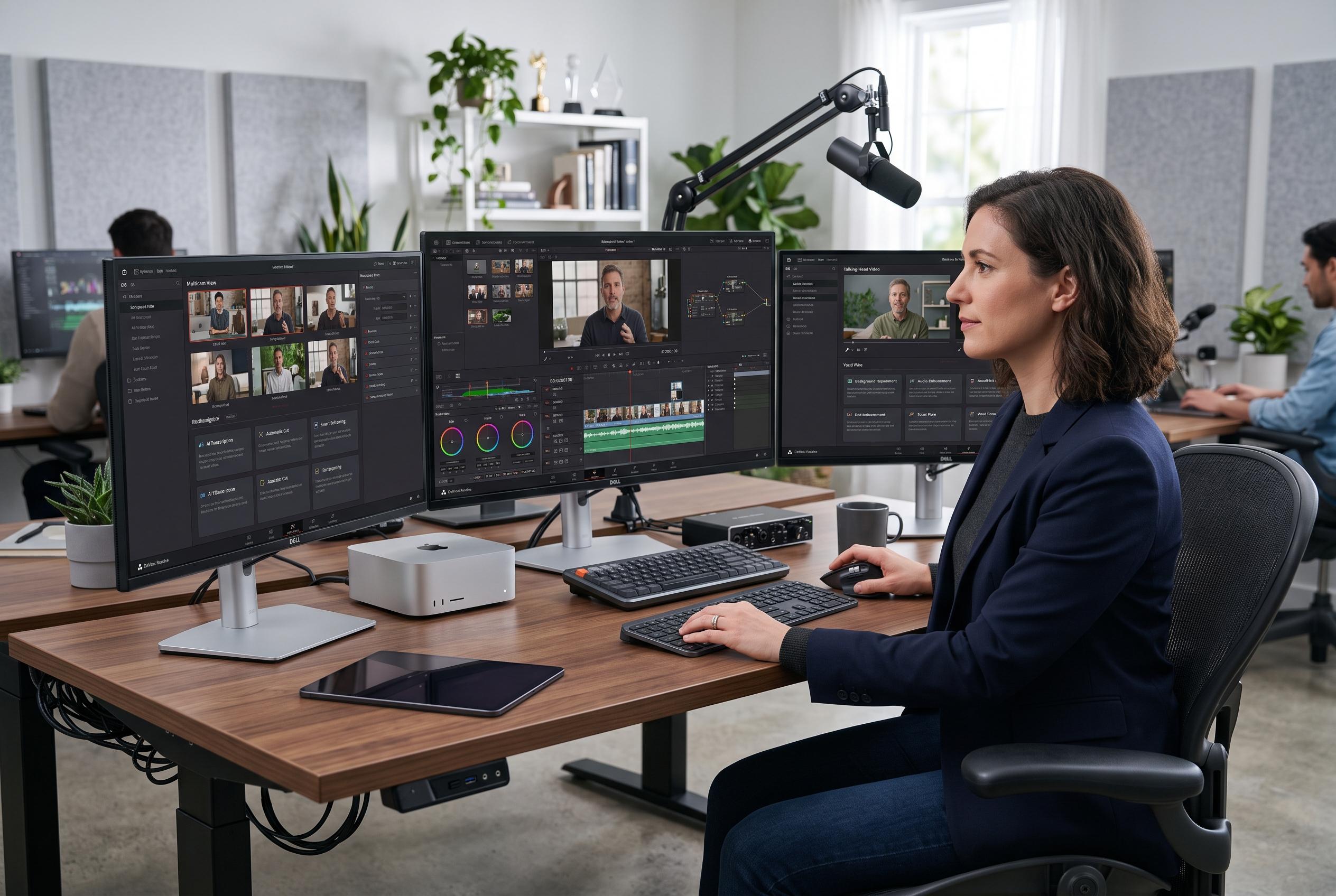

As creators seek more engaging and efficient ways to produce talking-head videos, new editing strategies and software updates are enhancing simplicity, visual consistency, and viewer engagement without expensive equipment.
Talking-head videos remain one of the most common formats on social platforms, but their familiarity does not make them easy to get right. Industry guides from Backstage, Teleprompter.com, Descript, DIY Video Studio and Piktochart all point to the same fundamentals: clear framing, stable eye contact, decent lighting, clean audio and a script that keeps the message tight. The challenge is not simply appearing on camera. It is maintaining attention in a format that can feel static unless the production choices support the delivery.
That is why the best advice tends to focus less on equipment and more on restraint. A strong talking-head video usually begins with a concise script, then uses editing to remove dead space, filler words and unnecessary repetition. Several of the guides also stress that the camera should support the message rather than distract from it. A simple setup can work well if the speaker sounds clear, the image is well lit and the pacing feels deliberate.
The same practical mindset runs through the editing tutorials highlighted in the roundup. One example explains how timeline markers can be used to measure the gap between two points without manual calculation, a useful technique when aligning sections of music or other timed elements. Another shows how to create a pixelated reveal effect, with a smoother result suggested through tracking or a gradual reduction in the pixelation rather than an abrupt switch. The point in both cases is efficiency: small workflow improvements and modest visual effects can save time while making the final edit look more considered.
Filmora 15.7 is the other notable thread in the update. The software’s new mask-stacking system allows multiple masks to be combined and controlled more precisely, which broadens what editors can do without moving to heavier software. The update also adds LUT export, a feature that lets creators save a colour correction as a lookup table and re-use it across similar shoots. For anyone working in the same lighting conditions with the same camera setup, that can reduce repetitive grading work and make visual consistency easier to maintain.
The roundup also points to features that are often overlooked in mainstream editing apps. Blend modes, for example, change how layered video or image elements interact, rather than simply placing one clip over another. That can produce brighter, more complex looks when used properly. The article’s advice is straightforward: experiment with two clips and test the available modes in practice, since the effect is easier to understand by seeing how each option changes the result.
Beyond the software updates, the broader lesson is that modern creators have more tools than they sometimes realise. CapCut, Filmora and other entry-level editors can handle effects that once seemed reserved for advanced software. The more important question is not whether a tool can create a result, but whether the creator understands how to use it in a way that serves the audience. The roundup makes that argument plainly, warning against branding decisions and AI use that put the creator’s preferences ahead of viewer needs. In that sense, the common thread across all the tutorials is simple: better videos usually come from clearer intent, tighter execution and a more disciplined understanding of who the content is for.
Disclaimer: This content is intended for informational purposes only. Readers are advised to exercise their own judgement, conduct due diligence, or consult a qualified expert before acting on any information provided.



