

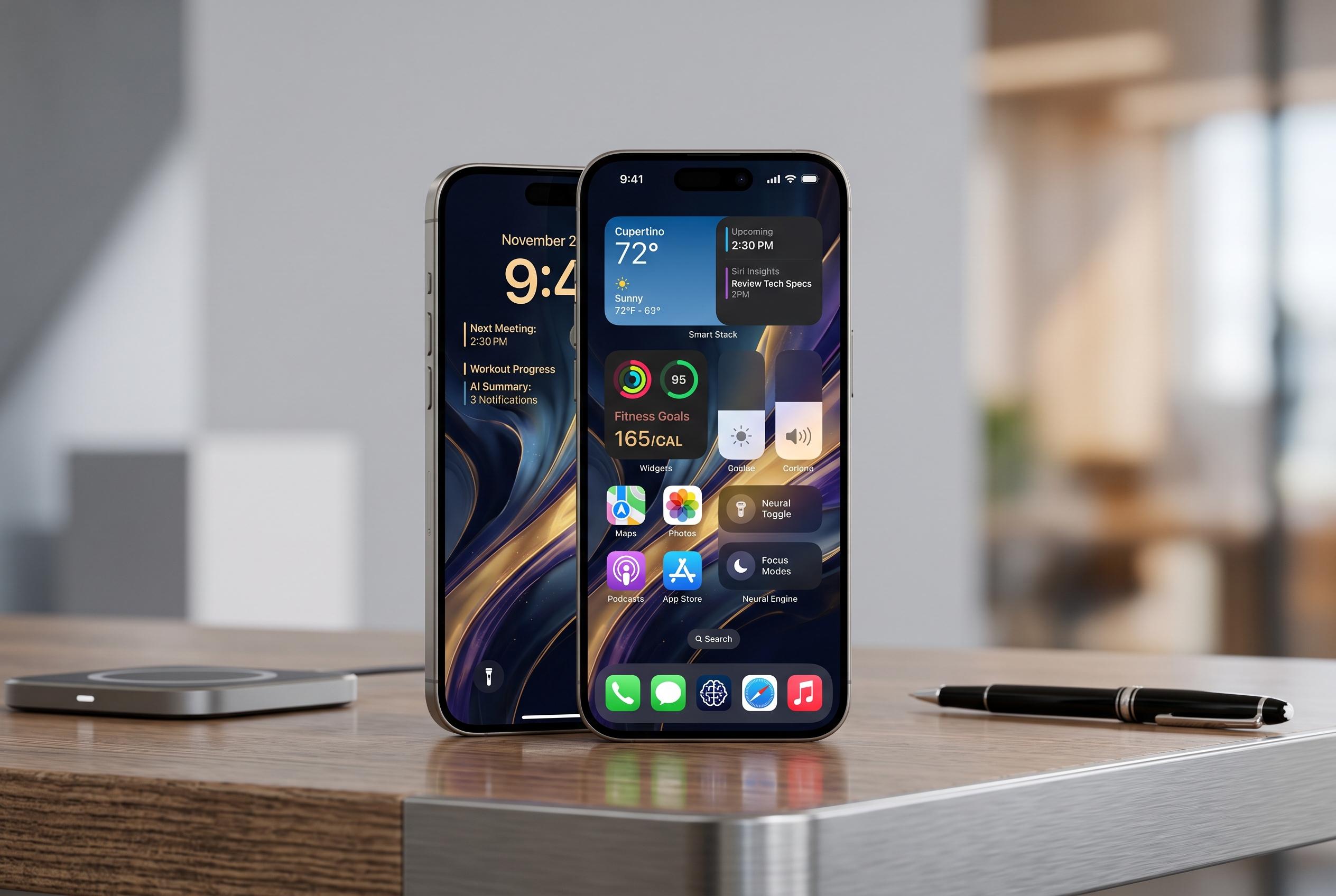

Apple’s upcoming iOS 27 update signals a shift towards broader customisation, smarter AI features, and refined user interface, with over 250 changes set to improve core apps and daily interactions.
Apple’s iOS 27 is shaping up as a broad update for customisation, privacy and day-to-day use, with early beta testing pointing to a noticeable lift in the core apps people use most. El Nacional says the release is close to final quality, while MacRumors reports that Apple has already highlighted a wide set of changes across the system. Together, the picture is of an update that is less about one headline feature than a series of practical refinements. According to MacRumors, the release spans more than 250 changes across iOS 27 and related platforms.
One of the most visible changes is on the Lock Screen, where Apple is said to be adding a compact clock style that frees up more space for wallpapers and widgets. MacRumors describes this as part of a wider Liquid Glass redesign that lets users adjust translucency and visual appearance more closely than before. That same emphasis on personalisation extends to accessibility and interface polish, with Apple also reported to be improving responsiveness and animation smoothness in the public beta.
Apple’s AI push is central to the update. MacRumors says Siri has been overhauled with stronger understanding and reasoning, while Tom’s Guide reports that the new assistant feels significantly more capable in hands-on testing. El Nacional adds that the Camera app will gain a Siri-powered visual mode that can identify objects, read information from posters or leaflets, and help turn captured details into actions such as calendar entries or translations. The key limitation remains hardware: several of the more advanced features are tied to Apple Intelligence-capable iPhones.
The Photos app is also getting several workflow improvements. El Nacional says users will be able to assign keywords and star ratings to images, making large libraries easier to search and sort. Tom’s Guide reports a particularly useful addition for video users: the ability to pull a full-resolution still frame from a clip and save it as a photo, which removes the need for screenshots or awkward pausing. El Nacional also says Photos will gain a reframe tool that uses spatial data and AI to adjust the composition of an existing shot.
Elsewhere, Apple appears to be focusing on small but meaningful quality-of-life changes. El Nacional says alarm volumes will be separable from other sounds, so users can keep reminders audible without forcing the same level on all alerts. MacRumors reports dual-camera support in FaceTime, allowing front and rear views in a single call, alongside support for notifications when a tracked website changes in Safari. The company is also said to be improving password management, including automatic updates for weak or compromised credentials through Safari and the Passwords app.
The broader theme is clear: iOS 27 looks less like a cosmetic refresh and more like an attempt to make standard Apple apps more capable, while pushing more intelligence into everyday tasks. For users with newer devices, especially those that can run Apple Intelligence, the gains appear more substantial. For older iPhones, the update may still matter, but the full experience seems likely to remain hardware-dependent.
Disclaimer: This content is intended for informational purposes only. Readers are advised to exercise their own judgement, conduct due diligence, or consult a qualified expert before acting on any information provided.



