

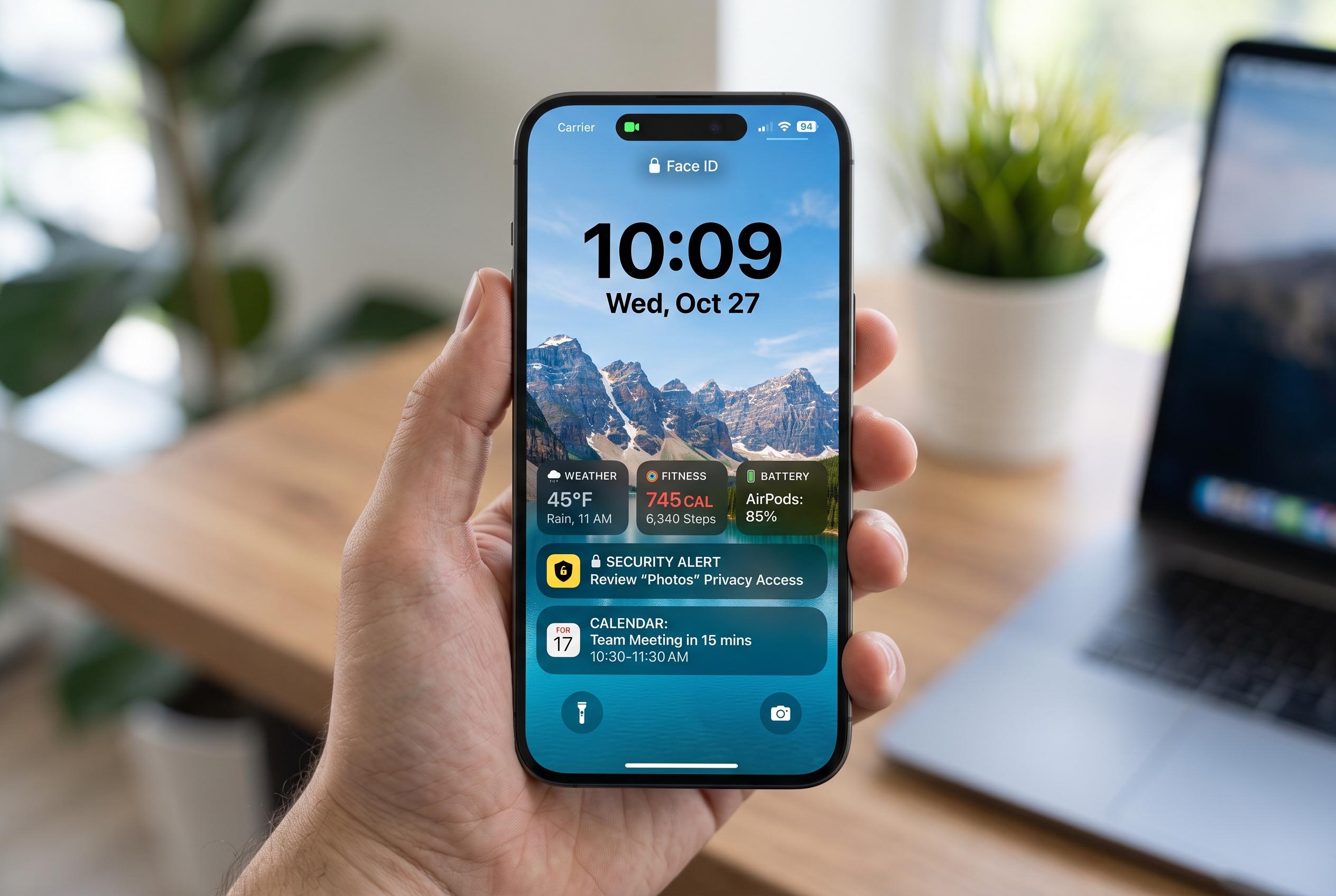

Apple’s upcoming iOS 27 update promises to overhaul the iPhone Lock Screen, offering greater personalisation, more practical widget layouts, and enhanced privacy controls to balance appearance and security.
iOS 27 appears set to make the iPhone Lock Screen far more adaptable, with Apple shifting the focus from a static display to something users can tune for appearance, privacy and everyday utility. According to reports from Tom’s Guide, MacRumors and 9to5Mac, the update adds clock repositioning and a smaller clock option, along with wallpaper tools that better fit photos to the screen, including an “Extend” feature that uses Apple Intelligence on supported devices. Apple’s own iPhone guide already says users can customise the Lock Screen with wallpapers, fonts, widgets and multiple saved layouts linked to Focus modes.
The first settings worth checking are the wallpaper and time display. Apple’s existing Lock Screen controls let users change the font of the time and build more than one Lock Screen, while the iOS 27 refinements reported by MacRumors and The Mac Observer add a more compact clock style that leaves more of the image visible. That makes practical sense: a busy photo, a large clock and several widgets can quickly crowd the screen, so a cleaner layout is likely to be easier to read and more useful at a glance.
Widgets and quick actions are the next area to refine. Apple says Lock Screen widgets can be linked to different Focus modes, which makes it easier to create separate layouts for work, personal use and sleep. The reports on iOS 27 suggest the update is intended to make those layouts more practical, not just prettier, by letting users decide which information deserves space on the front of the phone. A small number of widgets is likely to work best, especially if the aim is to keep the time, date and one or two useful data points visible without clutter.
Privacy remains the most important setting to review. Apple’s own guidance notes that the Lock Screen can show widgets and notifications, but those choices should be balanced against what remains visible when the phone is locked. In practice, that means limiting previews for sensitive apps and using Face ID-restricted notification display where possible. The iOS 27 changes described by the technology sites suggest Apple is trying to make the Lock Screen more personal without making it less secure, which is the more useful trade-off for most users.
Disclaimer: This content is intended for informational purposes only. Readers are advised to exercise their own judgement, conduct due diligence, or consult a qualified expert before acting on any information provided.



