

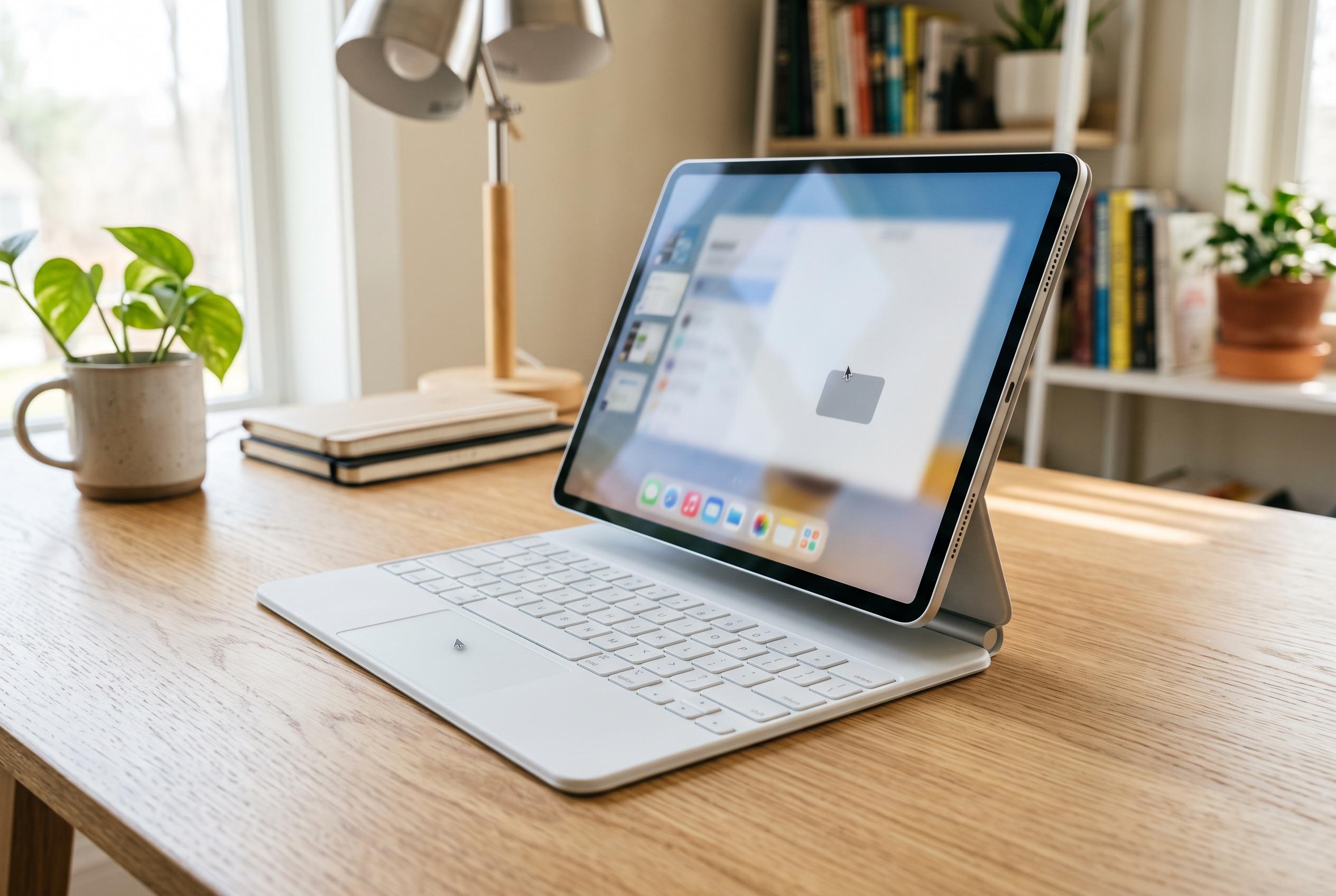

Apple’s latest iPadOS 27 update accelerates the tablet’s convergence with Mac, introducing new features for keyboard and trackpad users that enhance multitasking, control, and responsiveness, narrowing the gap with macOS.
Apple’s iPad software has moved closer to the Mac in recent releases, and iPadOS 27 pushes that convergence further with three changes aimed squarely at keyboard and trackpad users. The update adds the active app’s name to the status bar, offers an always-visible menu bar, and improves the speed of routine actions that have often felt slower on the tablet than on a Mac, according to 9to5Mac and other early round-ups.
The new app-name indicator addresses a long-standing point of friction for anyone using multiple windows or overlapping apps on an iPad. On the Mac, the active app is always obvious in the top-left corner of the screen; iPadOS 27 now brings a similar cue to the status bar, alongside the time and date. That should reduce mistakes when keyboard shortcuts are used across several apps at once, particularly on an iPad connected to a Magic Keyboard. 9to5Mac and Cult of Mac both describe the feature as a small but practical improvement.
Apple is also giving users more control over the menu bar introduced in iPadOS 26. MacRumors notes that iPadOS 27 includes a Settings toggle under Multitasking & Gestures labelled “Automatically Show and Hide Menu Bar”. Turn that off, and the menu bar stays on screen permanently rather than appearing only when summoned. Writers who have been testing the beta say the change makes the interface feel more familiar and more efficient, especially for users who keep the iPad in a desktop-style setup.
Performance is the third area where Apple is narrowing the gap with macOS. According to Apple’s own claims as relayed by 9to5Mac, context menus now open faster with a cursor, file browsing and transfers to external drives are up to five times faster, and app launching plus window actions such as closing, switching and dragging are more responsive. That matters because the iPad’s strongest gains in recent years have been in multitasking and productivity, yet users have still complained about lag in basic interactions. iPadOS 27 does not eliminate those differences entirely, but it does appear to make the platform feel more immediate in everyday use.
Disclaimer: This content is intended for informational purposes only. Readers are advised to exercise their own judgement, conduct due diligence, or consult a qualified expert before acting on any information provided.



