

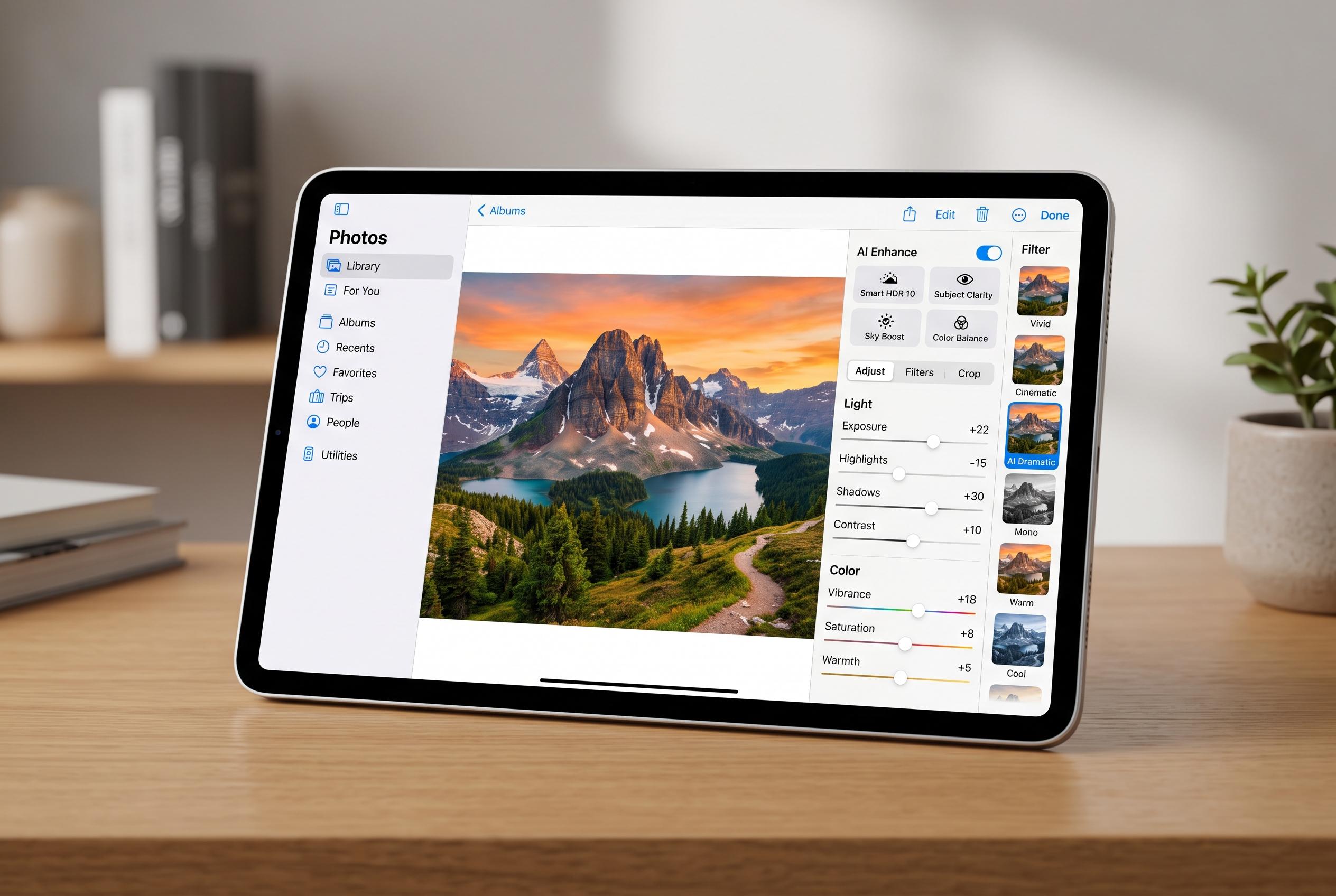

Apple’s upcoming iPadOS 27 update introduces advanced AI-driven features in the Photos app, redefining quick photo edits and prompting discussions on authenticity and editing limits for photographers.
For most photographers, the best edit is still the one avoided at capture. That is especially true on the iPad, where the appeal lies in portability and stylus control, but the software remains narrower than on a desktop workstation. For routine fixes, Apple’s Photos app is often enough, provided the image does not need heavy reconstruction or client-grade retouching. It can handle tonal changes, colour balance, cropping and simple object removal, which makes it a useful first stop rather than a last resort.
Apple is also pushing that basic editor further. According to MacRumors, the Photos app in iPadOS 27 is set to gain more capable Apple Intelligence tools, including Clean Up, Extend and Reframe. In practical terms, that means the app should be able to remove distractions more convincingly, expand image borders and alter composition after the fact. The upside is obvious for quick turnaround work; the downside is that these AI-led changes raise familiar questions about how much editing is acceptable before a photograph stops reflecting the original scene.
For users who need more control, Pixelmator remains the most sensible step up. Apple now owns the app, but it still sits between consumer editing and full professional software. Its layer-based workflow, PSD support and wide toolset make it feel much closer to Photoshop than to a simple mobile editor, while its one-off purchase model is a strong contrast to Adobe’s subscription pricing. The main caveat is that it is most attractive inside Apple’s ecosystem, and photographers working with RAW files should still check compatibility before committing to it as a main editor.
Adobe Lightroom is a better fit when the task is not precision retouching but volume. Its strength is batch processing, which matters when the same exposure, colour and cropping changes need to be applied across large numbers of images. For event photographers, that kind of workflow saves substantial time. Adobe’s entry-level Lightroom plan also bundles cloud storage, but the recurring cost is hard to justify unless the software is part of a paid workflow or is being claimed as a business expense.
Photoshop remains the most powerful option, but it is no longer the default answer for every iPad user. For many tasks, Pixelmator can now cover the same ground at lower cost, and it even handles PSD files well enough for most professional hand-offs. Photoshop still has the advantage in advanced AI tools, cross-platform project portability and its position as an industry standard. That makes it the safer choice in a studio or agency setting, but not necessarily the smartest one for independent photographers who only need a capable editing suite on an iPad.
Disclaimer: This content is intended for informational purposes only. Readers are advised to exercise their own judgement, conduct due diligence, or consult a qualified expert before acting on any information provided.



