

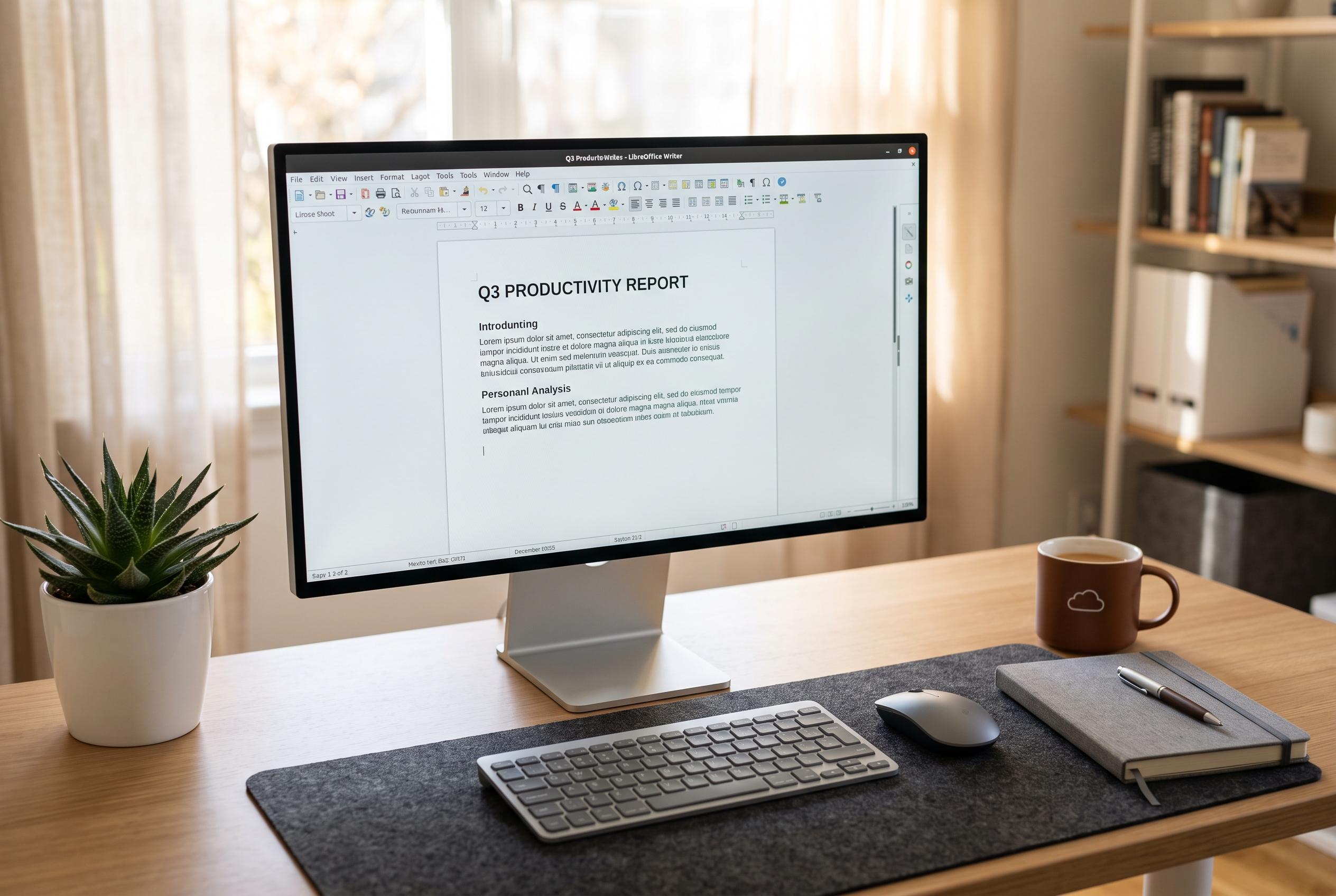

LibreOffice continues to position itself as a free, versatile alternative to subscription-based office suites, offering greater compatibility, lower hardware demands, and increased user privacy, challenging Microsoft’s dominance in the office productivity market.
LibreOffice remains a credible alternative to Microsoft 365 Copilot for users who want a full office suite without a subscription. The package, maintained by The Document Foundation, is open source and free to download, use and share. It includes Writer, Calc, Impress, Draw, Math and Base, giving it a broader built-in range than many users expect from a no-cost suite.
Its main appeal begins with pricing. Microsoft 365 now centres on recurring subscriptions, which can become costly over time for people who only need word processing, spreadsheets and presentations. LibreOffice removes that burden entirely and does not require an account to get started, which also reduces the amount of user data tied to the software.
Compatibility is another strong point. LibreOffice can open and save common Microsoft formats such as .docx, .xlsx and .pptx, which makes it practical for mixed environments where documents move between different platforms. It also supports OpenDocument formats such as .odt and .ods, which align with open standards and avoid dependence on one vendor’s file ecosystem. TechRadar has reported that The Document Foundation sees Microsoft’s formats as a source of lock-in, particularly when files are exchanged outside Microsoft’s own applications.
The interface is familiar enough that most Office users should adapt quickly. Menus and toolbars follow a conventional layout, and the suite also offers extensive customisation for people who prefer different icon sets or controls. Windows Central has noted that LibreOffice positions its interface as more flexible than Microsoft’s ribbon design, which remains divisive among users. For organisations that want a conventional desktop experience rather than a cloud-first workflow, that simplicity may be an advantage.
LibreOffice also has a lighter hardware footprint. Pocket-lint says it can run on older systems, while Microsoft 365 and Office 2024 generally expect newer machines and more memory. That makes the open-source suite a better fit for ageing laptops, schools, or users who need to stretch the life of existing equipment. It is also available on Windows, macOS and Linux, which broadens its usefulness in mixed-device environments.
Beyond the basic trio of office tools, LibreOffice includes extras that some users may find useful. Math can create formulas and symbols for academic or technical work, while Draw supports image editing, vector graphics and PDF editing. SoftwareAdvice, SourceForge and GetApp all present the comparison in similar terms: LibreOffice is strongest on cost and openness, while Microsoft 365 leads on collaboration, cloud integration and polished business features. For users who value independence, offline control and low overhead, LibreOffice is often the more practical choice.
Disclaimer: This content is intended for informational purposes only. Readers are advised to exercise their own judgement, conduct due diligence, or consult a qualified expert before acting on any information provided.



