

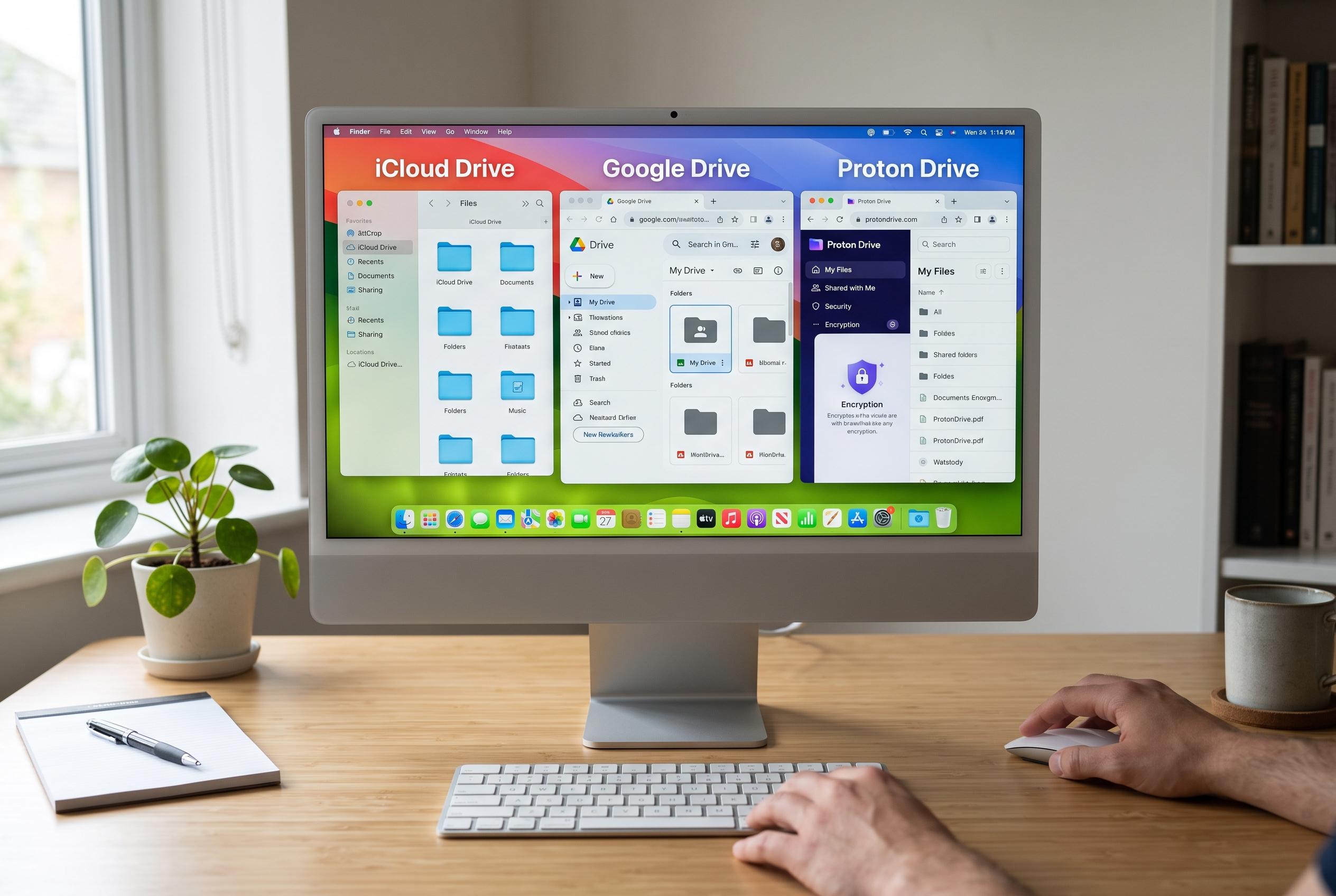

As Mac users reconsider their cloud storage choices, alternatives like iCloud Drive, Google Drive, and Proton Drive offer a range of features from seamless Apple integration to enhanced privacy, with solutions like pCloud and CloudMounter catering to long-term affordability and multicloud management.
For Mac users weighing a move away from Dropbox, the strongest alternatives depend less on raw storage and more on what matters most: Apple integration, collaboration, privacy or pricing. According to Setapp’s review, iCloud Drive is the most natural fit for Apple households, Google Drive stands out for teamwork, pCloud is notable for lifetime pricing, Proton Drive focuses on privacy, and MEGA offers a large free tier with encryption. Setapp also points to CloudMounter as a useful option for people who already use several cloud services and want them mounted in Finder without extra sync clients.
Apple’s own support documentation gives iCloud Drive a clear advantage for users who want end-to-end protection across much of their data. With Advanced Data Protection enabled, Apple says the majority of iCloud content, including backups, photos and notes, is encrypted end to end, although users must set up account recovery options because Apple cannot unlock the data for them. That makes iCloud Drive a strong choice for those already embedded in Apple’s ecosystem, but less convenient for mixed-device households that need frictionless sharing with Windows or Android users.
Google Drive remains one of the most practical choices for collaboration. Google says Drive for desktop lets users sync local files, work offline and manage folders from a Mac, while its Docs, Sheets and Slides tools support real-time co-authoring, including with Microsoft Office files. That combination makes it attractive for students, remote teams and organisations that live inside Google Workspace. Its weaker point is privacy: unlike zero-knowledge services, Google’s model is not designed so that only the user can read the stored files.
For users who dislike subscriptions, pCloud offers a more unusual proposition. The company markets lifetime storage plans, including a one-off payment for 500 GB, alongside standard annual pricing. Setapp notes that this can become cheaper than years of recurring monthly fees if the service is used long term. pCloud also works neatly with macOS through Finder-style access, although full end-to-end encryption remains an optional extra rather than the default.
Proton Drive is the clearest privacy-first option in the group. Proton says the service uses end-to-end encryption by default, is based in Switzerland and includes password-protected sharing links and encrypted document editing. That makes it well suited to users handling sensitive material. The trade-off is that its collaboration tools are not yet as mature as Google’s, so it is better for secure storage than for heavy multi-user editing.
MEGA and Microsoft OneDrive fill two different practical niches. MEGA offers 20 GB free with end-to-end encryption built in, which is generous by current market standards and useful for users who need a larger no-cost tier. OneDrive, by contrast, is the easy choice for people already paying for Microsoft 365, since Microsoft bundles substantial cloud storage with its subscription and integrates tightly with Office apps. Both are reasonable options, but neither matches Google for live collaboration nor Proton for privacy.
For users managing more than one cloud service, CloudMounter is less a replacement than a control layer. It mounts existing accounts, including Dropbox, Google Drive and OneDrive, as Finder drives, so files can be streamed on demand rather than copied locally. Setapp says this can reduce desktop clutter and avoid the need for separate sync tools, while its local AES-256 encryption can add another layer for sensitive folders. In practice, that makes it a useful bridge for people who are not ready to commit to a single cloud provider.
Disclaimer: This content is intended for informational purposes only. Readers are advised to exercise their own judgement, conduct due diligence, or consult a qualified expert before acting on any information provided.



