

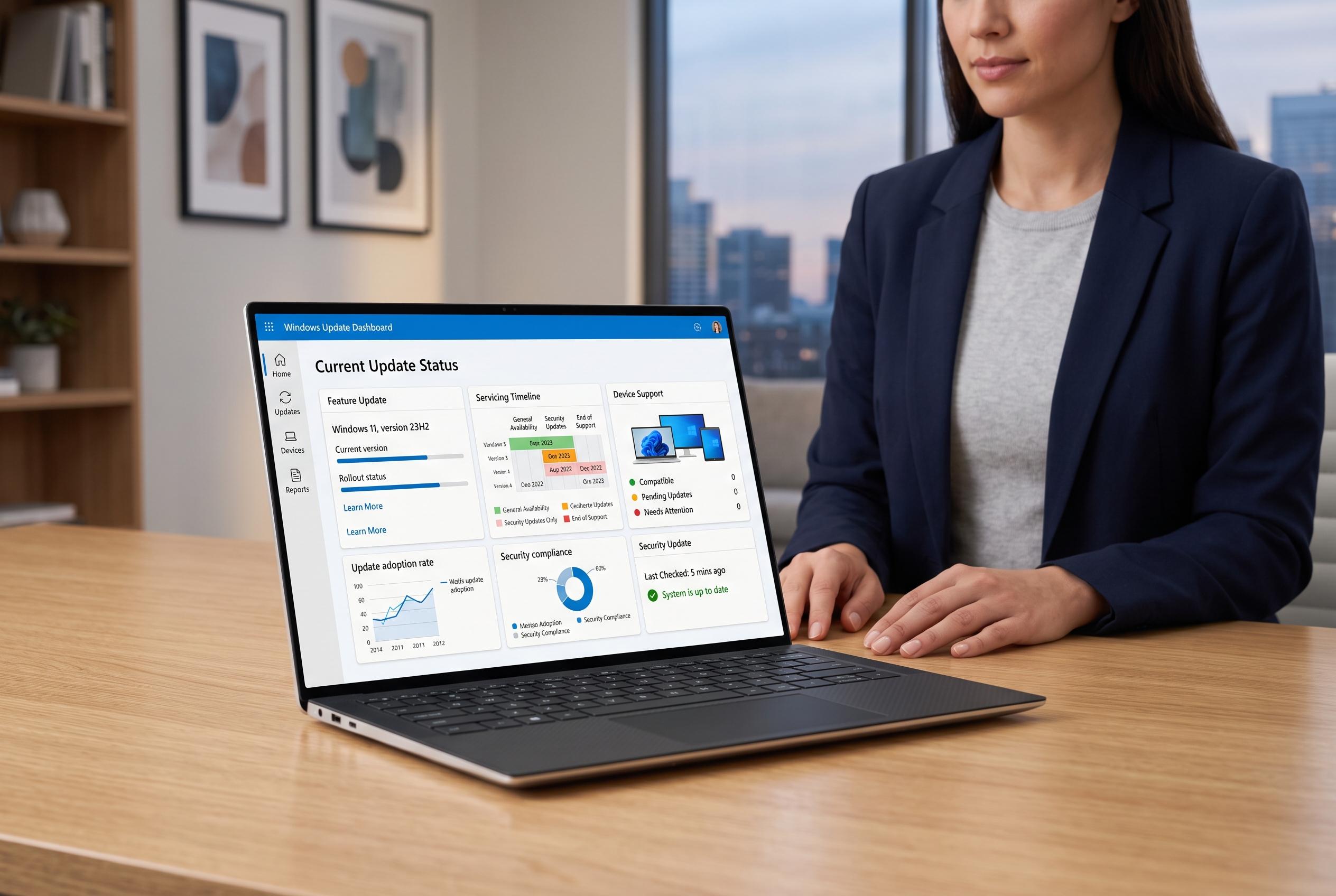

Microsoft’s latest guidance highlights the complexity of Windows 11 updates, emphasising the importance of understanding feature versions, servicing timelines, and device-specific support to stay secure and up to date.
Microsoft’s latest Windows 11 servicing guidance is a reminder that there is no single “latest update” number for every PC. The operating system is delivered through annual feature versions, monthly cumulative patches, optional previews and occasional out-of-band fixes, each with a different purpose. According to Microsoft’s release-information page, the current General Availability Channel entries include Windows 11 24H2, 25H2 and the device-specific 26H1, with support dates varying by edition and version.
That distinction matters because a machine can be fully up to date on monthly security fixes while still running an older feature version that is nearing the end of servicing. Microsoft says feature updates arrive once a year and create a new servicing lifecycle, while cumulative updates keep an existing version patched with security and quality fixes. The company also notes that consumer editions generally receive 24 months of servicing, while Enterprise and Education receive 36 months.
The newer Windows 11 26H1 release is aimed at select new hardware rather than existing installations. Microsoft says it is scoped for devices arriving in early 2026 and is not designed as a feature update for current 24H2 or 25H2 PCs. That means the absence of 26H1 in Windows Update is not, by itself, a sign that a device is broken or unsupported. Windows Central has separately reported Microsoft’s published lifecycle dates for 26H1, underscoring that support will differ by edition.
For most users, the right way to check status is simple: confirm the edition, feature version and OS build in Settings, then compare that information with Microsoft’s release table. Monthly patches normally arrive on the second Tuesday of the month, but optional previews and out-of-band releases should be treated separately. Microsoft also says Windows operating-system updates do not update Microsoft Store apps, which must be managed on their own.
The practical implication is that update decisions should be based on the exact device and its servicing track, not on a generic KB number. Home and Pro machines running Windows 11 24H2, for example, reach end of updates on 13 October 2026, while Enterprise and Education editions of the same feature version run longer. Microsoft’s guidance also makes clear that preview releases are optional and that safeguards may temporarily hold back updates on affected systems.
Disclaimer: This content is intended for informational purposes only. Readers are advised to exercise their own judgement, conduct due diligence, or consult a qualified expert before acting on any information provided.



