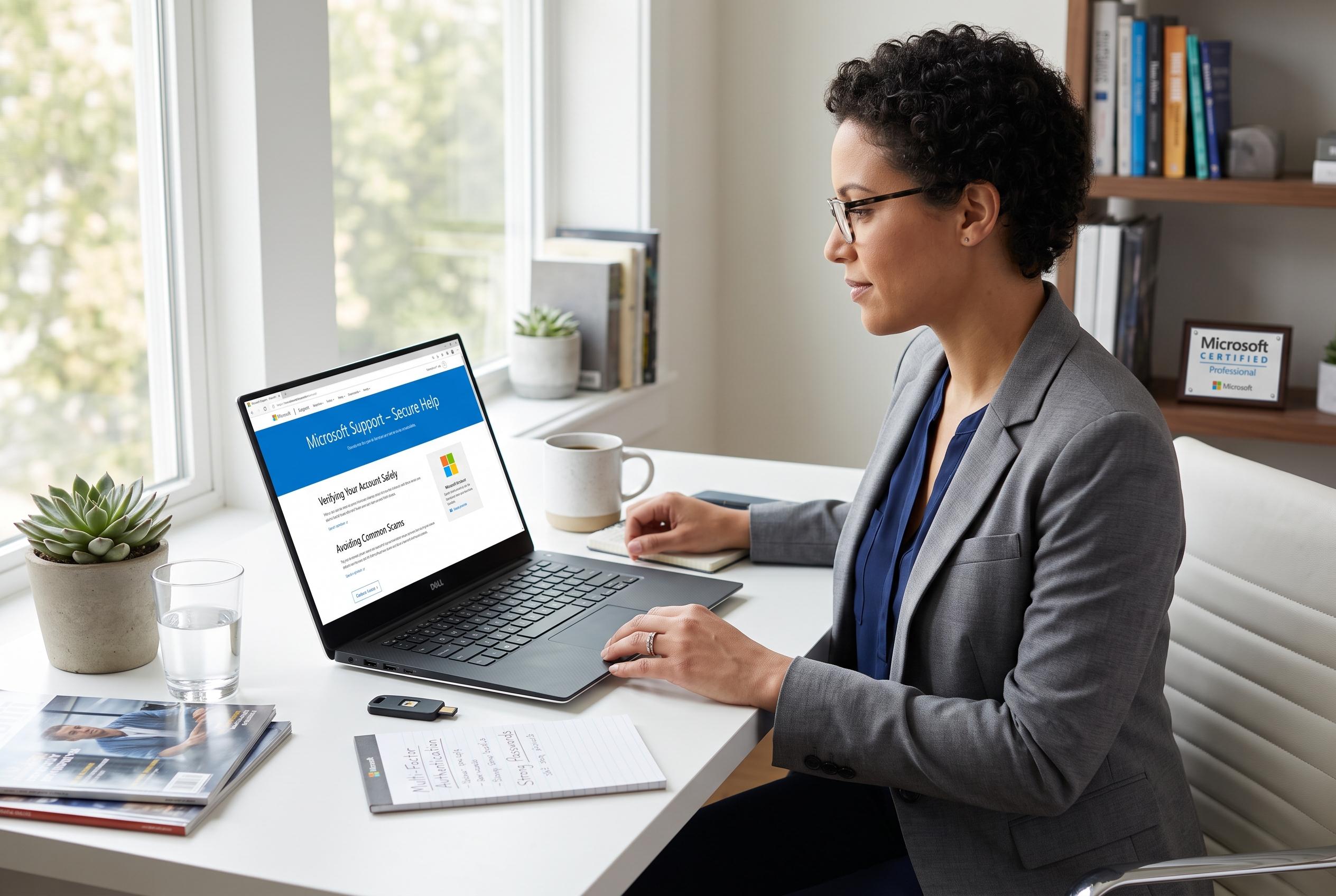

With Windows 10 support ending, Microsoft advises users to turn to official channels for troubleshooting and safeguarding against scams, emphasising careful remote assistance and correct support procedures.
For most Windows 10 problems, the safest place to start is inside the operating system itself. Microsoft says users should begin with the taskbar search box or the built-in Get Help app, then move to an official troubleshooter if one is offered. If that does not solve the issue, the next step is Microsoft’s own support channel rather than an unverified download, a random forum fix or a third-party repair tool.
That advice matters more now that standard support for Windows 10 Home, Pro and version 22H2 ended on October 14, 2025. Microsoft says those editions no longer receive routine security updates, bug fixes or technical support, although long-term servicing channel releases follow separate schedules. The company also says some users may qualify for Extended Security Updates, which are handled through separate eligibility and enrolment rules.
Get Help is the most practical route for everyday faults such as audio problems, network failures, printer errors, Bluetooth issues, camera trouble, compatibility glitches and Windows Update failures. Microsoft’s support page says the app can offer tutorials, frequently asked questions, community guidance and, in some cases, direct assistance. For clearer results, the problem should be described in plain language, and users should note the exact error message, when the fault began and what changed immediately beforehand.
If the issue remains unresolved, Microsoft recommends moving to its official Windows support pages, particularly for activation, installation, billing, account problems or an existing case. The available contact path can vary by product, region and current support availability, so users should not assume that every problem will produce a live agent or callback. Microsoft also warns that there is no single universal support number that should be copied from an unfamiliar website.
Quick Assist can be useful, but only in a controlled situation. Microsoft says remote help should be used only when the user initiated the session and knows exactly who is connecting. Before allowing anyone to view or control a screen, private windows should be closed, sensitive documents hidden and the session supervised throughout. Microsoft’s guidance is explicit that unsolicited callers, pop-ups and browser warnings are not proof that a supposed support agent is genuine.
The same caution applies to scam prevention. Microsoft says genuine error messages do not include phone numbers and that it does not make unsolicited calls or send unsolicited emails offering to fix a computer. Users should never pay an unexpected caller, hand over passwords or verification codes, buy gift cards or cryptocurrency for “support”, or install remote-access software at a stranger’s request. If a scammer has already gained access, Microsoft advises disconnecting the PC, removing unwanted software, running a full Windows Security scan and changing passwords from a trusted device.
Feedback Hub has a narrower purpose. It is meant for reporting bugs, unexpected behaviour and suggestions, not for immediate repair. Microsoft says it can capture screenshots and gather reports on recurring issues, but users should check those captures carefully because they may expose account details, notifications or other private information. For more disruptive recovery steps, such as Reset this PC or a reinstall, Microsoft advises backing up important files first because those actions can remove apps, settings and, depending on the path chosen, personal data.
Disclaimer: This content is intended for informational purposes only. Readers are advised to exercise their own judgement, conduct due diligence, or consult a qualified expert before acting on any information provided.