

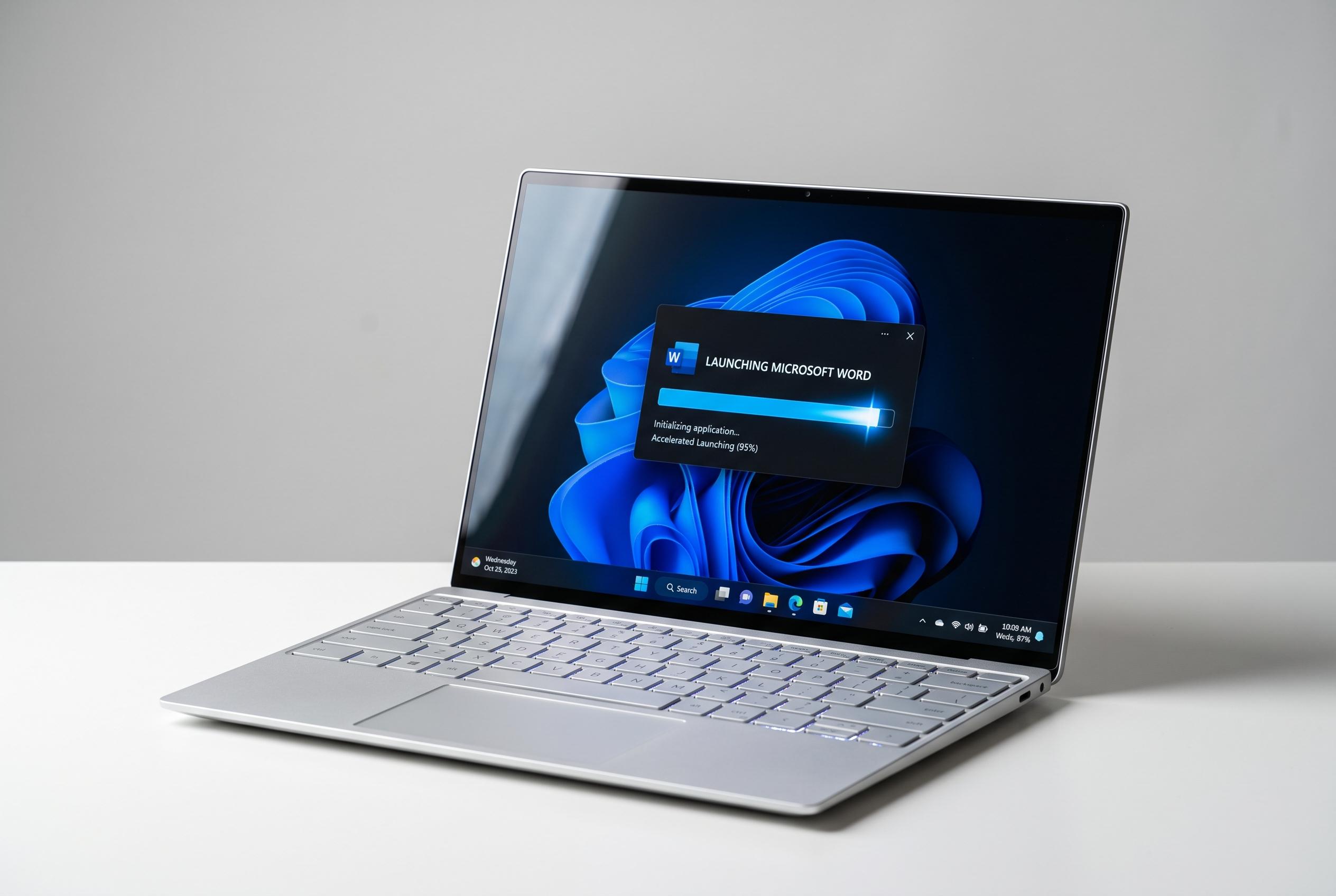

Microsoft has extended its Low Latency Profile in Windows 11 to now speed up application launches and system interactions, promising faster load times without additional battery drain or heat, in the latest August update.
Microsoft widens Windows 11 CPU boost to app launches
Microsoft has expanded a Windows 11 performance feature so it now accelerates the opening of applications as well as parts of the operating system interface. According to 3DNews, the change arrives with the August 2026 security update, build 26200.9168 and later, and forms part of the company’s Low Latency Profile approach.
The Low Latency Profile briefly raises processor speed for about 1 to 3 seconds when the user interacts with the system, then drops it back to a low-power state. Until now, the feature had been limited to shell elements such as Start, Search and Notification Centre. TechRadar reported that the August update extends it to all apps, although Microsoft is still rolling it out in phases.
Windows Latest said its testing showed noticeably faster launches for apps including Notepad, Epic Games Store, Calculator, Google Chrome, Weather, PowerPoint and VLC. On a test machine with an Intel Core i5-13420H, the publication reported that all performance cores climbed to near the chip’s 4.6 GHz peak when apps opened, while the efficiency cores rose to more than 2 GHz.
The behaviour is not unique to Microsoft. Similar power-management techniques are used in macOS and Linux, and the effect is especially pronounced on newer chips such as Qualcomm’s Snapdragon X2 and Nvidia’s RTX Spark, where power-state transitions happen very quickly, according to Windows Latest and 3DNews. Windows Latest also said earlier testing found no meaningful penalty in battery life, heat or CPU longevity from the brief boost.
The August update contains other changes too. TechRadar said Voice Access now includes a Voice Isolation mode to filter background noise, Windows Search is more tolerant of typing mistakes and laptops regain a manual Energy Saver threshold. It also brings touchpad gesture customisation, a cleaner lock screen, subtler taskbar badges and wider Windows Hello support for external fingerprint readers.
Disclaimer: This content is intended for informational purposes only. Readers are advised to exercise their own judgement, conduct due diligence, or consult a qualified expert before acting on any information provided.



