

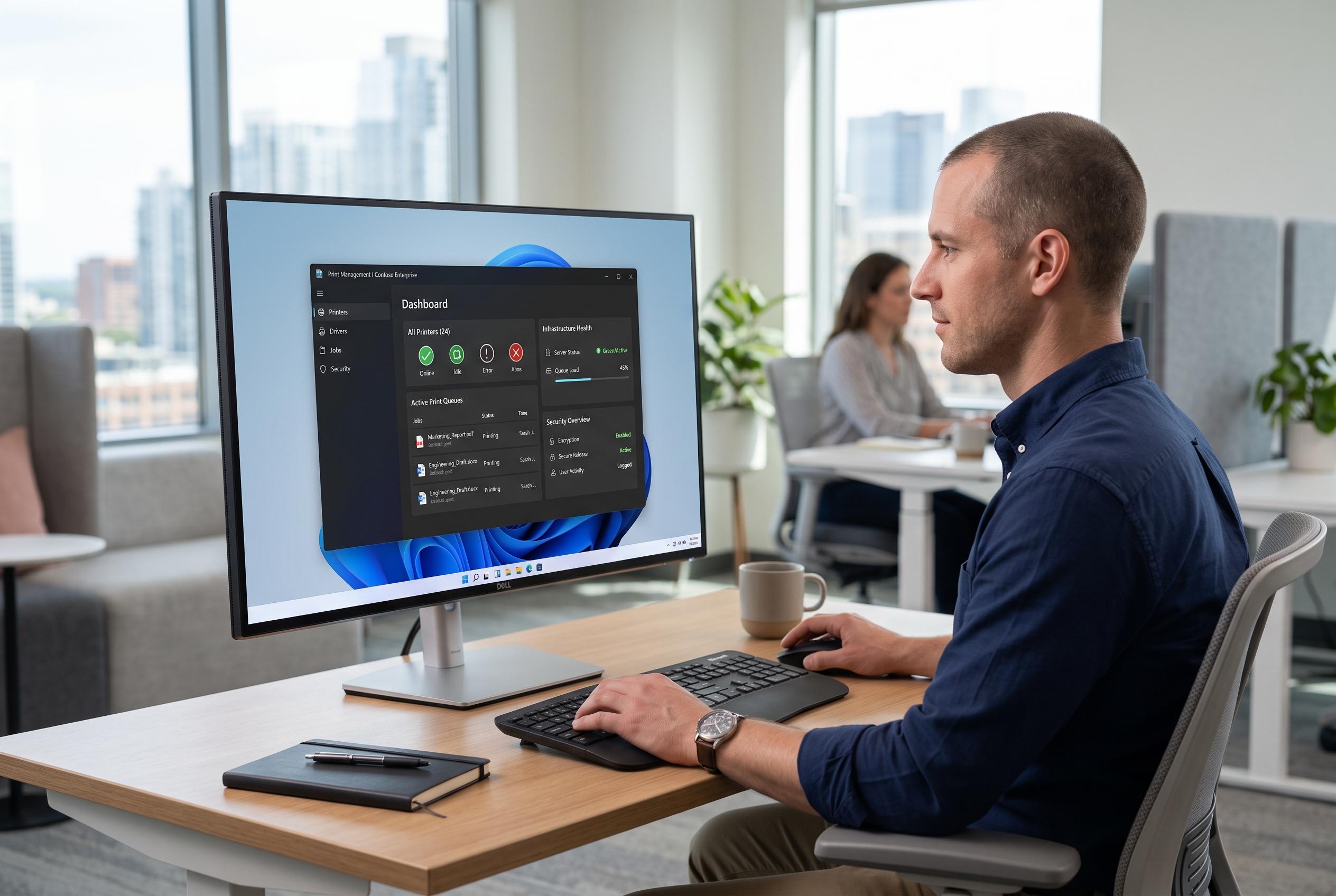

Microsoft advances its Windows 11 enterprise tools with a new Print Management app in Release Preview, signalling a shift towards modernised, secure print infrastructure management amid ongoing Windows updates.
Microsoft is moving its Print Management tool towards a modern Windows 11 interface, with a WinUI 3 version now in Release Preview. The change suggests a near-term rollout for supported Windows 11 24H2 and 25H2 systems, with Microsoft expected to make it available first as an optional, non-security preview before it is folded into a later cumulative update. The timing matters for IT teams because the app remains aimed at administrators who still need central control over printers and print infrastructure.
The redesign is intended to preserve the functions that matter in enterprise environments. According to the reporting on the preview build, administrators can still manage printers, queues, drivers, ports, print servers, shared devices and driver settings. A new sidebar groups printer and server views more clearly, while refreshed dialogs handle tasks such as choosing columns, renaming printers, checking driver properties and migrating printers. Even so, the app is not yet a full replacement for the older console, with some actions still opening legacy windows and some users likely needing elevated privileges.
That gradual approach fits Microsoft’s wider effort to modernise long-standing Windows administration tools without stripping out advanced controls. Print Management has historically been an MMC snap-in used to troubleshoot and configure print servers from one place, a role that remains important in larger organisations. At the same time, Microsoft has been tightening the print stack itself, including ending distribution of legacy V3 and V4 printer drivers earlier this year as part of its move towards a more secure, simplified print platform.
The broader Windows 11 August update cycle also shows Microsoft trying to combine visual refreshes with functional changes. Windows Central reported that the month’s Patch Tuesday release added support for Windows Hello Enhanced Sign-in Security with external fingerprint sensors and gave Copilot+ PC owners the option to remove the Image Generation AI model. TechRadar also noted that Microsoft has expanded its Low Latency Profile feature so that it now applies beyond the Start menu to all apps, although the rollout remains phased. In that context, the updated Print Management app looks less like a standalone project and more like another step in a wider cleanup of Windows’ legacy management tools.
Disclaimer: This content is intended for informational purposes only. Readers are advised to exercise their own judgement, conduct due diligence, or consult a qualified expert before acting on any information provided.



