

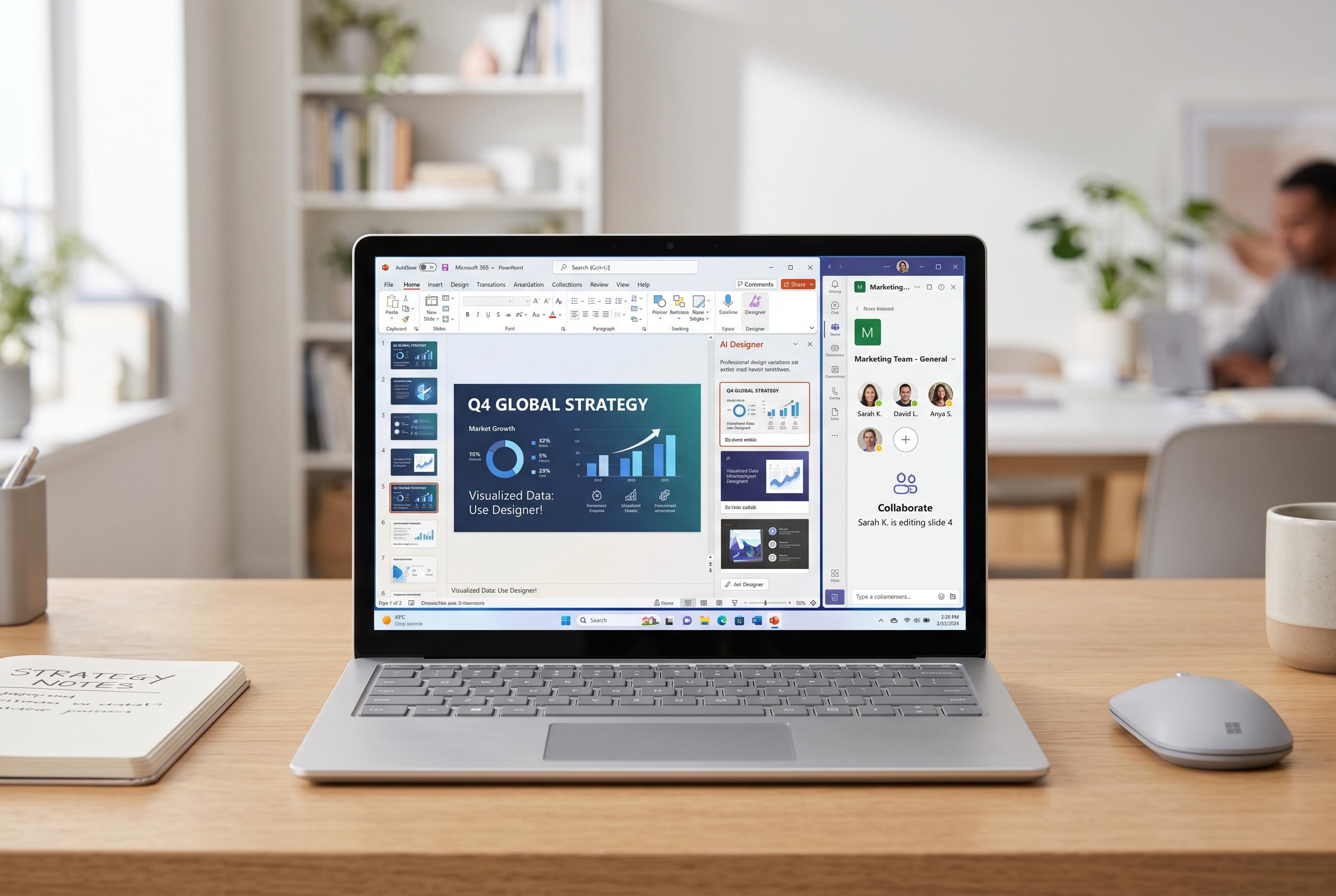

Microsoft Office remains a leading productivity suite, now featuring improved collaboration, AI-powered presentation enhancements, and broader device support, ensuring it stays relevant in both personal and professional domains.
Microsoft Office remains one of the most widely used productivity suites for documents, spreadsheets and presentations, with support for home, school and business tasks. The package is built around familiar applications such as Word and Publisher, and the source material describes it as suitable for both professional work and routine personal use. It is presented as a broad toolset rather than a single app, with templates and collaborative features designed to reduce setup time and simplify everyday editing.
Microsoft says the current home-use version of Microsoft 365 requires at least a 1.6GHz processor with two cores, 4GB of RAM and 4GB of available disk space. The official requirements also note support for Windows 11, together with additional display, graphics and internet connectivity conditions. That makes the suite relatively modest in hardware demands, although users still need a modern, supported operating system to run it properly.
Among the features highlighted by Microsoft are threaded comments in Word, Excel and PowerPoint, plus integration with Microsoft Bookings and Forms. According to Microsoft Learn, Microsoft 365 also includes 1TB of OneDrive storage, which supports file access and collaboration, while Forms can be used to build quizzes, surveys and questionnaires. Bookings adds appointment scheduling, a web-based calendar that syncs with Outlook, automated reminders and support for virtual meetings through Teams.
PowerPoint has also become more capable as Microsoft has added tools for generating and refining slides, including Copilot prompts, templates and design assistance. The company’s product pages describe options for improving presentation layout and converting handwritten input into text or shapes. For organisations, third-party add-ins such as empower Office 365 can extend the suite further by offering shared asset libraries for templates, slides, images and signatures, helping standardise documents across teams.
Disclaimer: This content is intended for informational purposes only. Readers are advised to exercise their own judgement, conduct due diligence, or consult a qualified expert before acting on any information provided.



