

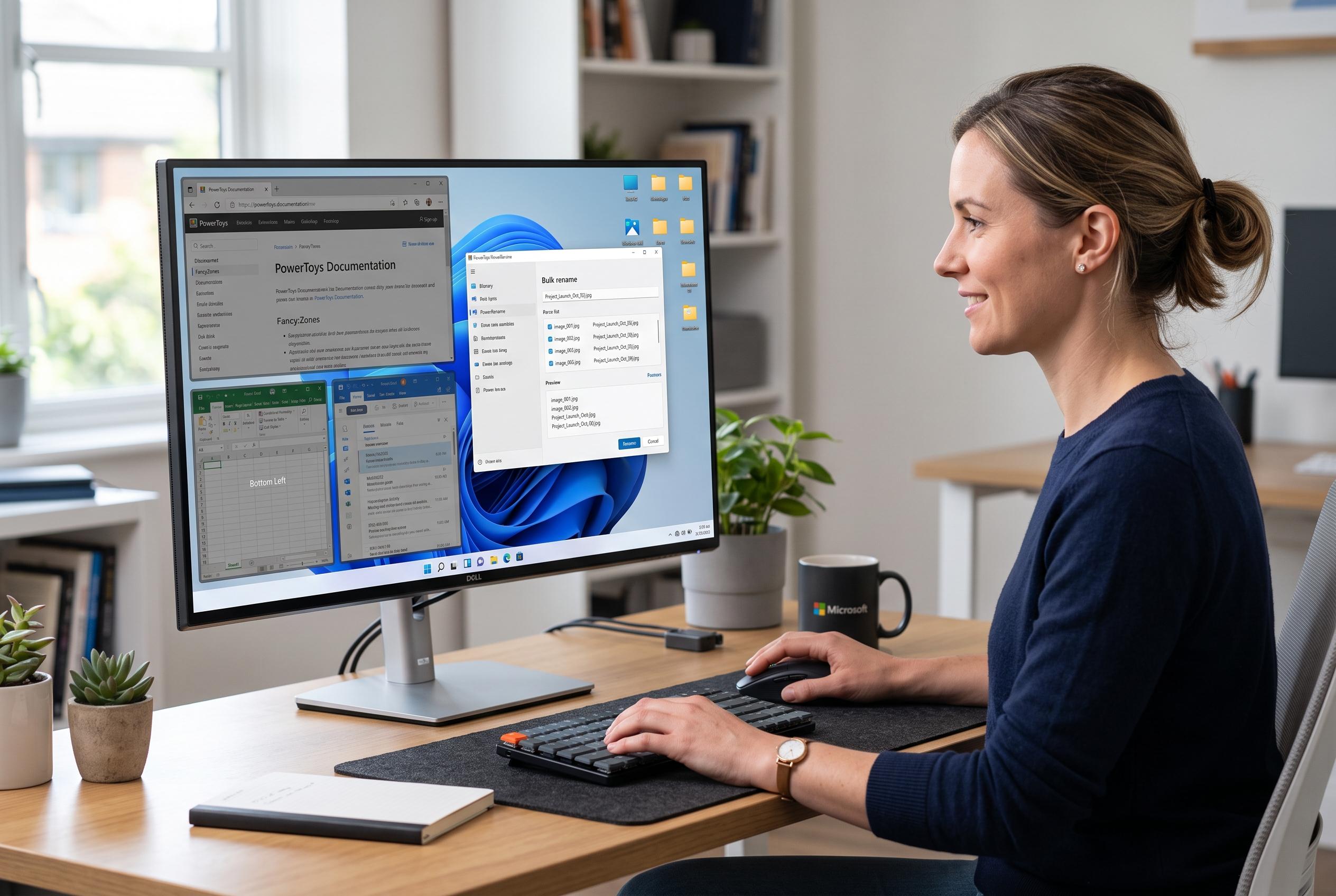

The updated suite of PowerToys utilities offers users enhanced productivity with features like custom window layouts, bulk renaming, text extraction, and more, addressing common Windows frustrations.
Microsoft PowerToys remains one of the most practical ways to fix the small irritations that Windows still leaves behind. It does not try to replace the operating system. Instead, it adds a set of focused utilities that help with tasks such as arranging windows, renaming files, extracting text from images and speeding up clipboard work. According to Microsoft’s own documentation, these tools are designed to improve everyday workflow rather than introduce a new interface. The appeal is simple: users can install only the features they need and leave the rest switched off.
One of the most useful additions is FancyZones, a window manager that lets users build custom layouts and snap applications into preset areas on the desktop. Microsoft says it is especially effective for people who work with several apps at once, because it removes the need to resize windows manually every time. That makes it particularly valuable on ultrawide monitors or multi-screen setups, where keeping a consistent arrangement can save a noticeable amount of time.
PowerRename solves a different but equally common problem. Microsoft’s documentation describes it as a bulk-renaming tool built into File Explorer, with support for search and replace, regular expressions and undo. In practice, that means large sets of photos, documents or project files can be renamed in a few steps rather than one by one. For anyone who regularly handles camera imports or organised work folders, it is a clear upgrade over the default Windows workflow.
Text Extractor is another utility that turns an awkward task into a quick one. It uses optical character recognition to copy text from almost anywhere on the screen, including images and video frames. Microsoft says the feature is meant for cases where text cannot be selected normally, such as screenshots or visual references. That makes it useful for copying addresses, reference numbers or short passages without retyping them manually.
The same principle applies to Image Resizer, which Microsoft says integrates directly into File Explorer and can process one or many images in a batch. It is designed for everyday jobs such as preparing pictures for websites, reducing attachment sizes for email or creating smaller copies for documents. Always On Top is simpler still: it lets a chosen window stay above others through a keyboard shortcut, which is useful for calculators, calls or reference material. Together, these tools reduce the amount of switching and reshuffling that slows down routine work.
At the more advanced end, Command Palette and Advanced Paste broaden what PowerToys can do. Microsoft presents Command Palette as a central place to search for and launch apps, files, commands and extensions, which makes it attractive to users who prefer keyboard-driven work. Advanced Paste extends copy and paste by allowing content to be transformed before insertion, with support for multiple formats and, in newer versions, extra options that can be configured further. The broader point is that PowerToys is strongest when treated as a selective toolkit. Microsoft keeps adding functions, but the real value lies in choosing the few that remove the most friction from daily use.
Disclaimer: This content is intended for informational purposes only. Readers are advised to exercise their own judgement, conduct due diligence, or consult a qualified expert before acting on any information provided.



